Thanks very much, @Xtian — and especially for purchasing a license and taking the time to test Hex Inception so thoroughly.
The latency and CPU results are really great to hear. Around 2 ms additional latency compared with an aggregate-device setup is a very good real-world result, and I’m very pleased that you’re now finding the input rock-solid and genuinely usable.
A couple of points regarding the other observations:
Saving routing configurations: Hex Inception should already save and restore its configuration as part of the DAW/Host session, including the selected Input Device, Hosted Plug-in, MIDI Output, and Routing states. If you’re referring instead to separately saved routing presets that can be recalled independently of a DAW session, let me know so I can better understand the workflow you’re looking for.
Gig Performer / multichannel connections: Hex Inception intentionally presents itself to the host as a conventional 2-in/2-out plug-in. It isn’t intended to expose a 7.1 or eight-channel plug-in bus. In fact, avoiding that requirement is one of the reasons Hex Inception exists: it acquires the eight channels directly from the Core Audio device and supplies them internally to the hosted multichannel plug-in, circumventing the host’s normal input-channel limitations.
Reamp/Resynth is slightly different again. That workflow uses the separate Hex Inception 8ch virtual Core Audio device rather than requiring an eight-channel bus on the Hex Inception plug-in itself. I’ll be happy to help work through the setup if that distinction is causing problems in Gig Performer 5. I really do need to make a Hex Inception overview video!
VG-800 USB outputs: Could you clarify exactly what you mean by accessing the eight USB output signals? Do you mean the eight channels travelling from the DAW back to the VG-800? I don’t want to misunderstand the feature you’re describing so please explain the use case and I’ll see if it’s implementable or maybe already possible via the Virtual Audio device.
And finally, thank you again for supporting the project. I genuinely appreciate it and feedback from someone (other than me!) actually putting Hex Inception through real-world testing gives me extremely useful data.
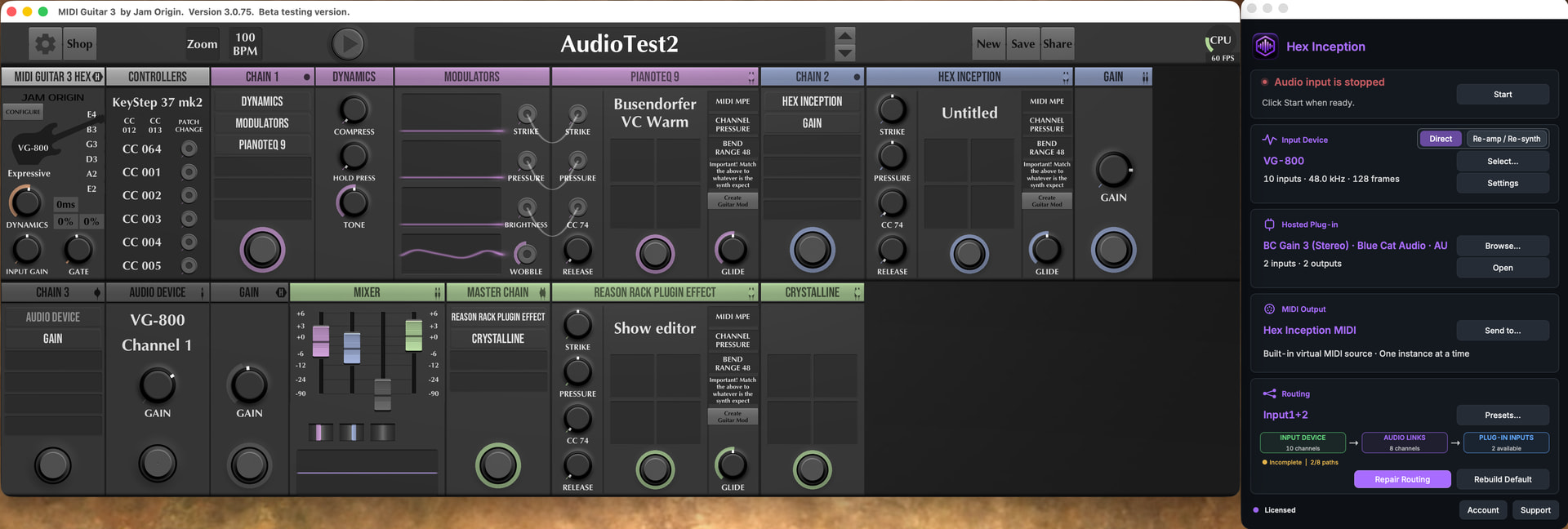
Saving routing configurations: Depending on the hosted plugin, different routing configurations within HexInception might be required. For instance, if I want to capture only outputs 1 and 2 from the VG-800 to record its “Main” output, I might use a “Stereo Gain” plugin (like the one from Blue Cat Audio); however, I have to reconfigure HexInception to remove channels 2 through 8, or else it won’t work. Since reconfiguring is a bit tedious, a save/recall function for configurations would be welcome.
Gig Performer / multichannel connections: I understand this limitation within the context of “standard” HexInception usage; however, once you have the 8 or 10 signals from the input device, it would be useful to make them available to the DAW. This would, for example, facilitate recording the VG-800’s 6 hex signals, thereby making re-amping easier.
Reamp/Resynth: I managed to set this up in Fender Studio, but it wasn’t easy! You have to juggle with Fender Studio’s audio configurations. Perhaps I’m not using the right method… I’m waiting for documentation on the subject.
VG-800 USB outputs: I made some latency measurements to compare 3 products: HexInception, Inject (AudioMovers), MG3 with the external audio device module.
I consider only the audio signal from VG-800 vs Guitar Output audio signal.
I measured 21ms with HexInception and Inject.
I measured 13ms with MG3. The main drawback of MG3 is that it is limited to a single mono signal (1 or 2).
In short, Hexinception—with its fairly simple routing—could be a good product for making an external audio device available to the DAW.
for information, The inject plugin is also limited to only two outputs.
I understand the routing-save request now. Hex Inception already restores its current device, hosted plug-in and routing state with the DAW session, but I think what you need is routing presets, so that several different internal configurations could be saved and recalled without rebuilding the routing each time. Your MG3 Hex / stereo VG-800 Main Output example makes the use case clear. I’ll investigate this for sure.
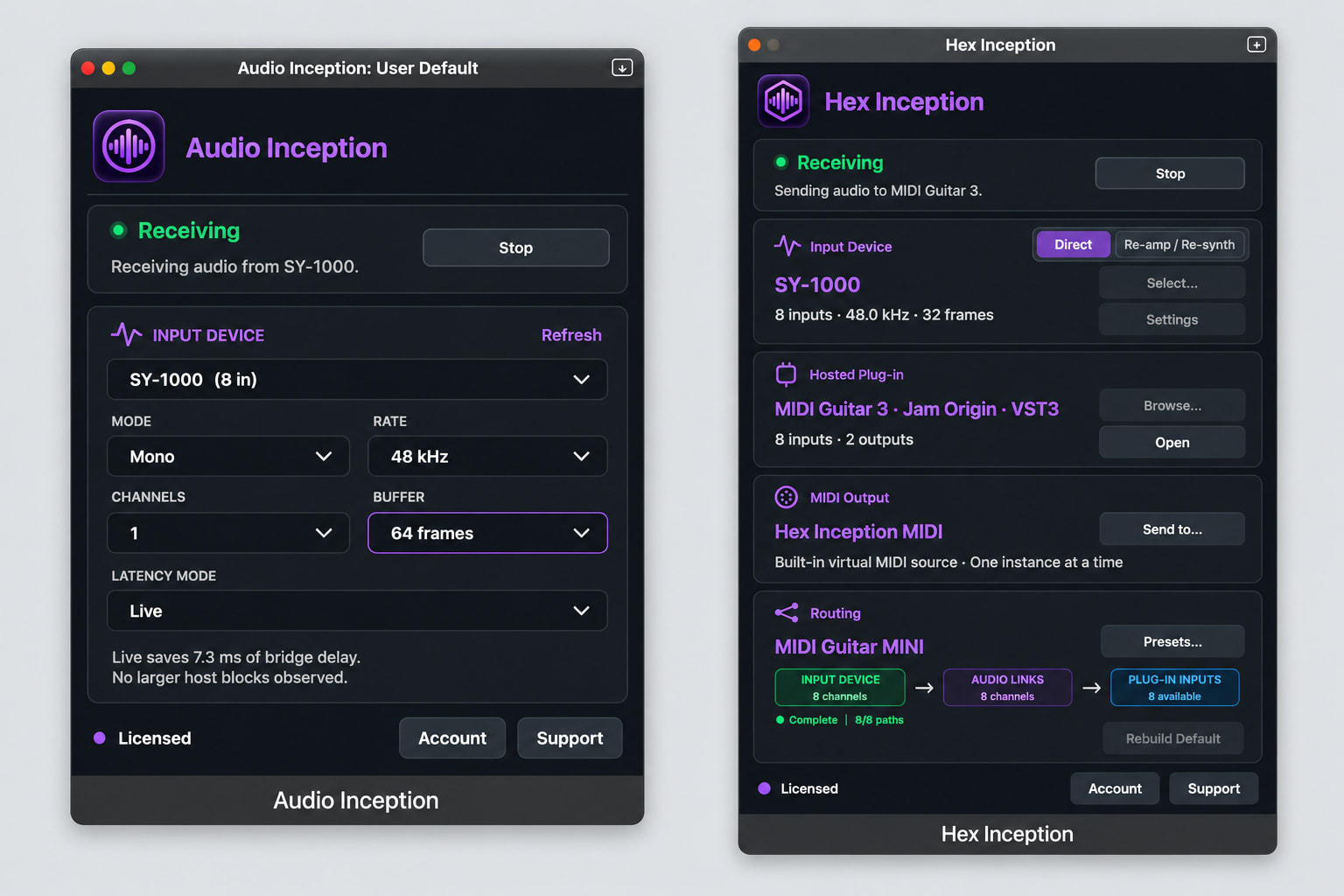
Your broader routing comments also touch on something worth mentioning: I have a separate plug-in called Audio Inception which is designed specifically to make one or two channels from a secondary Core Audio device available directly inside a DAW. So for something like bringing the VG-800 Main 1/2 outputs into a DAW, that is much closer to Audio Inception’s intended purpose than Hex Inception’s; but perhaps there should be more crossover in function, at least on the premium Hex side.
On your proposal with the six hex channels: Hex Inception has already acquired those channels, so making them independently available for recording in the DAW could be useful, particularly for later reamping. Hex currently deliberately presents a conventional mono/stereo interface to the DAW, so exposing six or eight discrete outputs would require a different DAW-facing architecture. I’ll investigate what is technically practical. I recall already looking into this and hitting a roadblock, so I don’t want to promise anything before I’ve exhaustively looked into the implications again.
That said, the original intended Reamp/Resynth use case was basically:
create an aggregate device containing the BOSS device and Hex Inception 8ch
configure the DAW with a track for each required BOSS input and record those channels
route those recorded tracks back to the corresponding channels of Hex Inception 8ch
select Reamp/Resynth in Hex Inception
Hex Inception acquires those eight virtual-device channels, passes them through the hosted plug-in (for example MG3 Hex), and returns the processed result to its normal mono/stereo DAW output
And on the Reamp/Resynth function, the documentation needs my attention. Resolving your Logic Pro setup demonstrated how differently hosts treat these plug-ins. Logic, for example, needs Hex Inception configured in a way that keeps it actively processing; Bitwig doesn’t. I’m planning to improve the documentation with host-specific setup guidance as a priority.
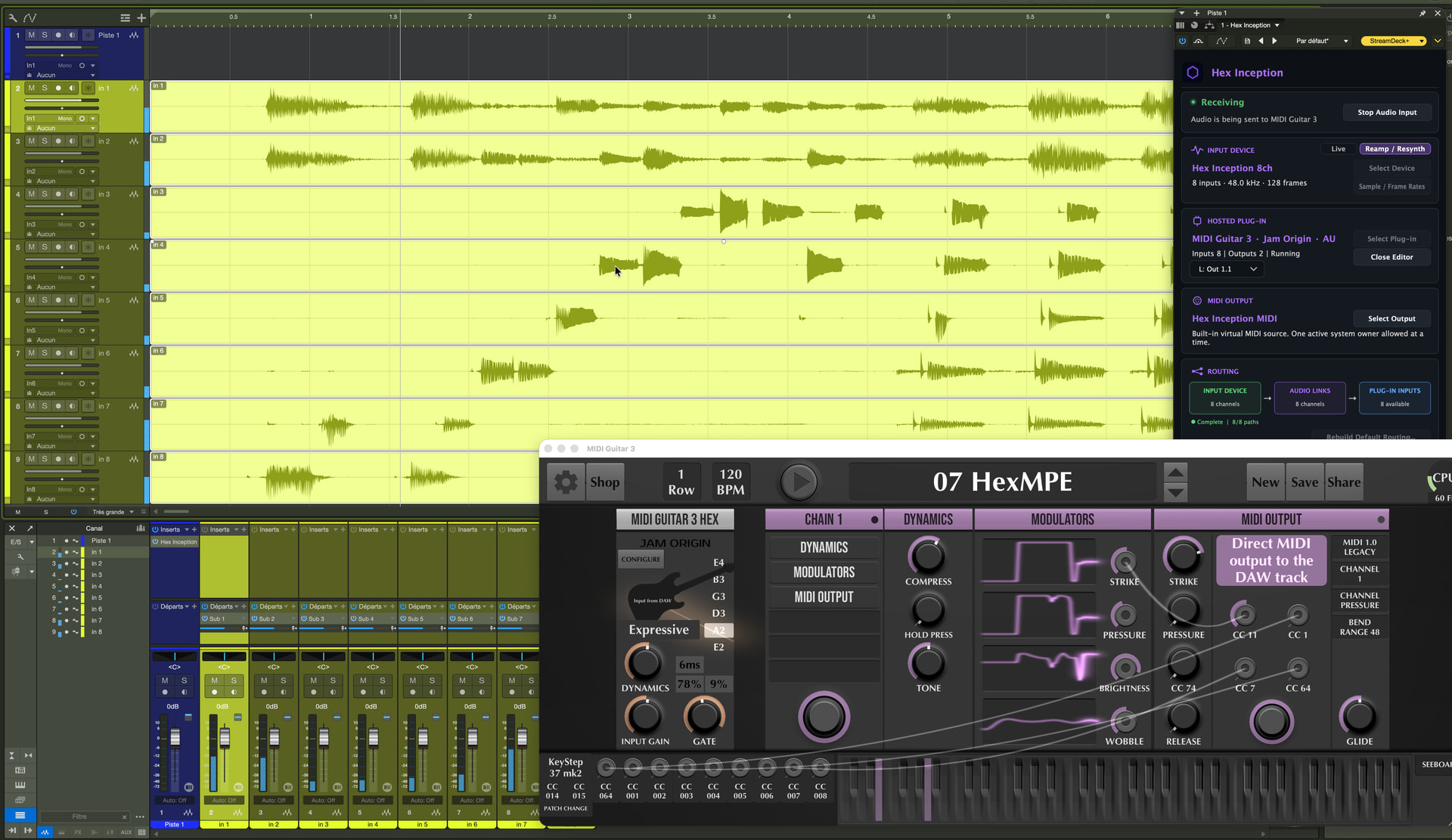
I also noticed something interesting in your Fender Studio Pro screenshot: the L: Out 1.1 selector appears because the DAW instantiated Hex Inception with a mono output, while the hosted plug-in had two outputs available. Hex therefore exposed its built-in hosted-output mapping control (and it could certainly be tidier). If you want MG3’s normal stereo return in that setup, the Hex Inception channel/bus needs to be stereo.
Please let me know if I’ve misunderstood any of this. Thanks again for all the detailed testing and feedback!
I just released version 1.0.3 of both Hex Inception and Audio Inception.
Hex Inception has had some pretty big changes, notably with the introduction of a user preset system. The user preset system recalls your input device/settings, sub host, plug-in, MIDI output, and channel routing configuration. Is also a system to manage presets within the plug-in itself.
Audio Inception has also received some love and is much friendlier to users now.
Great job!
The preset management system works well.
As a practical example, I’m using it to compensate for a missing feature in MG3 (regarding hex vs. non-hex tracking).
It allows me to take the outputs 1 & 2 from the VG-800 and feed them into one of the MG3 signal chains.
This makes it possible to mix the VG-800’s main output sound with those specific outputs, directly within MG3Hex.
Hex Inception 1.0.4 is out. This ended up being a much bigger update than originally planned, with changes across acquisition, licensing, re-amping, MIDI, presets, and general workflow.
Some of the highlights:
Completely reworked evaluation/licensing system. The trial is now based on 20 minutes of actual acquisition time per DAW/application session, rather than a conventional calendar-based trial. Quit and relaunch the host and you can continue to evaluate it. Saving/loading projects and experimenting with setups remains available; user preset access and uninterrupted use are reserved for licensed users. I hope more users will have a chance to explore the plug-in’s capabilities through this more flexible trial system.
Auto acquisition can automatically restart your selected input when a saved DAW project/session is restored.
Re-amp / Re-synth can now use any compatible ≥8-input Core Audio device directly. The Hex Inception 8ch virtual driver remains available as an optional DAW re-amping convenience rather than being required.
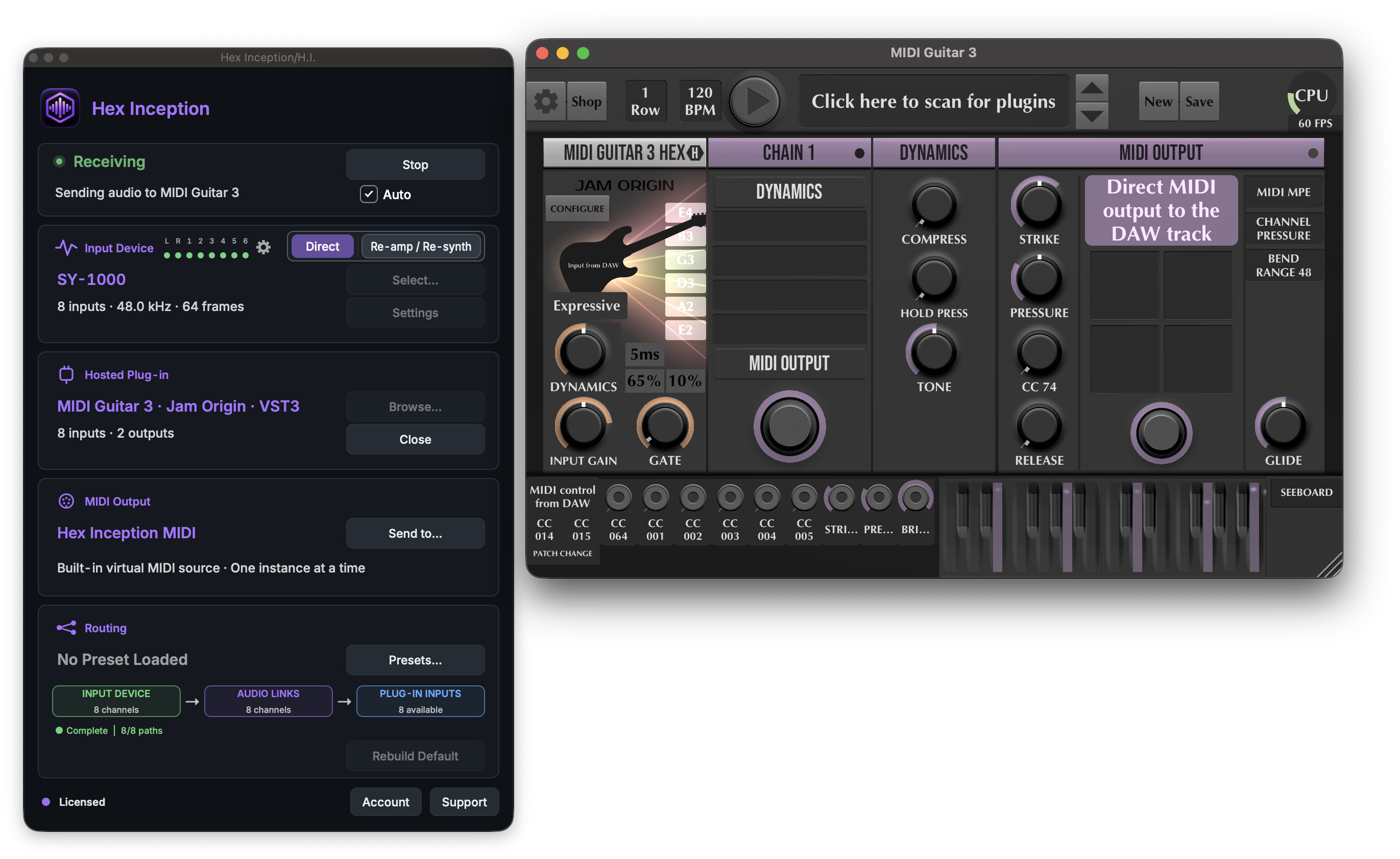
New 8-channel input activity monitoring, with configurable L / R / 1–6 labels remembered separately for each audio device.
Major overhaul of Hex Presets, including a much more compact browser and smoother save/overwrite/rename/delete workflow.
Much more robust Hex Inception MIDI lifecycle and project recall, including fixes for persistent-host workflows such as Logic Pro.
Improved handling and containment of sub-hosted plug-in editor windows.
Numerous UI, status, accessibility, project-recall, and acquisition-lifecycle refinements.
I’ve done a lot of physical testing behind this one across Logic, Ableton, and other hosts.