MIDI Matrix Monitor 1.0.9 is now ready, with a major focus on window sizing and smaller-display support.
The biggest fix is that all 16 MIDI channels once again fit on a 1920×1080 display in Horizontal mode when the Global MIDI Stream is collapsed. Vertical mode has also been tightened up so all 16 channels fit more reliably on 1080p screens, including with the macOS Dock visible.
Other improvements include:
smarter resizing of channel columns and rows
better use of space on larger monitors
no more dead black space when widening the window
improved Global MIDI Stream width handling
cleaner truncation of long MIDI input names
better consistency between Horizontal, Vertical and Single Channel views
This update was mainly about making the interface behave properly across 1080p, 1440p and 4K displays without sacrificing readability.
Thanks for getting the 1080p view worked out, much appreciated. Now for some wishlist items
Would love to see the ability to have multiple views up for different controllers.
Ability to save preset views and settings.
If at all possible, a way to scale the overall window without losing information. Most people would not want this, but I have a 43” second monitor that I would like to put multiple windows of this on for different controllers and the ability to still see all 16 channels but in a smaller footprint would be great.
I really do think this is a way better midi monitor app than any other out there for ease of seeing all of the controller information. Thanks again for all that you are doing.
Try the “New MIDI Matrix Monitor Window” command for multiple windows. It’s not a highly refined solution, but it is workable until I implement a better solution.
Which aspects are not being reflected in presets? Do you mean a multi-window setting like in point 1?
I have been working on the GUI and window resizing/scaling – and I’m kind of going insane because of it! But I’ll keep at it and see what I can do.
Did not even see the new window command. That is what I was wanting. And yes to presets with multiple window setups and channel configurations. Thanks!
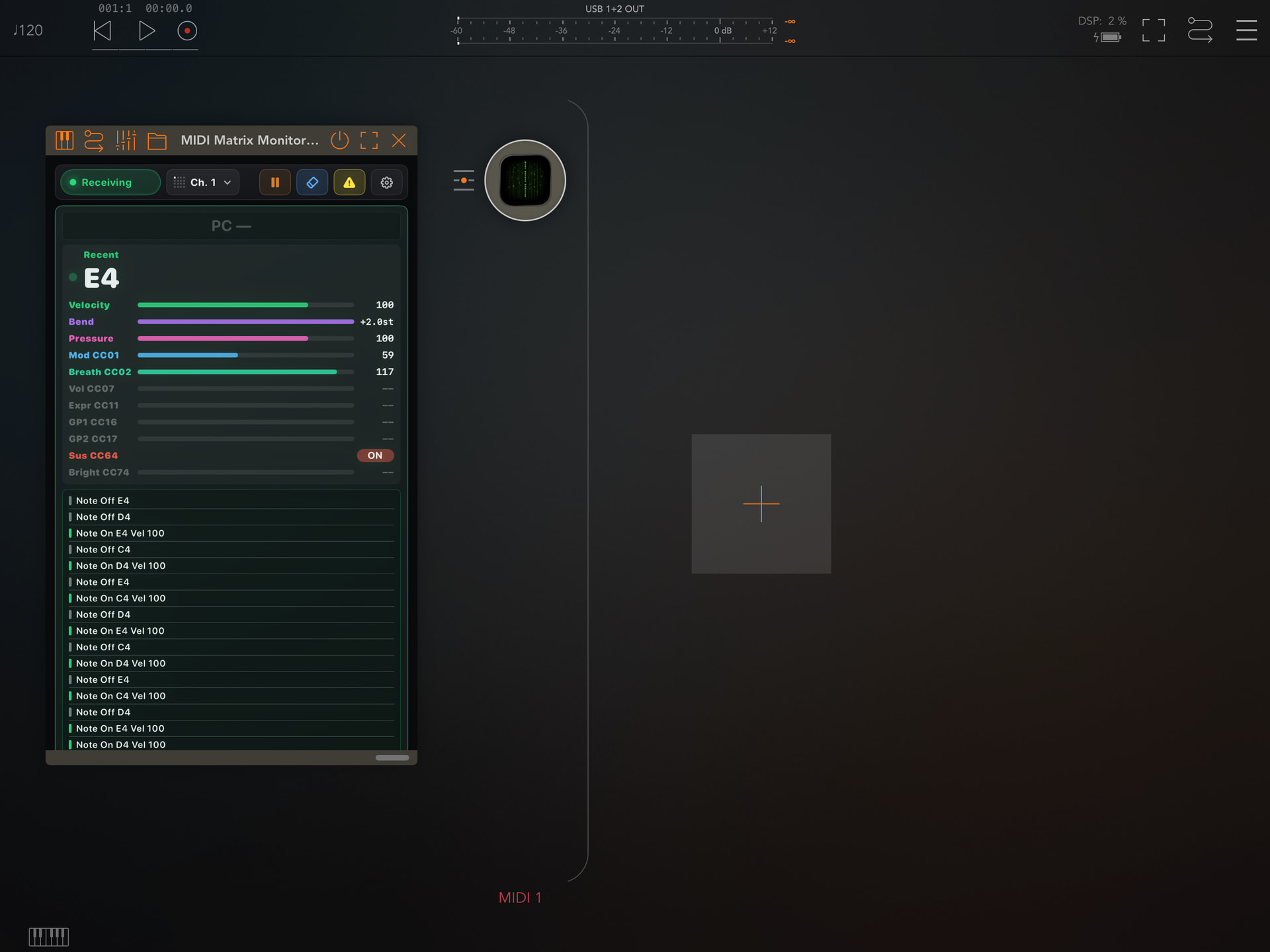
I’m in the process of building a single-channel utility version of MIDI Matrix Monitor for iOS/iPadOS. I think it looks pretty decent but still thinking about how I could make a multichannel version that is practical for small screens. Here’s a single screenshot to give you an idea of how it looks in AUM on iPadOS as of now.
While I don’t use iPad OS much for music making, I would love to check this out when it’s available. I use the macOS version every day. Thanks for the great tools!
Is there a place to make suggestions or bug reports for MMM other than this thread? I don’t mind doing it here, but if you have an actual place setup that you monitor, please let me know.
With all of the different midi CC controllers I have, I would really like more that 10 watched controllers if possible. Plus the settings change depending on the synth I am controlling. Thanks for listening.
Thanks for the feedback and suggestions. I do take it all on board and I’ll certainly explore practical ways to enhance the existing product.
There are links to my support email and also to my website in the app settings, so that’s the easiest way to contact me.
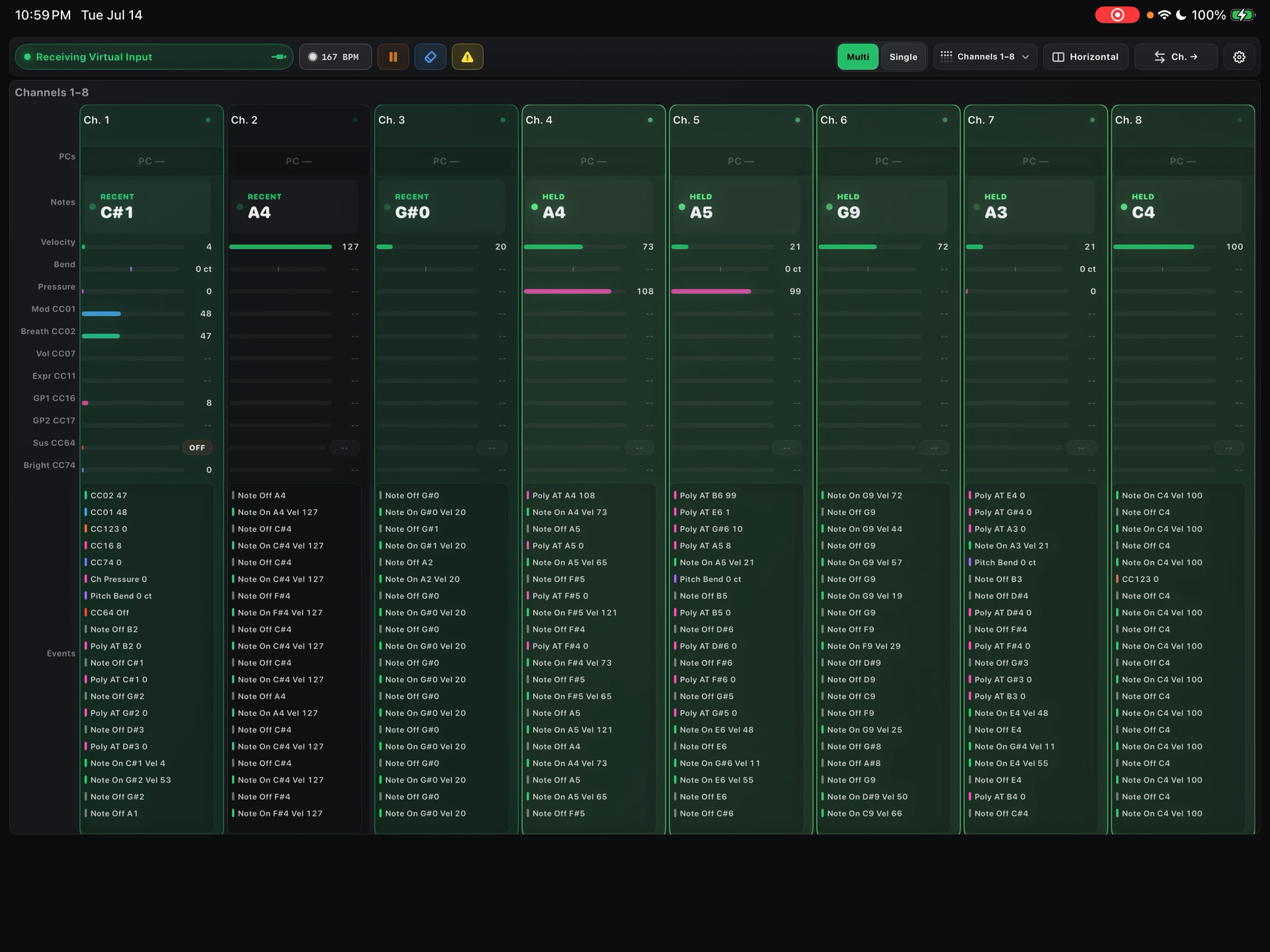
I’m pretty close to having a multi-channel release candidate for the iPad version, so I’ve been rather focused on that. Since there is some shared code, there will be a number of minor improvements that carry over to the desktop version as well. Stay tuned.
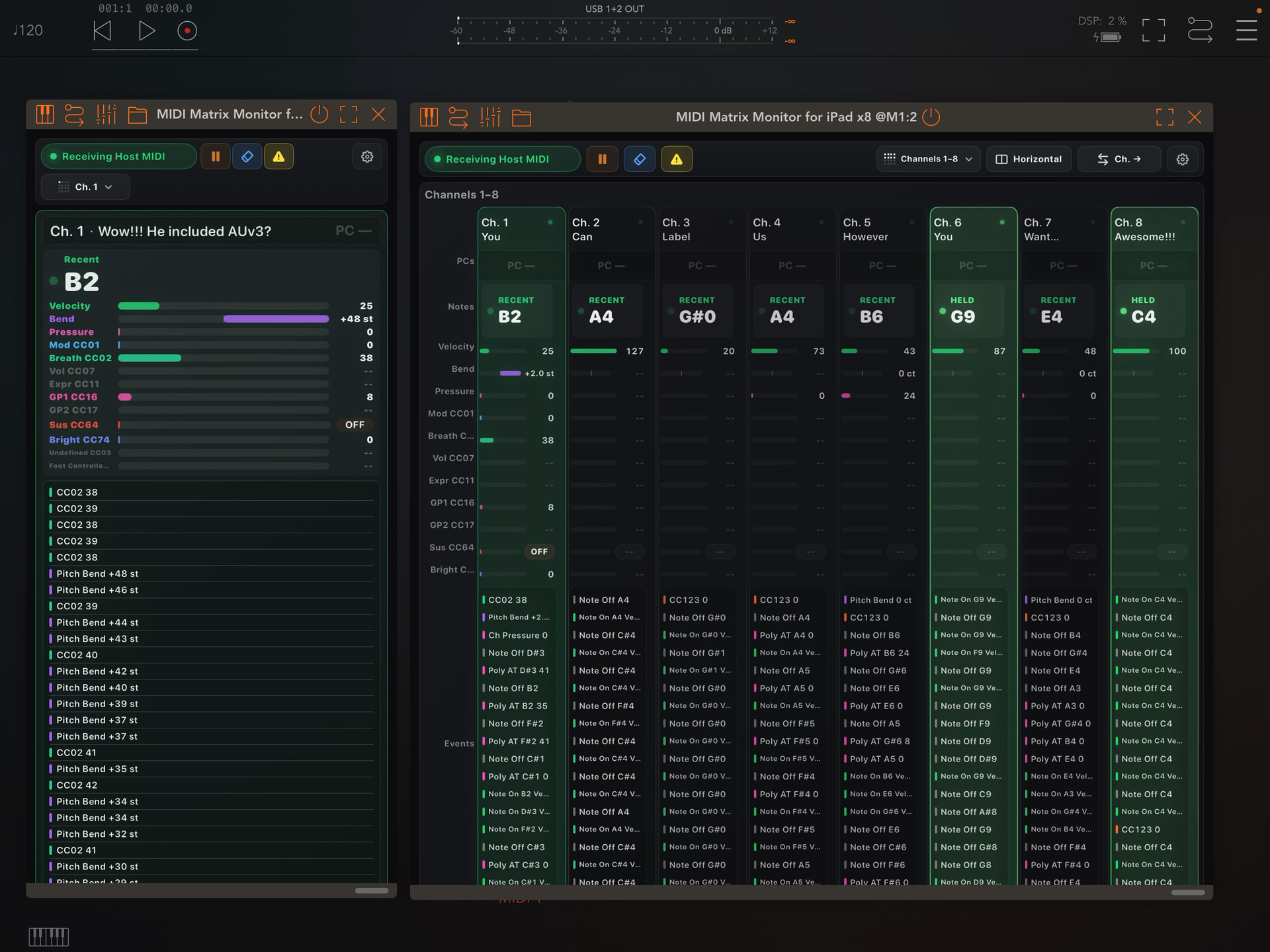
MIDI Matrix Monitor for iPad has been submitted for review to App Store Connect. The product is a standalone application with two AUV3s included that enable use in your preferred iOS host.
Also the macOS version has been updated to 1.1.1 to reflect some merging of capabilities across platforms, including three AUv3 MIDI effects (x1-, x8- and x16-channel plug-ins) that can be loaded in AUv3-compatible macOS-based DAWs/hosts, e.g. Logic Pro, Reaper, PatchWork, etc. Notably, Live 12 does not support AUv3 MIDI FX so that is work for a later version.


 But I’ll keep at it and see what I can do.