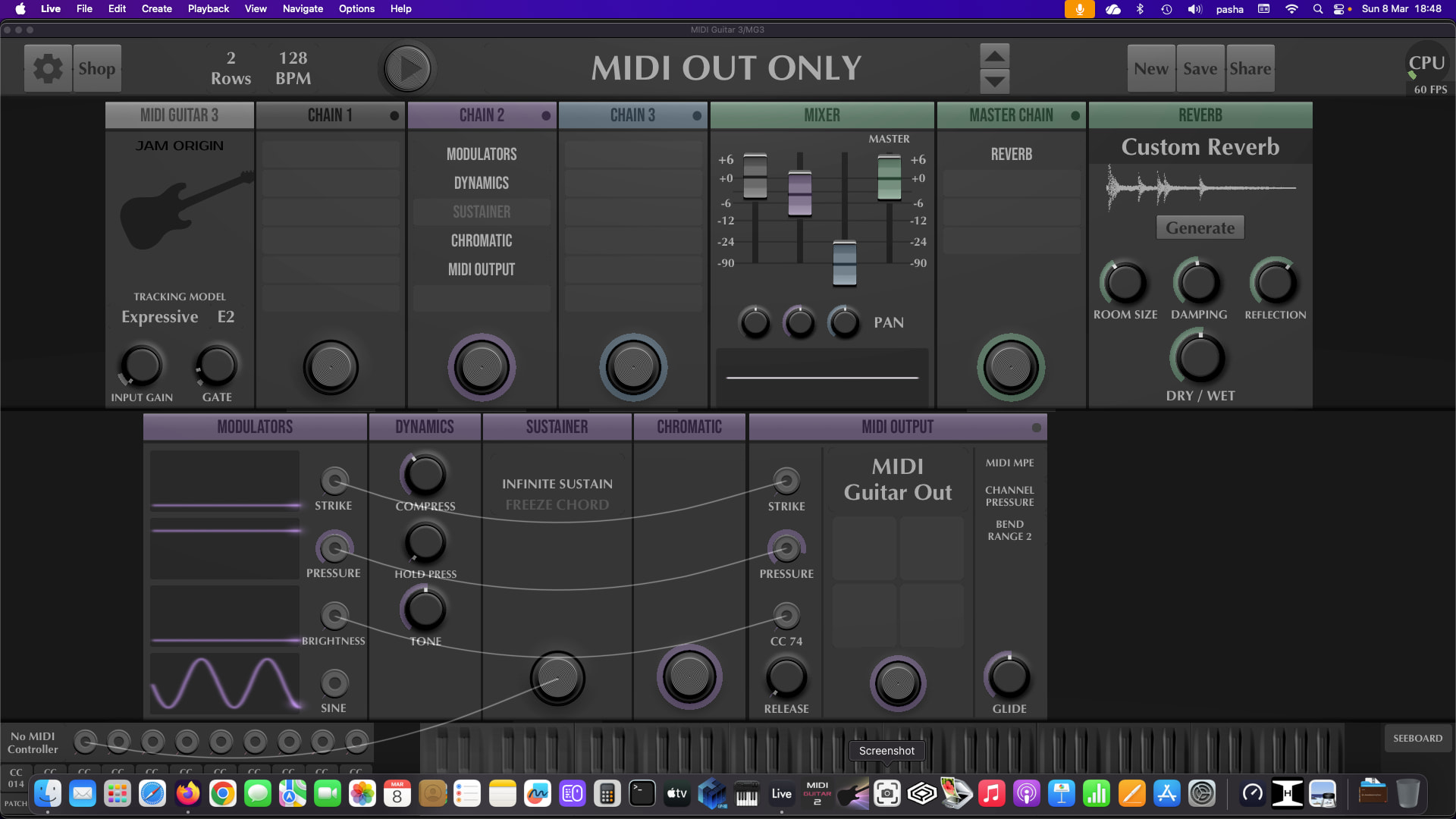
Hi, It’s still a preliminary investigation but it looks like the two latest version of Ableton Live do not get along with MG3. I am observing the following:
Open an old project (made with previous versions) containing MG3. If Ableton does not crash when opening the Project, you’ll get the CPU overload indicator lighting up. If you press play after some notes Live crashes. When opening Live again I am asked if I want to recover my work upon a crash and shows me the Project after being loaded. If I remove the MG3 Track and save under a new name (which Ableton force me to do as usually because the project will be saved under the current version) then close Live, opening live again and open the offending project w/o MG3 it loads and I can play it, no CPU overload warning. After a Crash, when offered to recover my work, I have tried also to save under a new name (version 12.3.6) retaining the MG3 track. Closed live, reboot the Computer, open Live, Open the latest project saved and result is the same. Crash.
My feeling is that Ableton latest 2 releases introduced something that clashes with MG3 (I have MG3 and MG3HEX Modules active but use only MG3). Because it happens with projects being saved with a prior version of Live, my guessing is that those new releases do not get along with MG3 when Ableton Project was saved with a prior release. I’ll open a crash report with Ableton as this is 100% reproducible. However if you do not want to have problems like I had, disable autoupdates for Ableton and live happily with the version you have.
I remember that when using MG3 standalone I got a CPU overload warning and we had discussions on that on the forum. Maybe the two things are related or not, but sure this is the first time in 3 years that I got the CPU light on when opening a Project (my projects are less than 10/12 tracks and not filled up with plugins).
OS : Sequoia 15.7.4 on Mac Studio 2022 M1 Bax base model
Sorry to hear you’re having these kinds of problems.
In the past, I’ve experienced issues with opening projects saved in Live in older versions. And certainly, when I was in the Ableton beta program, there were always project compatibility issues between newer and older versions.
Having said all that, I can’t successfully replicate what you’re pointing to right now. And, I’m not having any CPU issues. I have Live 12.3.6 running on a MacBook Pro M1 Max (macOS 26.3.1).
If you rebuild the project from scratch, will it save and reload successfully?
Thanks for reply, I have to try that. I have traced back the projects to the system date (creation and last update) and they were made with MG3 .67 only recently I have updated to .68 : What makes me crazy is that by creating a new project (my template has MG3 as a default plugin) I can do any sort of things w/o crash. Curious about what Ableton Support will say having the logs and status.
although it probably does not apply to this situation, earlier versions of live12 would cause similar lockups/freezes on open if a vst3 instrument/device was included in bluecat’s patchwork (vst wrapper).
I have my default template with MG3 and I am working with it right now. It’s stable, no CPU red light in Ableton CPU meter. It’s the same old MG3 I play with. I am still investigating but it really seems Ableton has made some changes that put some challenges on older projects. Actually I am stress testing the system starting from empty 12.3.6 Project. No problems so far.
Open a new project. Delete all tracks except one (Drum).
Copy all material, track by track from the browser via drag & drop to new tracks in the empty project. All good if I do not copy MG3 track. I can play and stop. Save whatever.
But… if I Drag & Drop MG3 Track in the empty project it crashes Live. I am sure that Project was made with a 12.3.1 or earlier and that MG3 might have been .67 .
I cannot say it’s MG3. I can say it’s MG3 with 12.3.5 and 12.3.6 if MG3 was used and saved in a previous release of live. Ableton had introduced some new features and bug fixing in 12.3.5 and 12.3.6 that broke something. More intriguing is that after the crash, when Live asks if I want to recover my work, if I say yes it opens and I can enter MG3 and check the patch :
i had to use this to debug a few problems with earlier versions of live12:
To start Live without scanning plug-ins, press and hold [ALT]/[OPTION] on your computer keyboard while launching the application. Hold these keys until Live has fully opened, and the splash pane has closed.
Launching Live with plug-ins scanning disabled is especially useful when:
Live is crashing on launch
a specific Live Set is crashing
testing whether plug-ins are causing performance issues
2026-03-08T09:04:58.340068: info: Audio Unit v2: Restored: MIDI Guitar 3
You can check for updates and see if this solves the problem.
If not, you can contact the manufacturer for more specific details on this problem.
In the meantime, you can open this set by removing the plug-in from the Plug-ins folder of your Mac, or by disabling the Plug-ins folder in Live’s preferences:
AU: Macintosh HD/Library/Audio/Plug-ins/Components/AU Plugins
VST: Macintosh HD/Library/Audio/Plug-ins/VST/VST Plugins
VST3: Macintosh HD/Library/Audio/Plug-ins/VST3/
I will reply that it happens only on old Projects. Then we’ll see what I will get as an answer.
I’m not aware of any changes in relation to 3rd party plug-ins in the latest updates so this is odd indeed.
The issue seems then related to plug-in settings during the recall phase if the crash happens instantly when importing a track containing the plug-in. In the template, the plug-in might be using other settings that do not trigger the crash.
You can try the previous version to see if this still loads the plug-in well:
You can install this next to the current version by renaming one of the two apps and they will work independently.
If the problem persists, this is likely something on the plug-in side and maybe their support have better ways to troubleshoot this (maybe resetting some plug-in preferences or settings).
I just finished testing 12.3.1 - it crashes as well.
The Project has been made between 9 and 14 December 2025. So matches 12.3.1 but it’s more likely at that time I was using a prior version. In any case I have the workaround so not worried. It’s a challenge to get to know what happened but in between I have other variables as two Sequoia updates and MG3 update so… let’s say that we let it go. MG3 is strong on 12.3.6 so no worries.
I want to dedicate my spare time to making music and playing. I have done all the possible tests and they point into a very precise direction although the real trigger is not in plain sight.
To me it’s only 4 Ableton Projects to open, crash, repoen, remove and save. After that and for new projects all is working fine so no time to worry. It happens sometimes that old and new do not get along… but at least now I am ok. I haven’t upgraded guitar mods since their introduction and that might also be another variable. That’s why some people prefer dedicated hardware. I do believe MG3 and its cohort of capabilities is super strong but we are using Beta Software and some glitches might happen. I am a little sad only because I wanted to help @JamO to iron out glitches if any. At least I have provided proof that MG3 in the current release .68 crashes latest Ableton Live only when opening an older project or drag and drop into a new one from the old one as you suggested. For all other usages it’s ok. Hope it helps and Love to @JamO and all the community!
Thank you for all the detective work. I couldn’t really reproduce any of this but I suspect it’s a mistake on my side, some change in the MG patch save format that cause it.
Thanks @JamO. I think it’s Ableton way of saving Project between 12.2.x and 12.3.x. If any maybe moving from .67 to .68 of MG3 might have caused a problem in conjuction with Ableton Changed Project Format. It’s not one thing alone but many at the same time. Impossible to figure out.