This free AUv3 for iOS/iPadOS (and apparently macOS too, as a side effect) enables the low-latency transmission of audio between applications that that support AUv3. In initial tests, it looks very useful. Recommended!
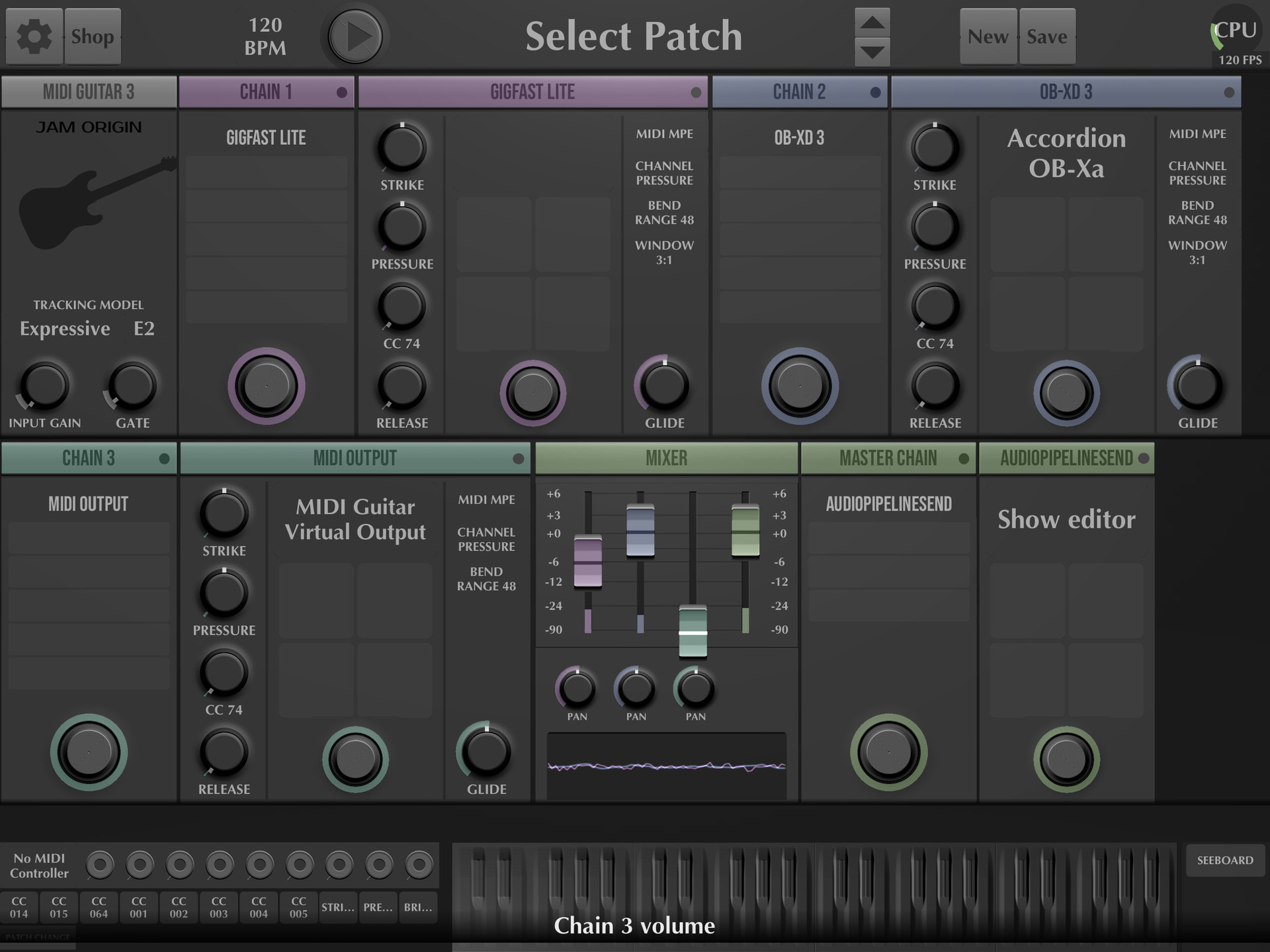
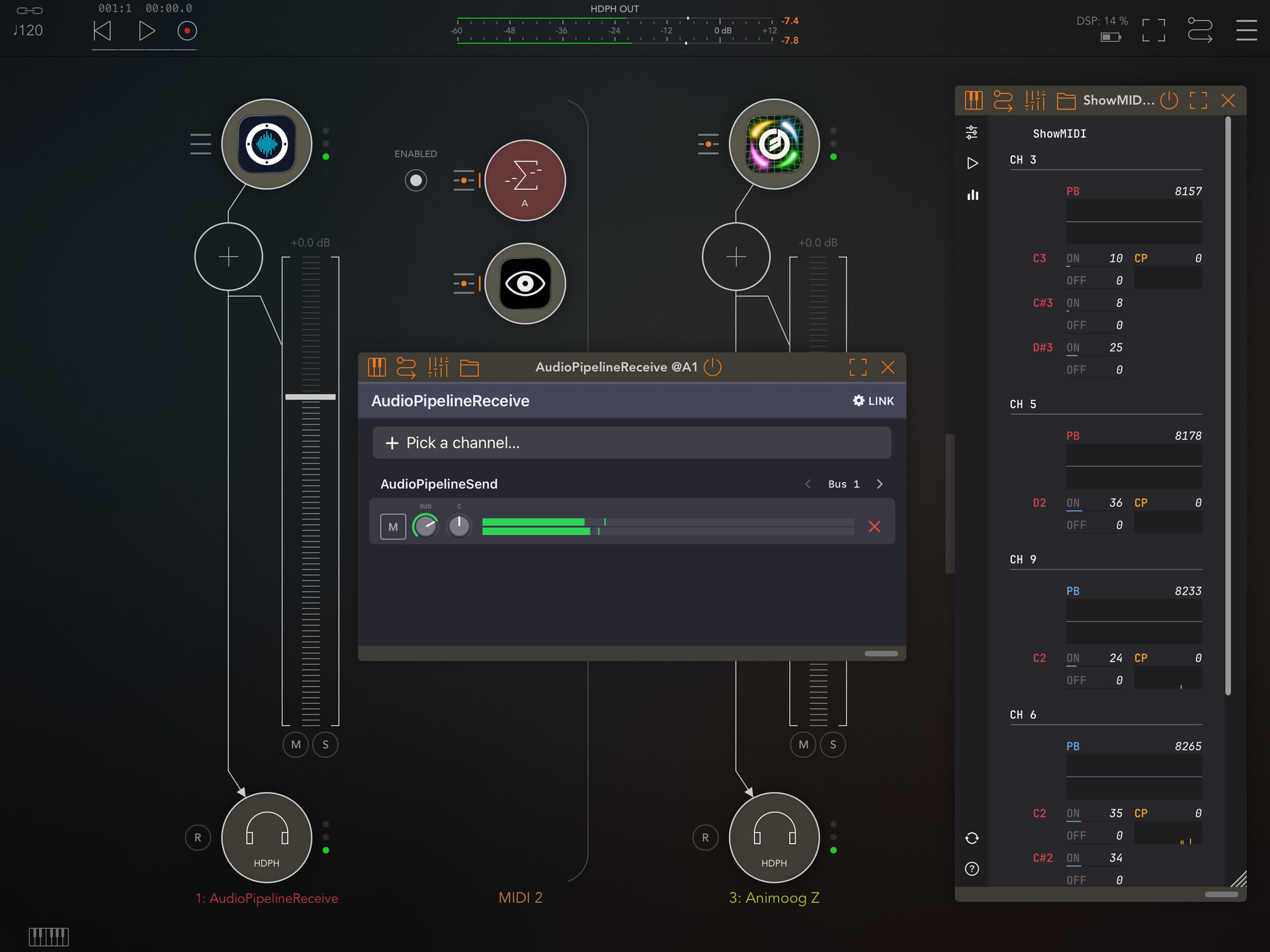
In the images attached I dropped the Audiopipeline transmitter on the master channel in MG3 for iOS standalone and the receiver on an AUM track. Smooth sailing.
Currently I’m experiencing some unresponsive or disappearing GUI issues with MG3 AUv3 on iOS (but standalone is fine) so this is a handy little work around.
Audiopipeline on the App Store
5 Likes
Now this is very interesting and enables me to do something I’ve wished to for a long time. You can add Audiopipeline as an audio fx sender on all three chains in MG3, plus the master, and receive each one on a separate channel in AUM. That then lets you record each independently which I find useful for subsequent remixing. An extra bonus is you can use the standalone hex version too and you cannot easily record that version on iOS. I’m finding this very useful just for audio processing, for example recreating the sort of sounds you can get with a Line 6 Variax, like acoustic, 12-string, baritone and alternate tunings.
Not only that but Audiopipeline does also work on MacOS and you can use it to send audio between devices on the same network! So piping audio between say a MacBook and an iPad. I’ve only done an initial technical test so far, routing from MG3 standalone on MacOS to AUM on iOS, and it’s likely that latency will be higher, but it looks promising.
For a free plugin this is outstanding!
2 Likes
You can also send audio between devices on the same network. I sent MG3 iOS to Blue Cat Audio’s PatchWork Standalone on macOS. I’m sure many more interesting uses for this application will reveal themselves with time. The developer also mentioned something about it eventually being able to interface with Ableton Move, which seems interesting.
Of course we’ve always been able to do this on macOS with tools like Blue Cat Audio’s Connector (…and Gig Performer Relay but with caveats), but this is a very tidy solution that beats sending iOS audio over IDAM or NovoNotes Duo to your macOS device.
Thanks for sharing! I’ve been using my iPhone to play audio modeling instruments with my index finger (works surprisingly well!), but this requires a tethered connection. With this I should be able to do it wirelessly, which is much more desirable.