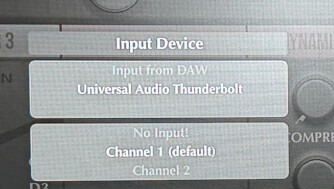
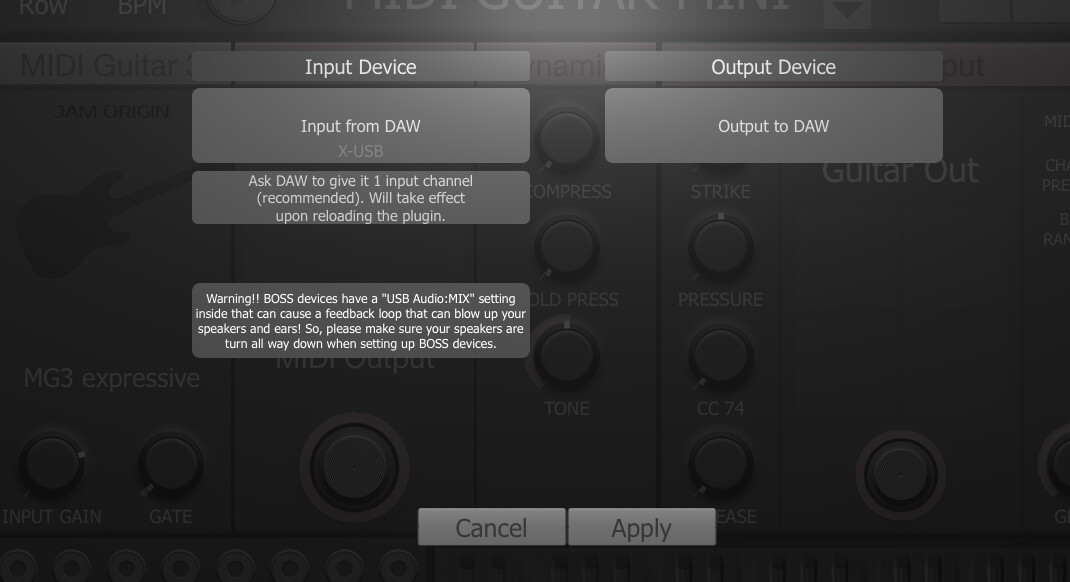
I have tried the DAW guide 15X, even freezing frames, to ensure I was following all steps correctly- cannot get it to work! HELP please?
Where the breakdown occurs:
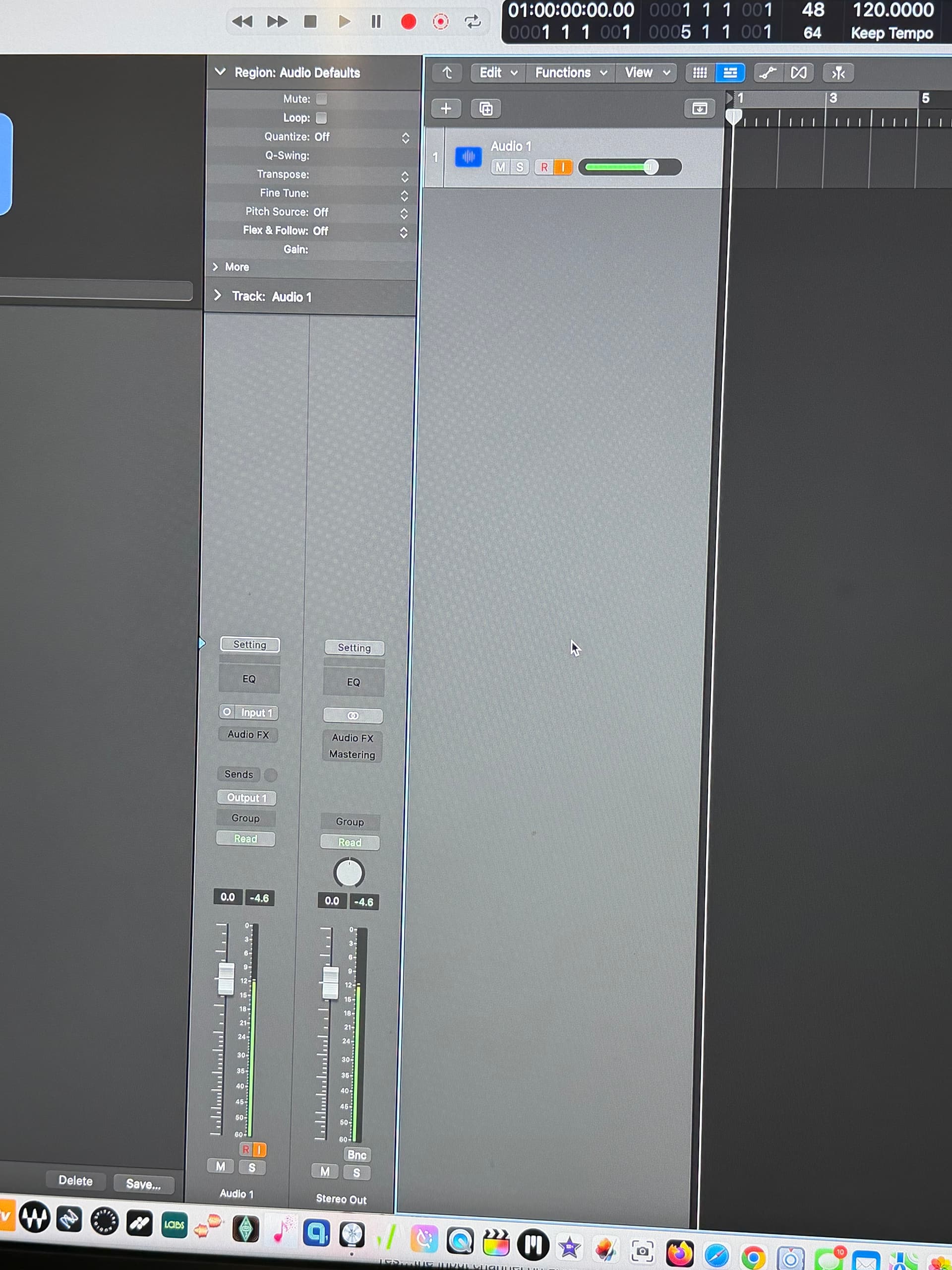
I ensure that the gtr is making sound in an audio track - YES
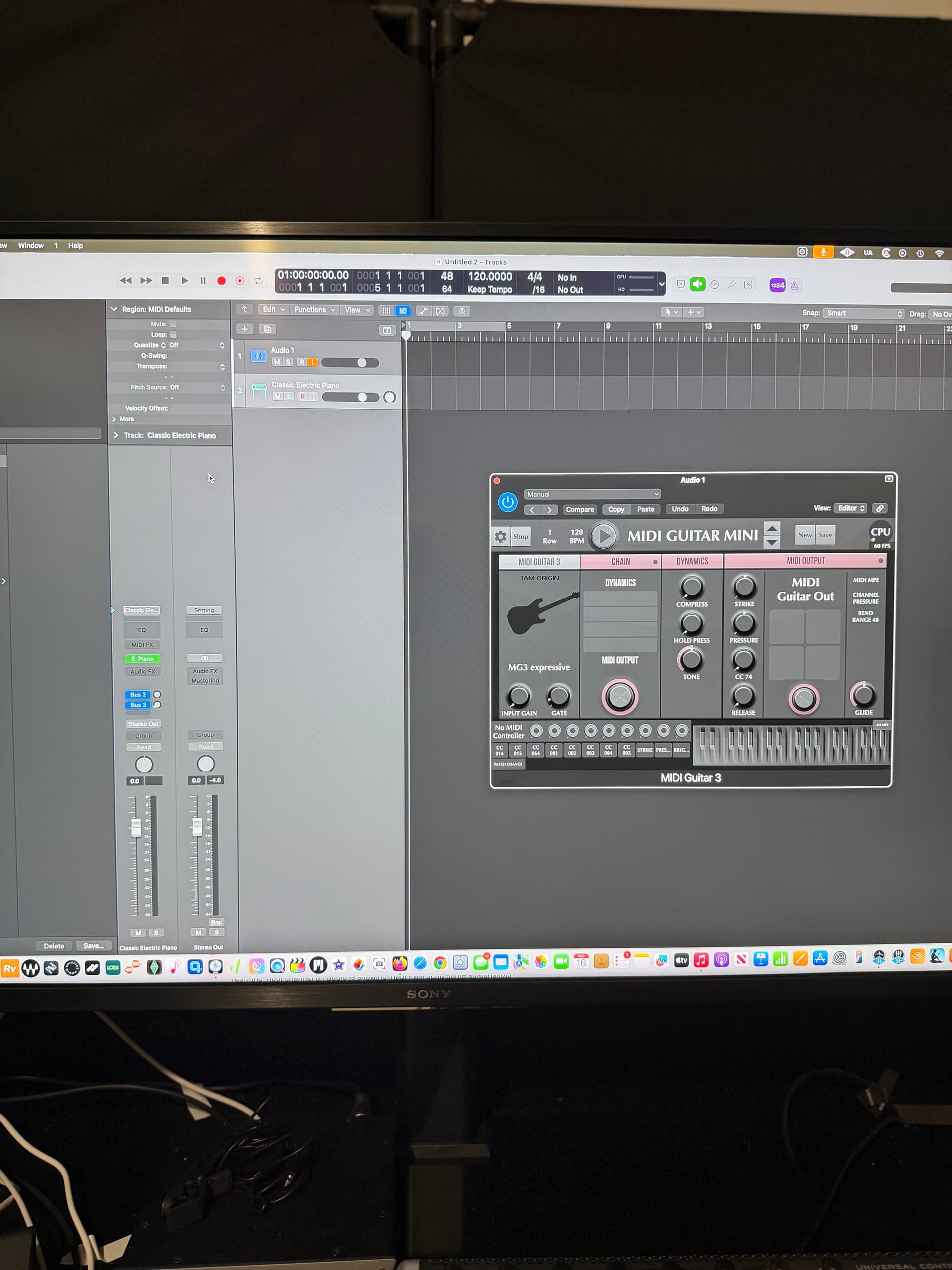
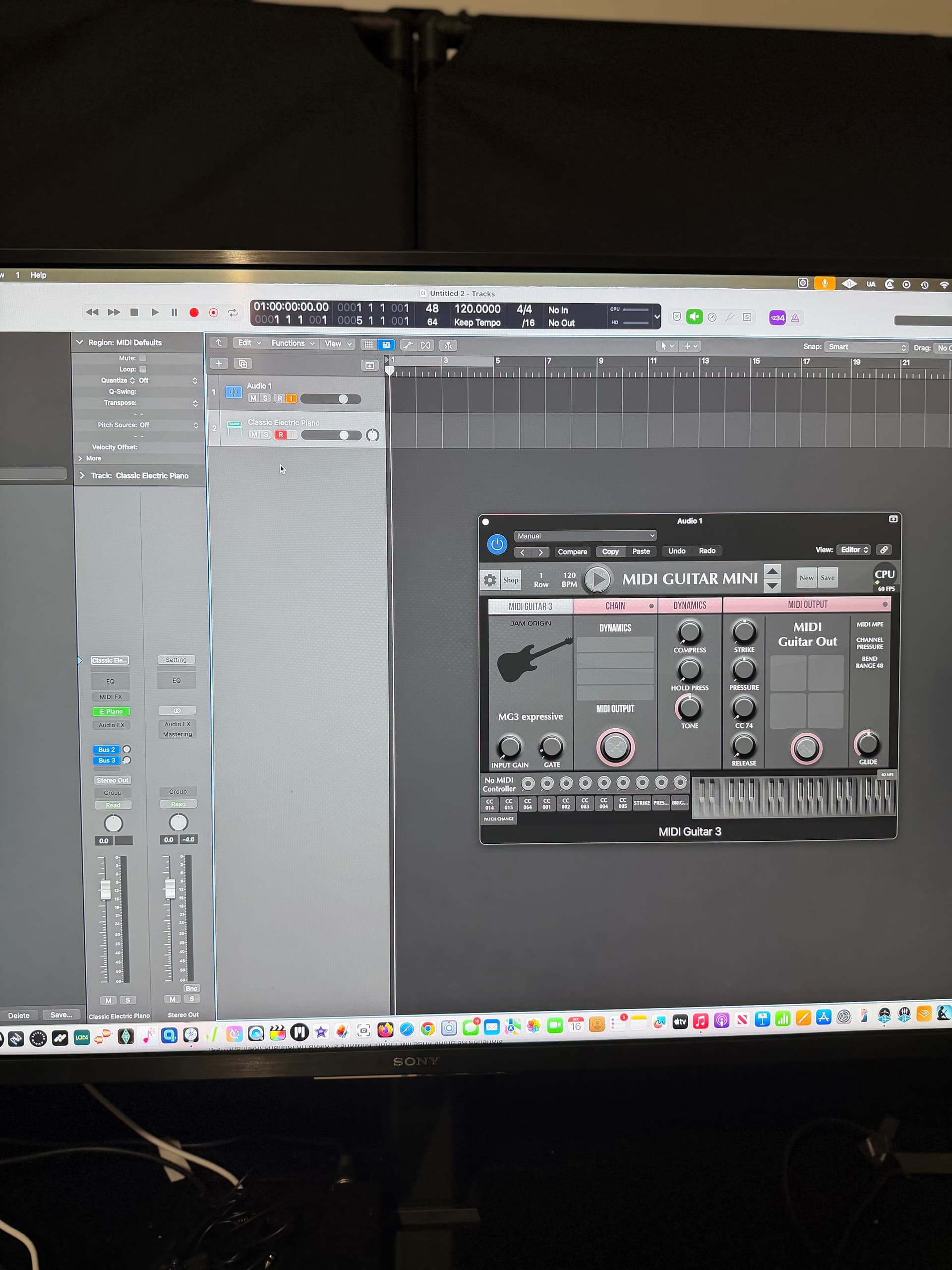
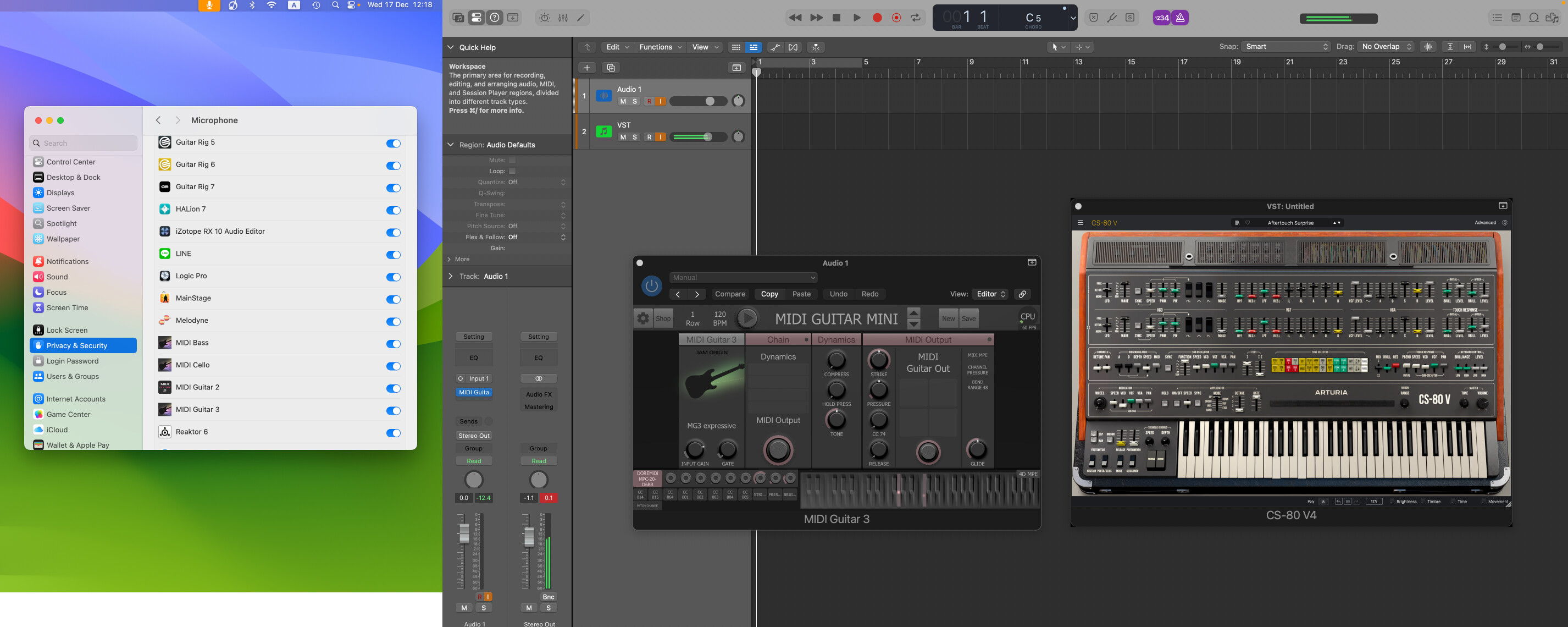
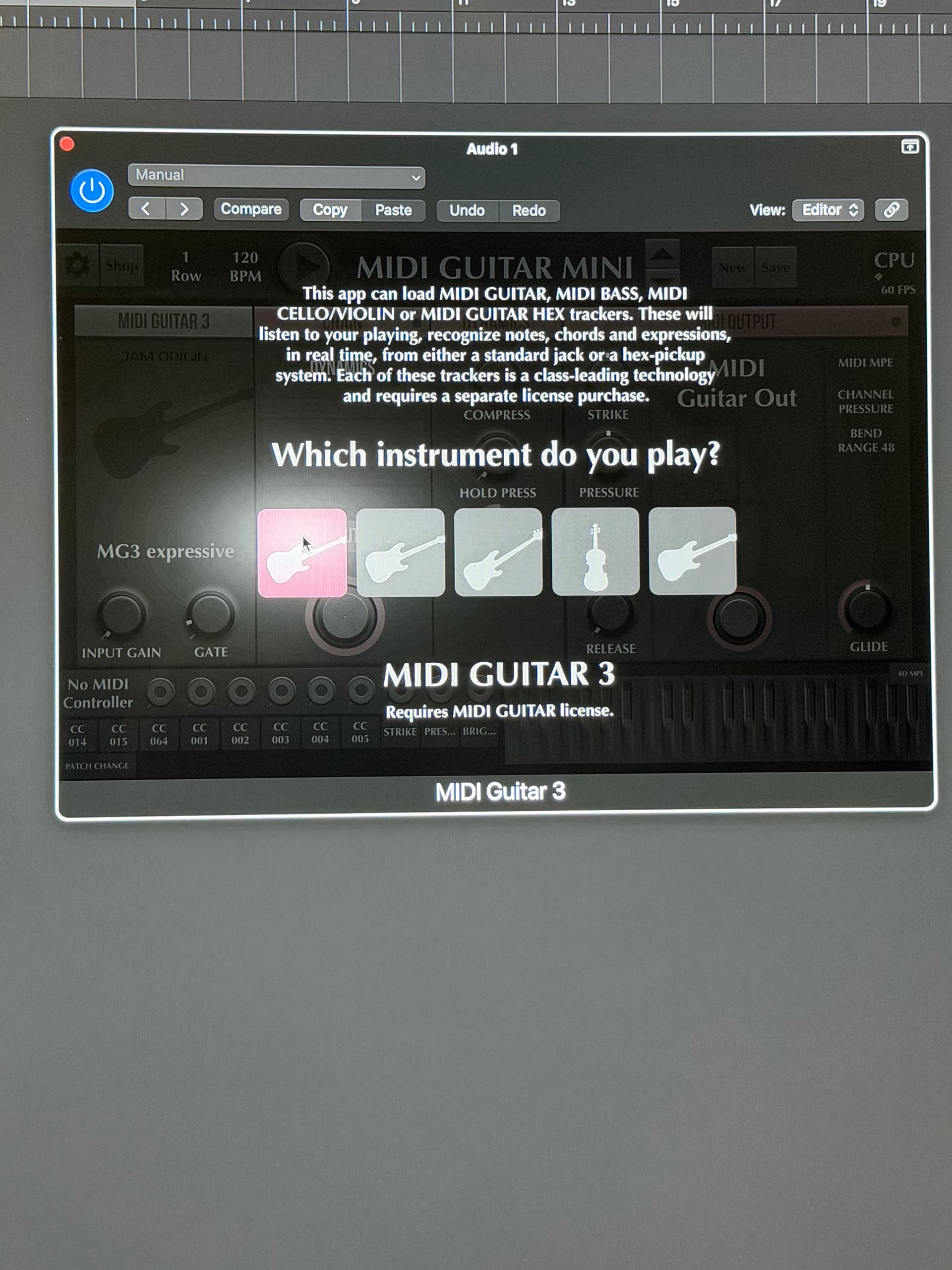
I instantiate Midi gtr 3 plugin on audio track. (audio fx), with input monitoring, and select MINI GTR MINI on plug-in - YES
I create a software instrument track with default track (electric piano ) - YES
NO OUTPUT THROUGH THE PLUGIN - CAN’T SEE THE COLORS FLASHING ON PLUGIN AND NO OUTPUT ON GTR AT ALL ……NO RECORDING ANYTHING ON THE SOFTWARE INSTRUMENT TRACK
Yes - I tried it with “R’ on on software track
Yes- I tried with different instruments in plug-in
Yes- tried input monitoring on audio and software tracks
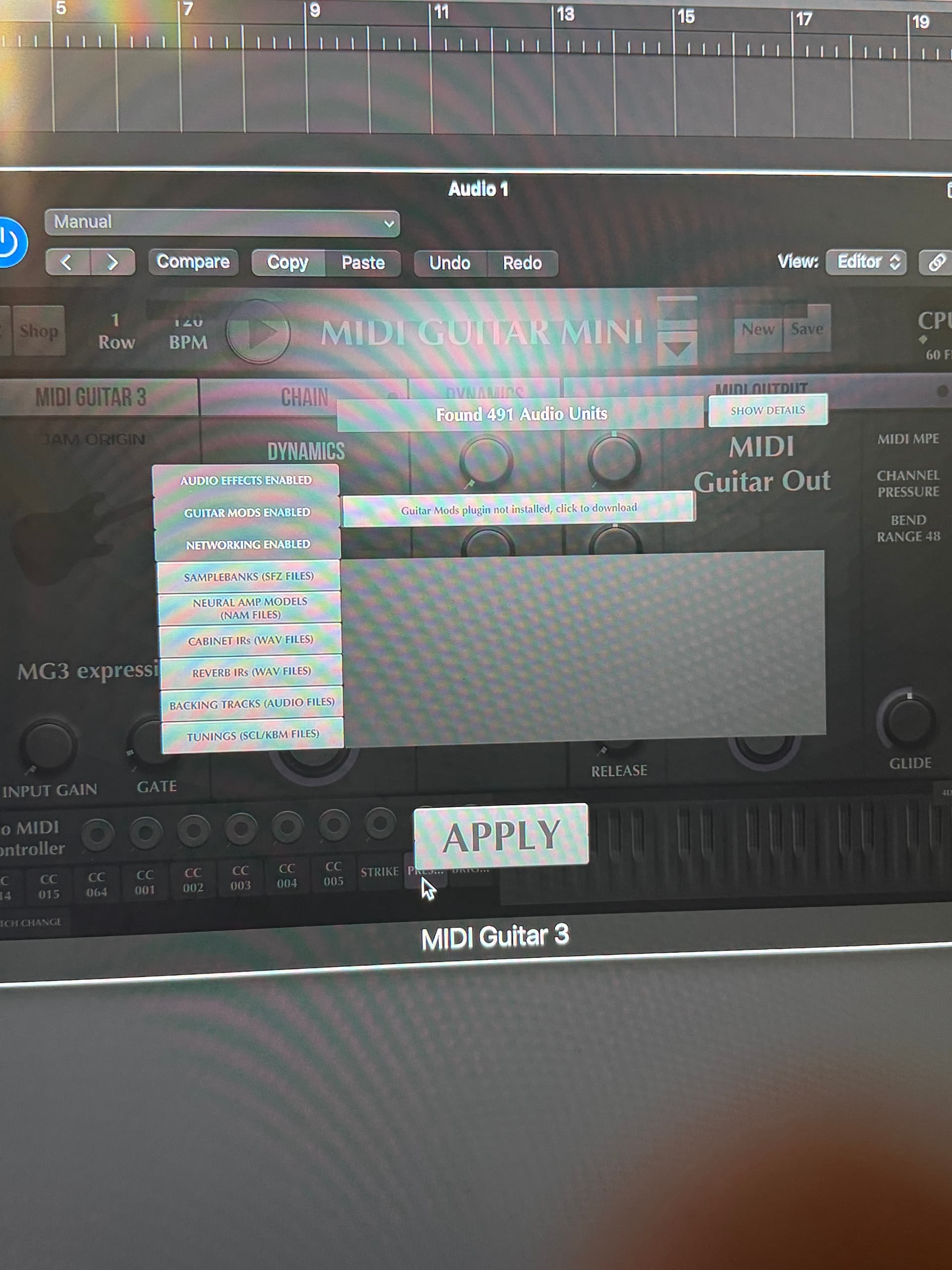
Occasionally I get a message in the plug-in saying that my DAW is set at 1024 sample buffer — which it isn’t — but i go in anyway and switch and APPLY and message goes away …..I am not getting MIDI signal talk between the software instrument and audio track
I have a feeling it is something simple —please help with any suggestions that you may have ….geez I just paid $150 for this thing !
If the light beams are not flashing MG3 is not receiving any signal. Is the input meter of that audio track showing any signal?
When you select the “MIDI guitar mini” patch you will not hear any guitar sound. However something isn’t set right yet.
Thank you for your response. I thought that was one of the many things I tried – however–just tried again— both audio and software instrument track “I” monitoring ON ….nothing …no output
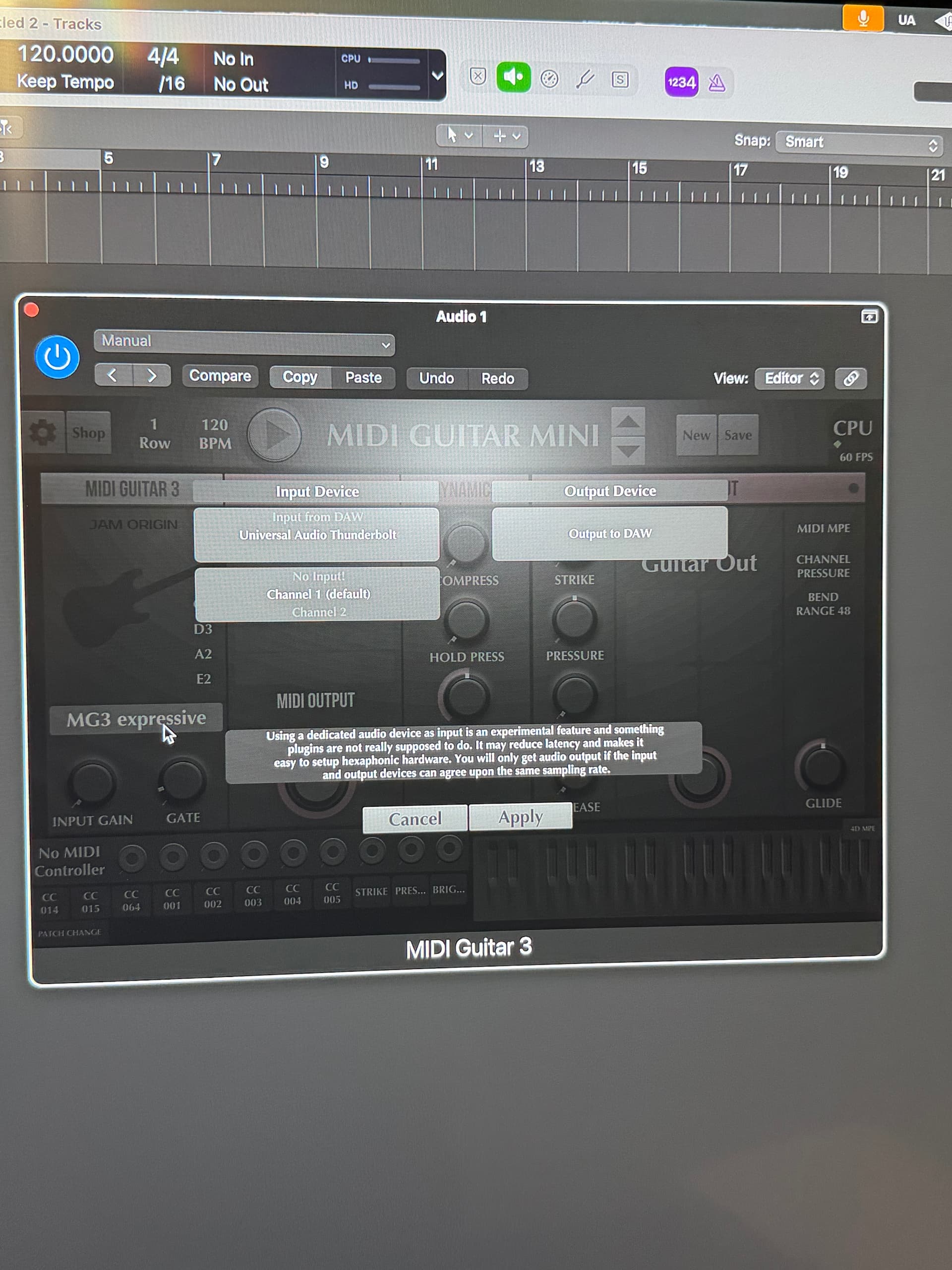
I’d put my money on this being the problem. If you’re not using the hex tracker (in Logic Pro you’re almost certainly not – if you know you know), always use “Input from DAW” and assign the actual input in your channel strip settings. The only way around this (if you absolutely must select the source in MG3) may be using dummy inputs in Logic but that’s another story.