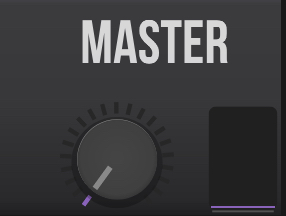
Hi - I’m new to midi guitar 2. It seems incredibly cool. But the incoming guitar signal is always passed through to the output, even with the master on 0.
I feel like this is probably a rookie error, but I can’t figure it out. I’m on ipad. My interface is an Omec Teleport and my reverb app (altispace) goes fully wet, so I don’t think it’s hardware or OS config. Any help welcome. Thanks!
Thanks for that suggestion. This is me using the app on iPad standalone and the interface has no controls that I know of. Interestingly I’ve tried both Midi Guitar 2 & 3 Beta on my iPad (which I use for music) and iPhone (which I normally don’t) both MG2 & 3 pass / monitor the dry signal on iPad and do not on my iPhone. I can’t find any global controls for monitoring on either! For reference the iPhone is a 13 Pro, iOS 18.3.1 and the iPad is a 6th Gen, running 17.7.5. Any other ideas welcome!
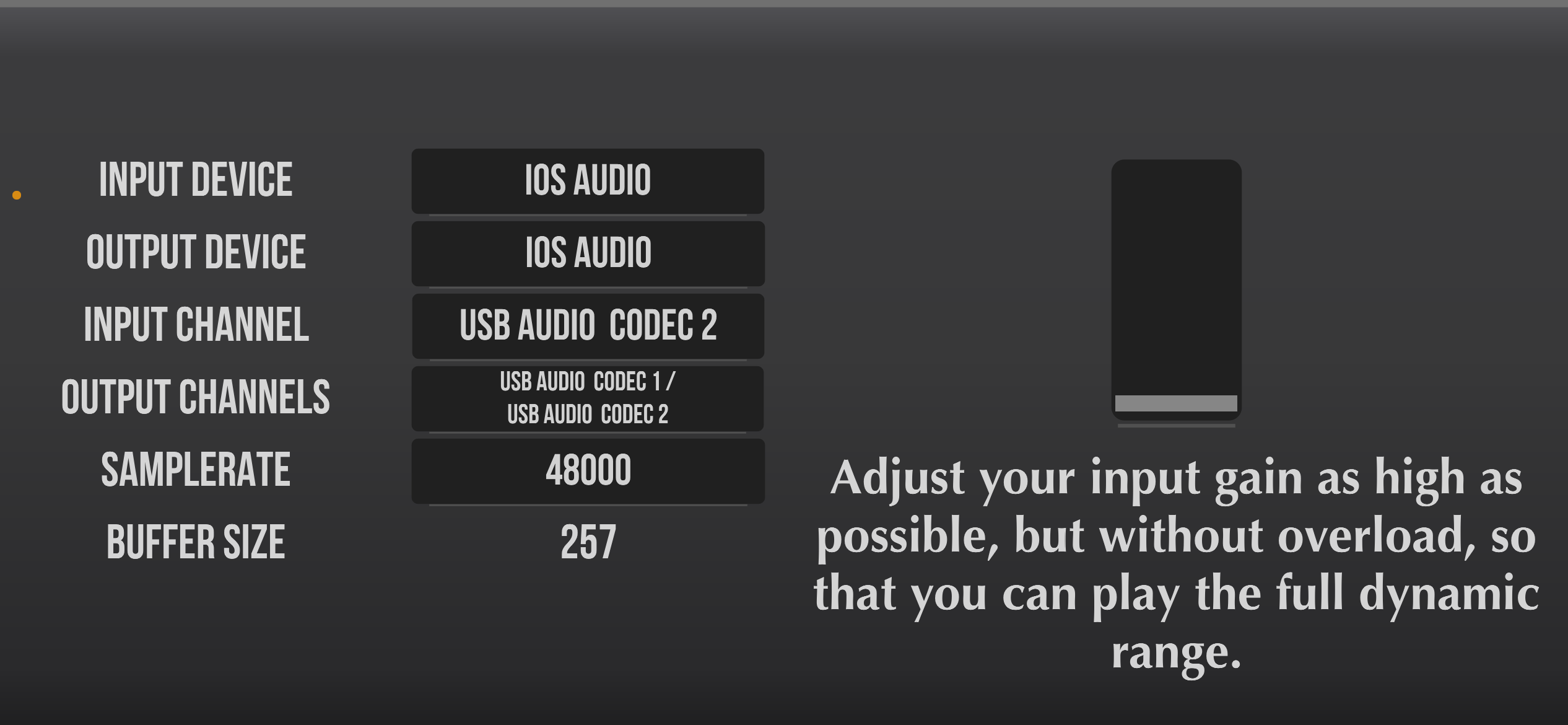
Just now I tried my iPad again, just to check, and the codec has appeared, is selected, and everything works as it should. I’m happy, but it’s pretty frustrating as I must have tried it 10-20 times and had it not work in every case.
Somewhere there’s a bug, either in Midi Guitar or iPadOS. FWIW it’s an old-ish 6th Gen iPad running iPadOS 17.7.8.
If you’d like to understand the issue better, I’d suggest searching “iPadOS 17” on the forum as this is a previously-reported issue. A sample buffer of 257 is a giveaway that there’s a problem. I recently sold my older 2017 iPad (only supported up to iPadOS 17) and replaced it with a 2021 iPad that supports iPadOS 18 with this in mind.