Thank you for your help, guys. And sorry, I misspoke: I deleted some extraneous virtual audio drivers/devices or whatever they should be called, which were installed by internal audio capture and audio conversion apps. This was kind of a stab in the dark, but I just had a suspicion that some device (virtual or otherwise) was interfering, and sure enough, I was right… it’s almost definitely a problem with my external monitor throwing MG3 for a loop—and it seems to be a bug with how MG3 itself is handling it. I’ll explain:
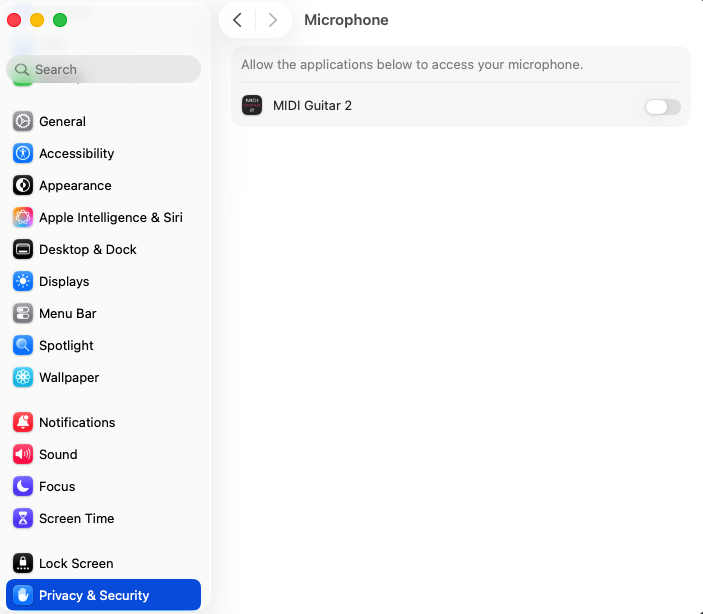
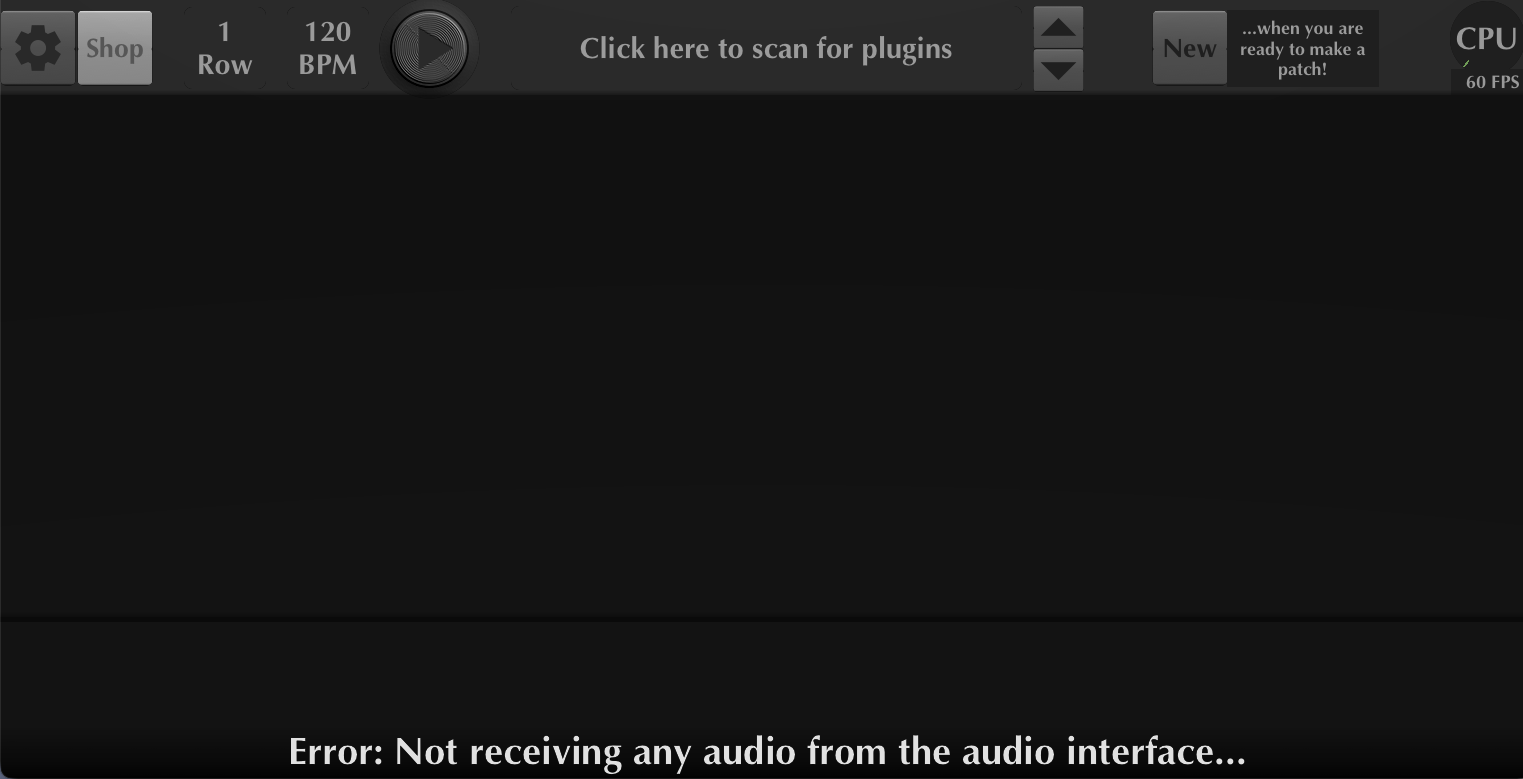
For context, my MacBook has a broken screen, so I need to use it with an external monitor. This external monitor has the world’s lousiest built-inspeakers and shows up as a unnamed device in Audio MIDI Setup, with 0 ins and 2 outs. I had an epiphany and realized that it was also showing up as an input device option in MG3, but I wasn’t noticing it because it was showing up as a blank line. That made me suspect that the monitor was tripping up MG3 and made me wonder what would happen if it wasn’t in the mix. So, I disconnected the monitor and started viewing my laptop via screen sharing with another computer—an lo and behold, now everything worked as it should! MG3 asked for mic permission, and my interface worked the way it should work and the way it does work with MG2. If I leave the app open and reconnect my monitor, it continues to work. I was able to play some synth music with my guitar, and all was well—for a little bit…
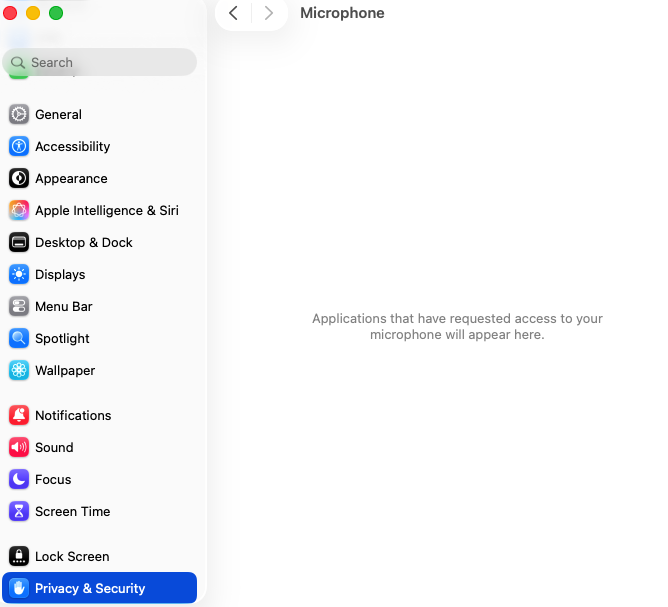
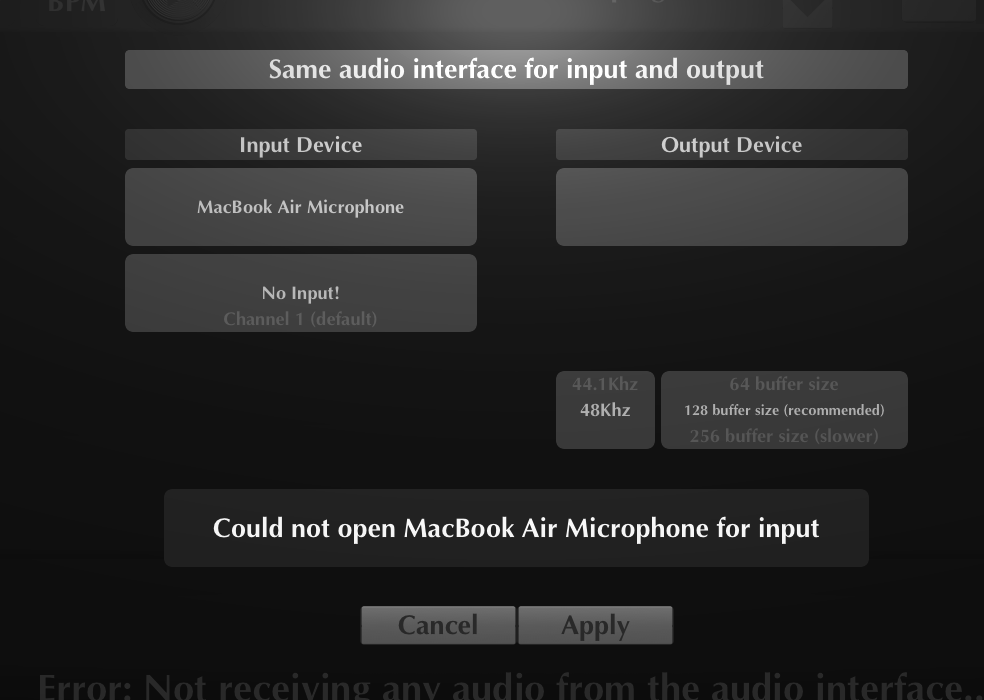
But, alas, if I close the app and re-open it (with the monitor still connected), it goes back to the way it was before, so the above is only a temporary solution. The mic is now enabled for MG3, and this shows up in system preferences, but MG3 still says “cannot connect to X for input” if I select anything other than the blank line standing for my monitor.
However, if I select the blank line, it accepts that as an input, even though the result is zero input… which is to be expected, since the monitor has no input and has 2 outputs only. Which brings up the real problem: this device shouldn’t be showing up in the input list in the first place!
MacOS correctly identifies the monitor’s audio endpoint as an output-only device (0 inputs, 2 outputs). However, MG3 still exposes this device in its input-device list, where it appears with a blank name. It shouldn’t be presented as an input at all. Thus, this appears to be a bug in MG3’s CoreAudio device enumeration/filtering, rather than a problem with my Mac, monitor, or audio interface per se. The monitor getting through the filter appears to interfere with MG3’s initialization of all actual input devices. So my suspicion is that MG3’s input-device filtering/enumeration isn’t correctly handling this unnamed DisplayPort output device, and its presence causes the subsequent CoreAudio input initialization to fail.
As a workaround, I’ve tried to see if there’s anyway to disable the monitor as an audio output device, rename it, or otherwise block it, but this seems to be impossible, unfortunately.

 In the meantime, one other thing I’m going to try, as soon as I find the right cable adapter, is connecting the monitor via HDMI rather than USB-C (as is currently the case), just to see if that makes any difference in how the device is registered by the app. Not sure why that would make a difference, but hey, you never know…