
I was able to get it to work on my wife’s identical computer with identical OS, so at least that rules out it being a general issue for the latest OS.
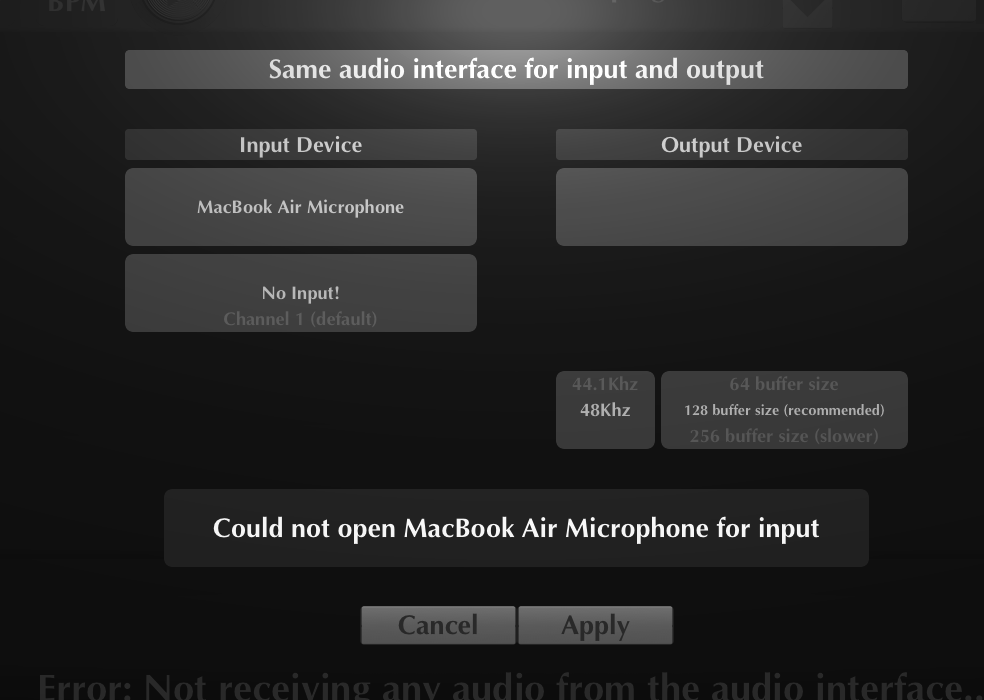
However, unlike on MG2, it did not ask for permission right away when opening the app. It only asked when I tried to set an input device. Unfortunately, I always get the same error message whenever I try to do this on my computer (with whatever device and input option I select):
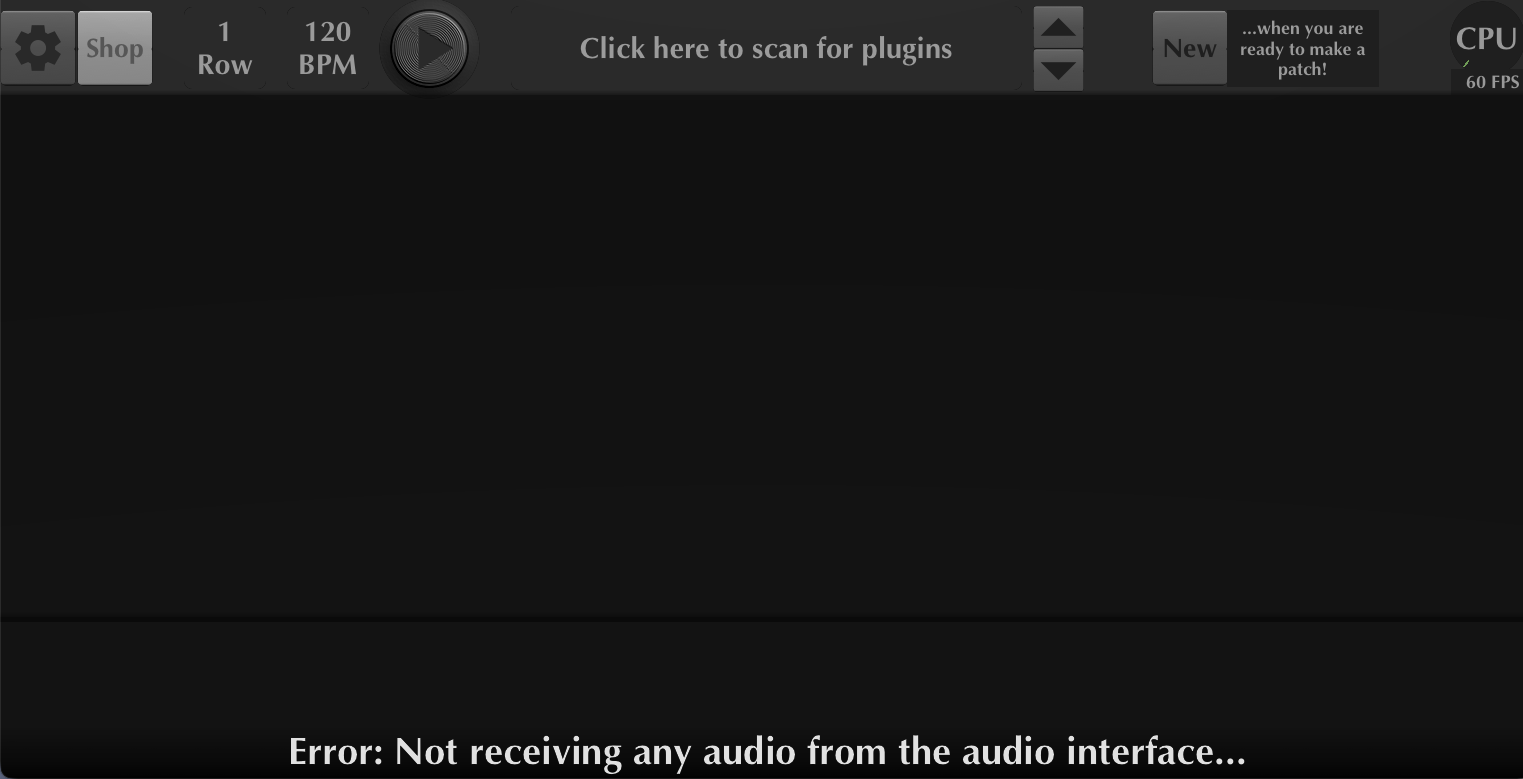
I tried deleting a bunch of extraneous devices showing up in Audio MIDI Setup, on the off chance that one of them might be interfering with something. Weirdly, after I did this and reinstalled MG3, I got this error message on the main screen, with the normal interface items (like the keyboard, transposer, etc.) all being blacked out.
I deleted everything related to MG3 following this thread, reinstalled, and that went away, but now I’m just back to the same error message as in the first screenshot.