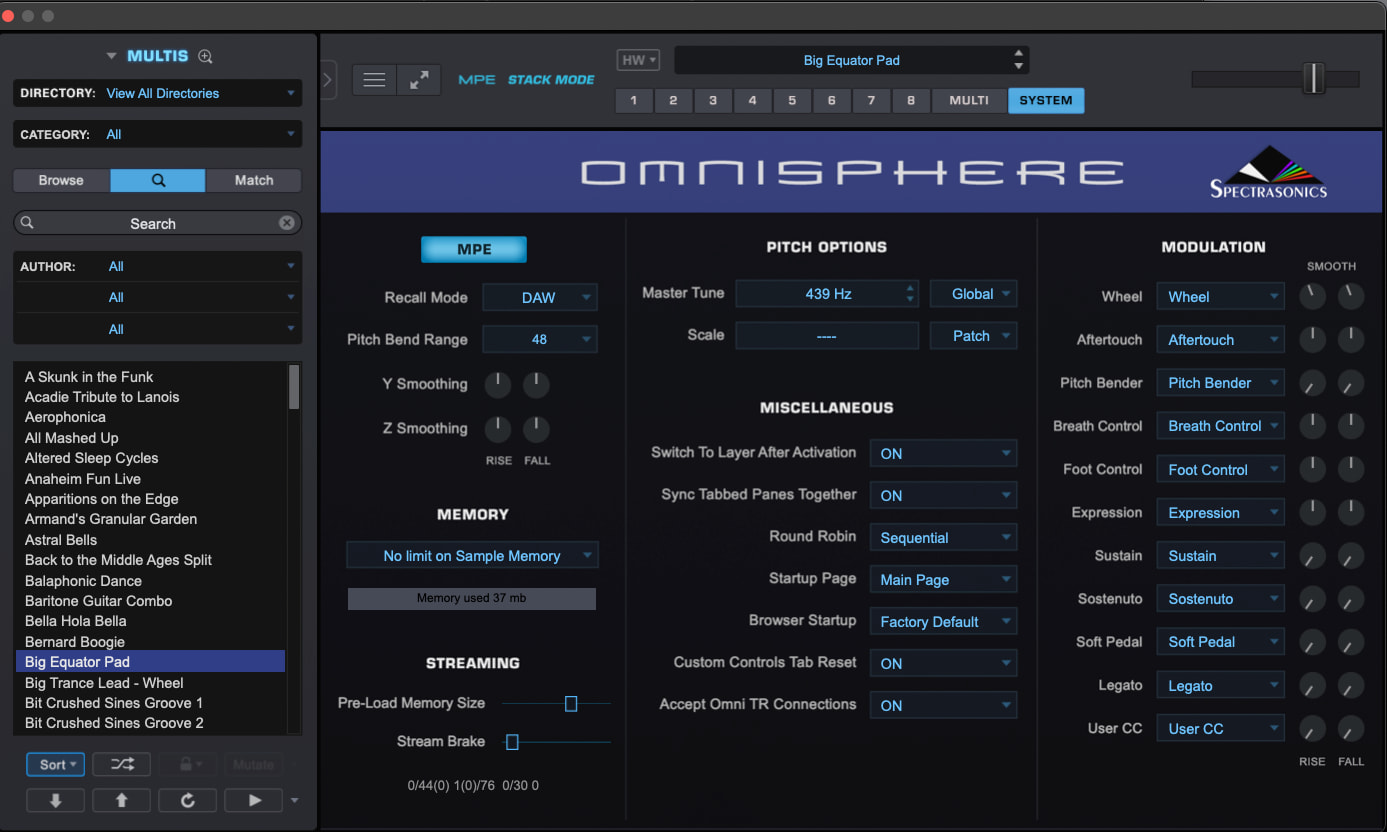
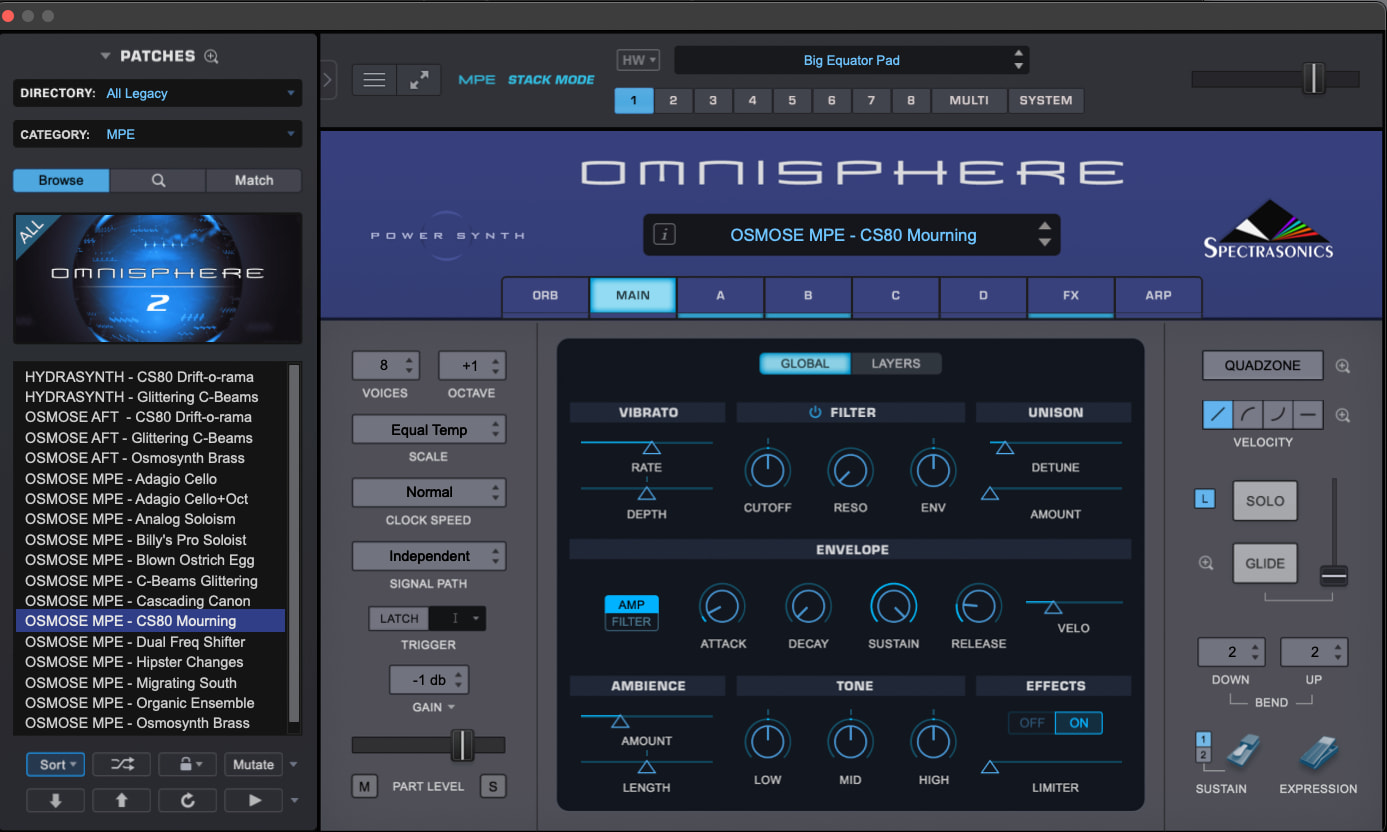
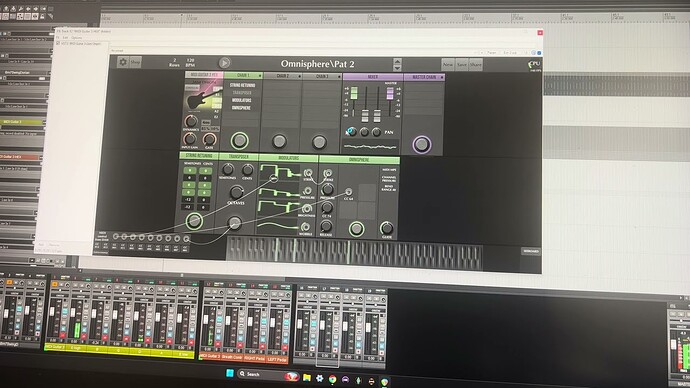
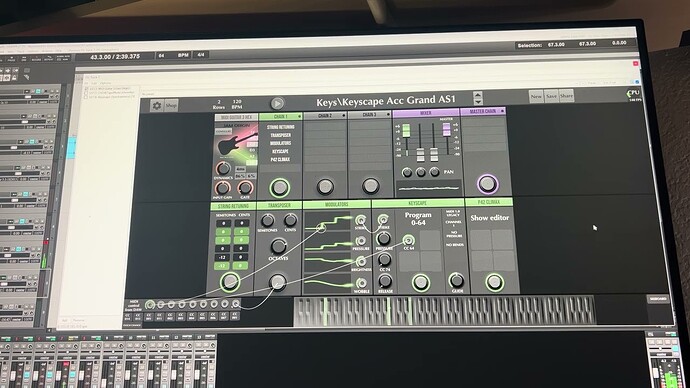
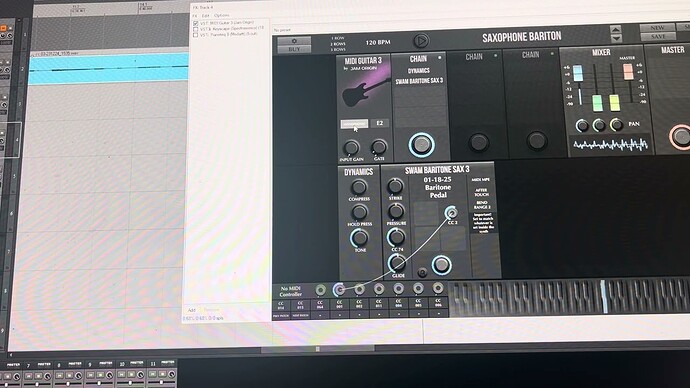
Anybody here managed to get MG3 to work with Omnisphere 3 in MPE mode?
Works great in Legacy midi 1.0 but when I switch to MPE all I get is some muffled low sounds.
I tried every possible setting in Omnisphere but no luck so far.

Anybody here managed to get MG3 to work with Omnisphere 3 in MPE mode?
Works great in Legacy midi 1.0 but when I switch to MPE all I get is some muffled low sounds.
I tried every possible setting in Omnisphere but no luck so far.
Are you using the Omnisphere MPE presets (directory:All legacy/category: MPE) ? And secondly, are you making sure to go into system and turning MPE on? Set up like this it works fine with MIDI Guitar 3 in MPE mode.
Thanks, I got it to work… kinda, it still behaves badly.
The thing is that I can NOT touch the MPE or BEND RANGE in MG3, if I do the sound goes away and I get these low level muffled notes… and it won’t go away until I restart Omnisphere. (both standalone and plugin)
I owned Omnisphere since it was Atmosphere (I still use that one even though it’s included in Omnisphere), it’s pretty amazing how little use I get from this plugin, I just don’t bond with it. On the other hand I do use the included FX-Omnisphere rack all the time. (still happy in the end)
I use Omnisphere 3 all the time in MPE mode with MG3 with no issues. Any patch, not just the designated MPE ones. I do use MG3 standalone with MIDI output and trigger Omnisphere inside another app or DAW though. How to you have it connected? And are you on Mac or Windows?
@digimidi, Yes, I can now use MPE on any preset as long as I don’t touch those two buttons.
OK, while this statement is true it’s still not usable because if I save it as a preset and open it up the problem returns. It’s like a software demo where you can do whatever you want but can’t save anything.

I am on Mac so it might be different. I never change the MPE pitch bend from 48. I will check tomorrow to see if it works or not on my system.
Do you also have the same issue when you use the internal keyboard for Omnisphere 3 standalone (while MG3 Standalone is selected as a MIDI source)? Is stray MIDI CC data passing and hitting OS3’s default CC mappings?
It was a 439 Hz kind of day in Sweden … 
I did just try to load Omnisphere in MG3 directly and there was no issues in MPE mode adjusting the bend range. I did get what you described when switching to MIDI Legacy mode in MG3 and Omnisphere still in MPE. Once you switch Omnisphere out of MPE, it plays find. Just make sure the bend range matches.
Thank you for testing.
Are you on Windows?
I am on Mac OS. Tried with standalone and 3 different DAWs.
I don’t see anything like that on the Mac version. I wonder if it is an issue with the Windows version of Omnisphere?
So, looking at this, the first thing I would try is:
Now, are both plugins holding their settings correctly? Does changing the output mode for MG3 Hex’s MIDI Output module have the same negative effect on OS3’?
I’m only suggesting this to try and separate out where the problem actually lies.
OK PART 2
Another thought. As I recall, when changing MIDI modes on the MIDI Output module and Plug-in modules, some MIDI messages are passed down the line. I can’t remember exactly what they are but if you stick a MIDI Monitor application or plug-in in-line between MG3 and the target plug-in you might be able to detect some MIDI data that is affecting some parameter in Omnisphere 3.
You could also try putting some midi filter in there to block the signals and see if it makes a difference.
Good detective work there anyway.
Yeah I might investigate further but I rather just play….. (priorities are different when you are old)
I do have a workaround for now. I just created a Track preset that I can recall with one click anytime.
here are the more urgent issues I was talking about:
and

Just to follow up on my previous post, here’s a short unlisted video demonstrating the MIDI behaviour I mentioned. I’ll analyze the data stream and see if there’s anything relevant when I get a chance. Hope it helps.
I’ve carefully inspected the MIDI data MG3 sends when changing output modes and stepping through the MPE bend-range settings. The values and MPE configuration all look normal, and I don’t see anything that obviously explains Omnisphere 3 becoming stuck with muffled low notes.
The only slightly unusual detail is that MG3 leaves the Pitch Bend Sensitivity RPN selected after configuring MPE, rather than deselecting it with the standard RPN Null messages. In theory, a later CC#06 or CC#38 message could then alter the bend range unexpectedly, although that’s purely hypothetical until somebody reports a real-world problem.
As a comparison, I also logged Animoog Z switching from MPE to Channel 1 and back again with the bend range fixed at ±48 semitones. Animoog explicitly sends CC38 = 0 and then nulls each RPN after use, whereas MG3 leaves the final Pitch Bend Sensitivity RPN selected. Animoog also reapplies the ±48 range across all 16 channels when returning to MPE. That does not prove MG3 is causing the Omnisphere issue, but it does make the uncleared RPN state in MG3 look more noteworthy.
So, ultimately, I’m still not certain. Bear in mind I did all this testing on macOS so Windows may display different behaviour and there may be an interaction specific to the Windows version of Omnisphere 3 rather than an obviously incorrect/rogue message coming from MG3. Maybe @JamO can offer further insight.