
not sure if they have a forum– couldn’t seem to find it. I contacted their support on a different issue and never got a response so they aren’t super responsive in my experience. Regardless, I will just pay the 80 bucks for bluecat patchwork I suppose—seems to be more reliable anyways.
@kimyo any recommendations on the issue where the second a midi guitar window is open (running in background doesn’t cause any issues), protools is slow (For example clicking Ctrl S to save the protools file takes 3 seconds instead of instant). The second I close the window so its not on the screen everything is fast again—-I assume it is a graphics issue ( I am running on a few 4k monitors). I changed all the recommended graphics settings/compatibility settings and it didn’t seem to help.
Is there a way to disable the graphics/visualizers to make it run in a slimmer mode? Or any other ideas? Does anyone else have these types of issues?
check the graphics mode in protools. on mac there is a high and a low, if pc is the same perhaps protools is devoting resources to making things pretty instead of making things work.
in my experience with multiple configurations, using ableton, reaper and ardour there is no lag when the mg3 window is open.
Gotcha– will look into thanks!
Also, do you know of any way to make the VST instrument plugin window open in a specified spot each time? Mine opens randomly always on the wrong monitor and I have to drag it over each time open midi guitar
the window position probably relies on patchwork. maybe save the patchwork preset with the window open? or maybe save the protools preset with the window open?
i no longer use patchwork much, but i do kind of remember having something like this occur. i don’t think that issue was limited to mg3 though.
Patchwork saves the mg3 window location perfectly but the vst3 inside of mg3 is the issue. I will see if saving a preset helps yeah
FYI– my issue appears to be related to “open GL”. The issue manifests itself when I have autotune pro 11 up with open GL enabled and then pull up bluecat patch work and midi guitar 3/analog lab V. I am on a nvidia 3060ti graphics card. When I disable open GL on autotune everything works fine. See below for some good forum links if anyone is interested. Just figured I would update this ticket in case others are having issues
When I have midi guitar 3 open my protools runs slower still but it doesn’t freeze anymore (fixed with disabling open GL on autotune). I think this is all related to graphics / hardware acceleration etc. Is there a way to tweak any graphics settings for midi guitar like disabling open GL etc…? The issues in my DAW are only when the UI of midi guitar 3 is on the screen
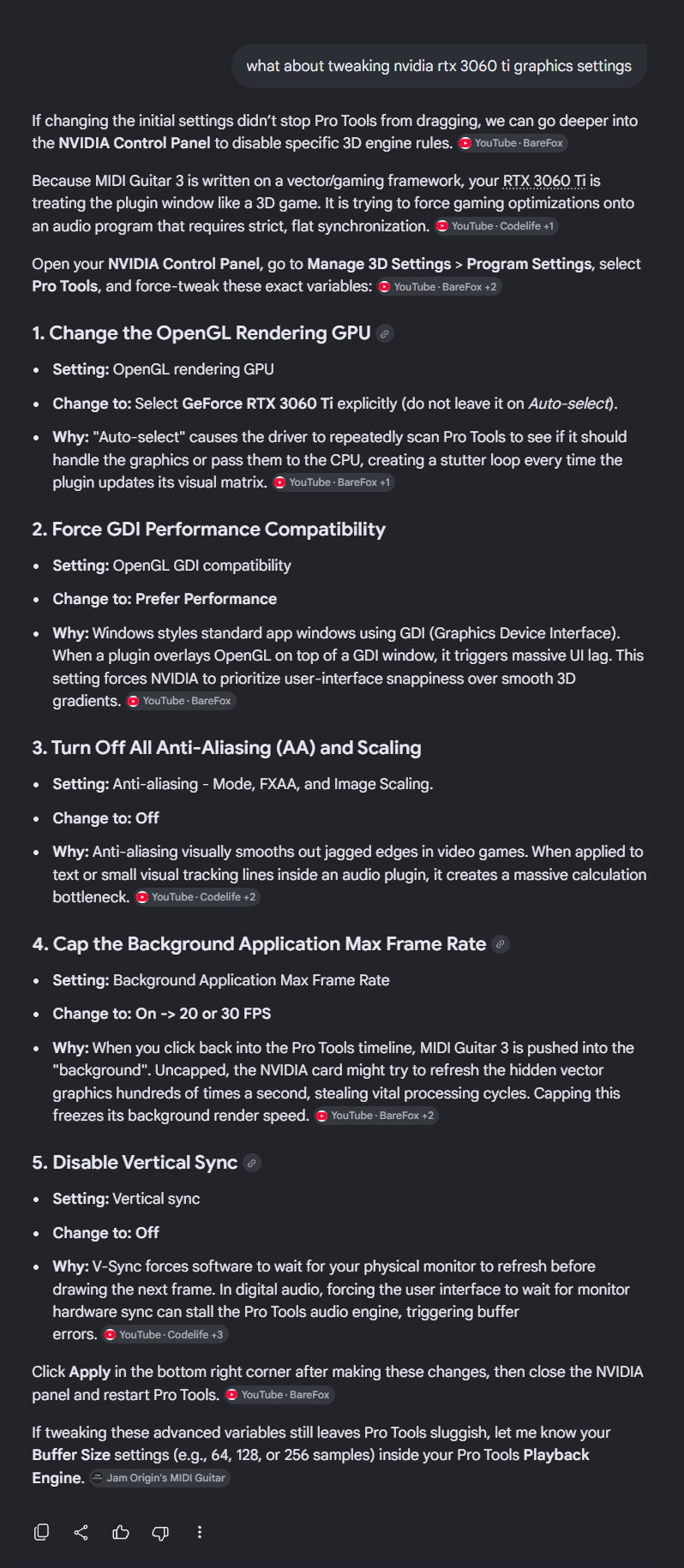
Hmm but now I get noise in my speakers when opening up and my CPU spikes— like its picking up computer CPU processing noise or something— I had this in a previous version. I will keep tweaking these settings.
I noticed the FPS on the top right of the plugin is going to much higher numbers than before now
I changed the setting to cap the FPS at 60 for protools on the graphics card and that seemed to help
Still seeing some slowness but I think tweaking these graphics settings is likely the fix— just need to find combo of which settings is best. But still I believe this is a work around for a glitch/issue in the beta
Same issue with metaplugin too— @kimyo do plugin locations store for you when hosting inside of MG3? Like after exiting a DAW and getting back in then opening MG plugin in daw and clicking on the VST instrument in MG does it open where you left it? Same issue happens with MG2 for me too—and just to clarify– the location stores so long as I don’t close the protools session. If I exit and get back in then it opens in the default location on my default monitor–or if I inactivate the insert slot plugin in protools and reactivate it the midi guitar location is correct but the VST hosted within midi guitar goes back to the default spot when I open it
i will check on plugin locations later today and let you know.
just to clarify, it seems you’re talking about both the mg3 window location and also the location of mg3-hosted plugin windows?
The mg3 window stores location perfectly always. The issue is just with the vst instrument running within mg3 losing its coordinates if the plugin gets inactivated or I exit the session and get back in