
5 Likes
Thanks for the heads up on this. Just purchased.
Gil
1 Like
Checking in on this, as I consider it for myself. How are people liking Sessions in practice?
I’ve had my head in Gig Performer 5 on macOS lately and haven’t really been working with Sessions. There are a few limitations that I’m not thrilled about — but it’s still a fine app. I think it will be even better at once the developers address the ability to route MIDI from MIDI-generating plug-ins to instrument tracks. Once that happens, I’ll probably come back to it on iOS.
Hm, that would theoretically include MG3, wouldn’t it? (I may have missed that detail.)
Right on. But there are always workarounds.
Okay, now you’ve got me intrigued (and thanks for the clarity BTW). Given that I’ve not really taken much of a look at Sessions, how would you use it with MG3 to drive, say, a SWAM instrument?
On iOS, I guess you’d use MG3 standalone/ virtual MIDI to Sessions with your SWAM instrument loaded inside.
I’m very lucky that the audio//MIDI interface I use with iOS allows MIDI routing between apps so I can assign it inside MG3’s MIDI Output module and grab the MIDI in any instruments loaded in Sessions.
Huh, I hadn’t thought of trying to do that on iOS. I may see if I can make use of that option with the gear I have, just to see if it can be done.
And what’s making me consider Sessions actually isn’t principally the iOS side (where I have been loving AUM Mixer as my plugin host), but the macOS side, where I don’t yet have a dedicated plugin host (other than Waveform DAW, which seems heavyweight and clunky for ad-hoc “live” setups).
Do you know a similar workaround on the macOS side?
It’s almost the same kind of approach on macOS. Of course you can use MIDI Guitar 3 as a standalone application and funnel the generated MIDI into Sessions — easiest method.
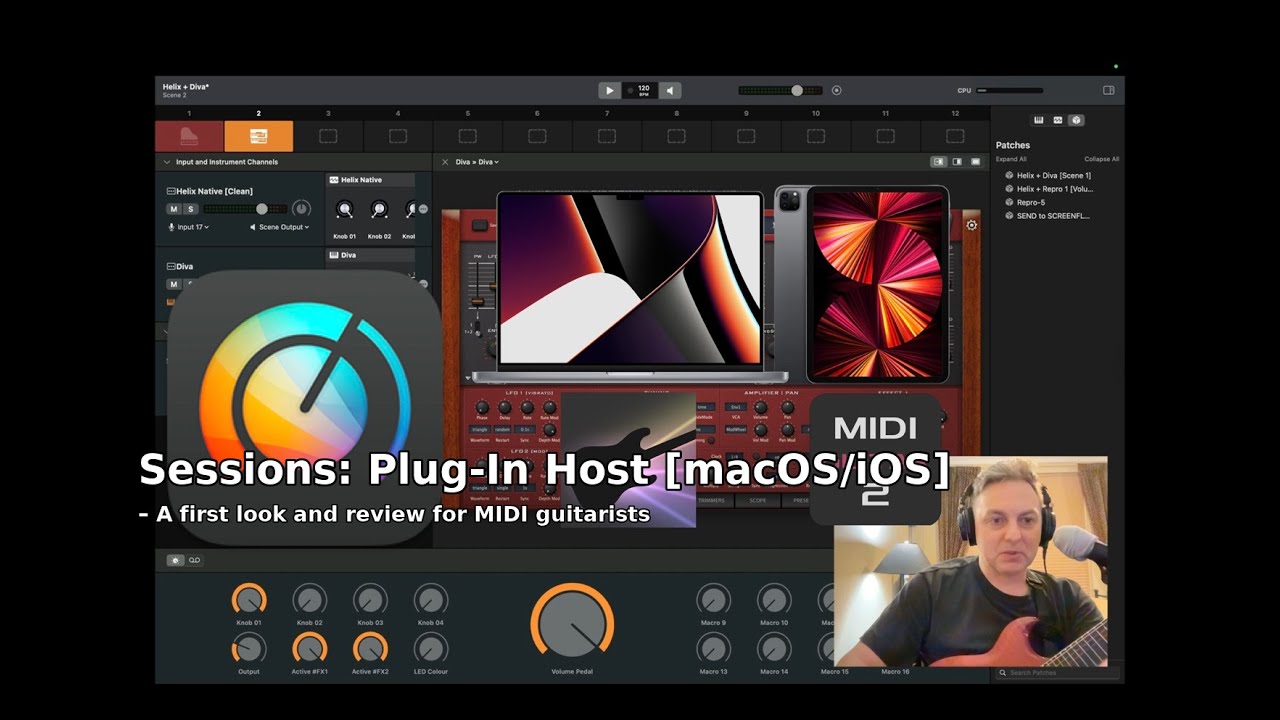
I think I covered all this in that video posted above, but the fundamental issue is that if you use multiple instances of MIDI Guitar 3 — one per scene — MIDI Guitar 3’s multiple virtual ports get registered with all kinds of wacky post numbers. The numbers are not reflected correctly after you save and reload your set.
So, you can use a similar approach as I mentioned above for iOS where you use a virtual MIDI port in MG3, for example, one created under the IAC driver or any ports available via your audio-MIDI interface.
Okay, thank you. I’ll revisit the video to mine the details from there!