On an iPad, is it possible to use a TEC breath controller with Midi Guitar 2 or 3?
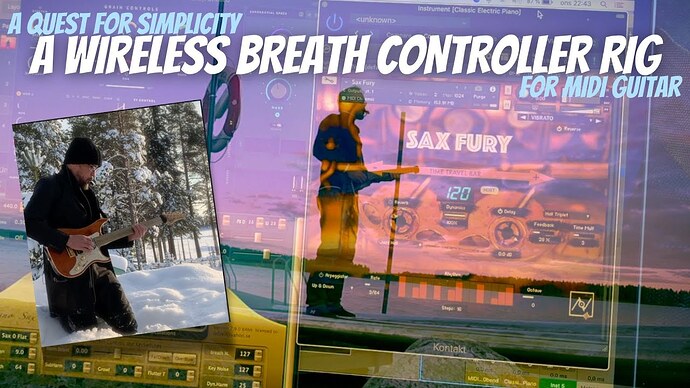
Here is an example of what I’ve done using a laptop. but I would like to do the same thing using an iPad.

On an iPad, is it possible to use a TEC breath controller with Midi Guitar 2 or 3?
Here is an example of what I’ve done using a laptop. but I would like to do the same thing using an iPad.
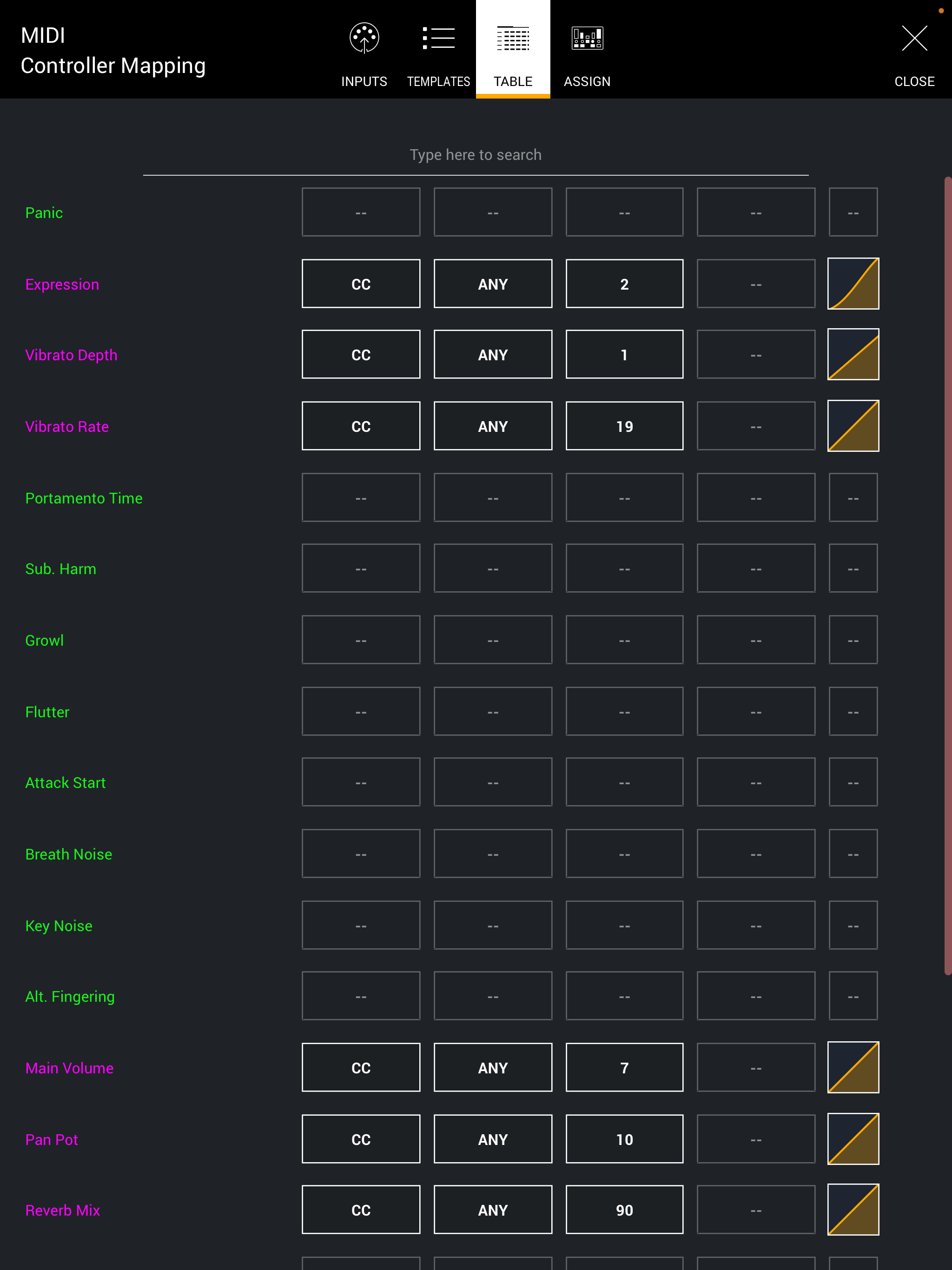
Of course it is. Just connect you breath controller to your iPad either via USB or Bluetooth (need a special setup) and just choose it from the MIDI Patch bay in MG3, and connect it to the SWAM instrument (“Pressure” if you want to run it as an MPE setup, or CC2 if you want an old fashion MIDI 1.0 setup - it depends on which MIDI Mapping template you choose)
Thanks LoFeiF - Can you point me to a tutorial on this? I’ve looked and could not find one.
this might be a silly question but how to I feed the guitar signal into the iPad AND the breath controller at the same time?
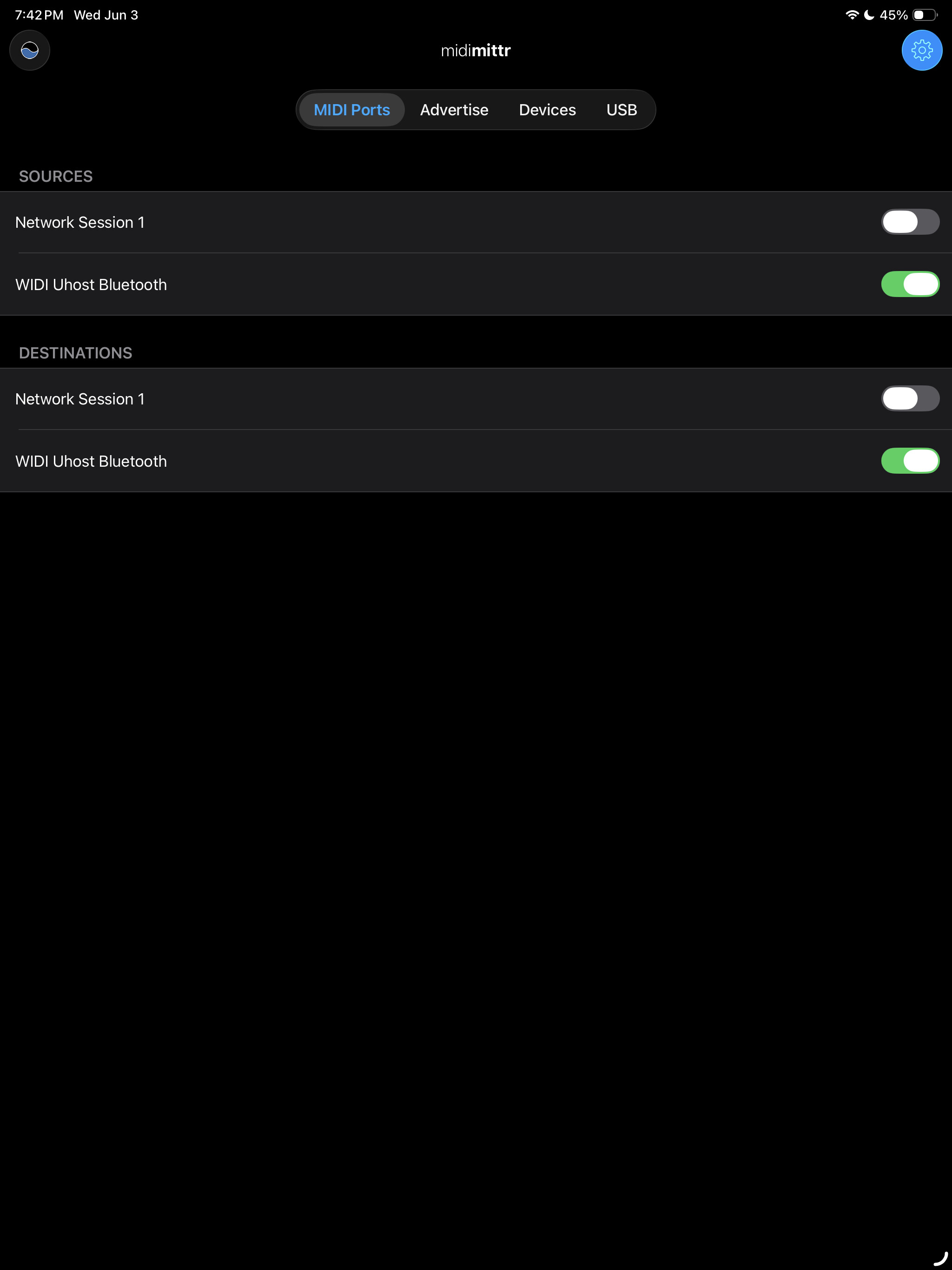
I don’t know if there is a tutorial on this. I have done a couple of videos on using the TEControl Breath controller wirelessly with a very old iPad (that used to have both a 3,5 audio jack and the lightning port - where you could easily connect both a wireless audio receiver and something like the WIDI Uhost.) It shouldn’t be hard to use a similar setup but connect directly via the iPad’s bluetooth protocol instead.
Unfortunately, due to recent changes in my working situation, I have very little time to just churn out videos right now, but here is how I connected with the old setup. You can probably just use a USB-C to microphone adapter together with something like the iRig to get audio into the iPad. I am sure this forum is full of guys willing to give you the details around connecting to a modern iPad.
Here’s my old video using a breath controller with MG2, but is should be even easier to connect with MG3, with the multiple MIDI ins in the MIDI patch bay:
This video shows where I am stuck - any ideas?
That video is private right now. I can’t view it.
oops - check it now - I’ve just made it public
A guitar signal isn’t fed into a breath controller. The breath controller is assigned to MIDI-learnable or automatable parameter(s).
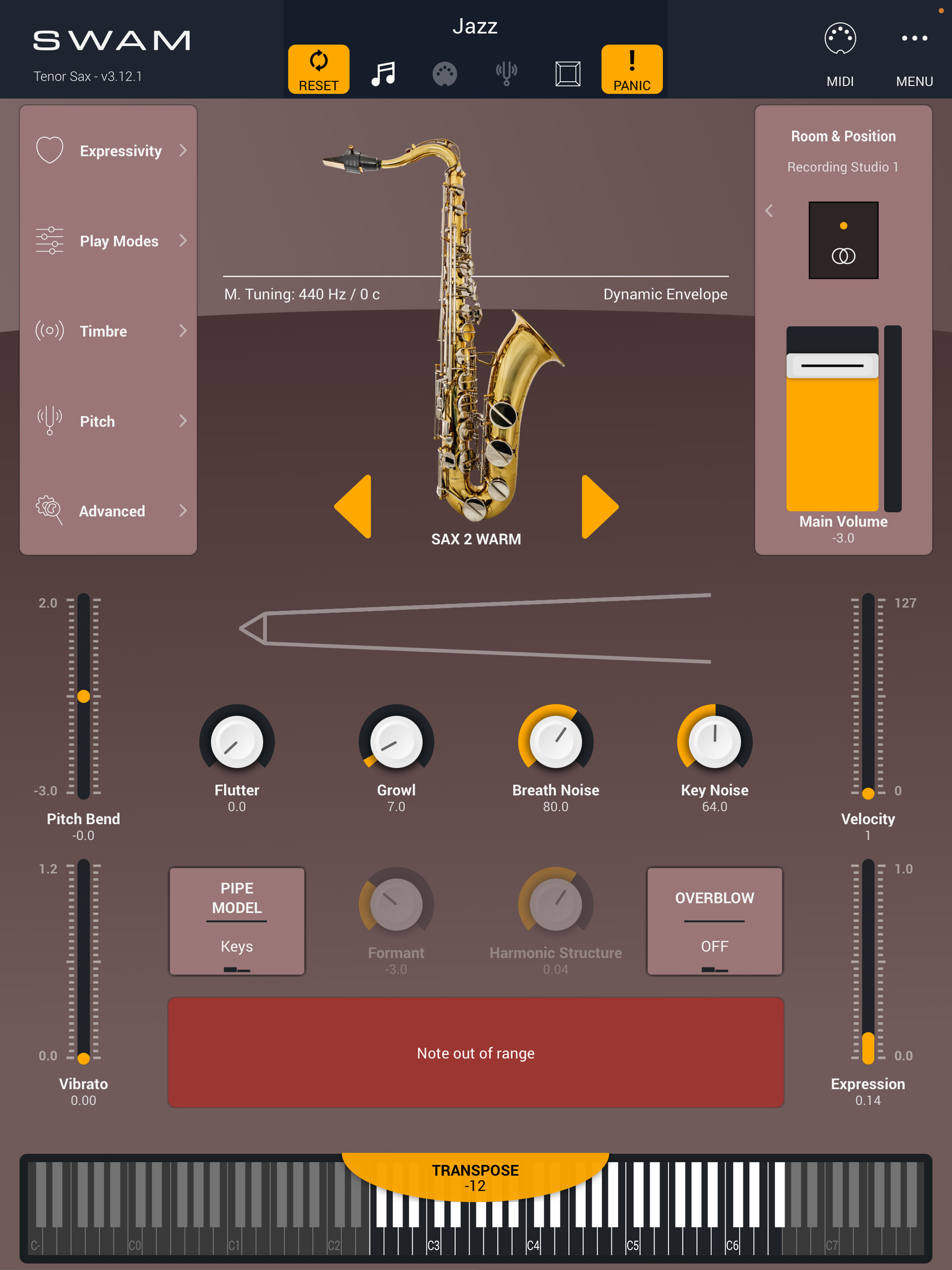
I’m not sure what the problem is exactly. Your SWAM expression meter moves when you blow into the TEC. What are you trying to do with it?
I think that the breath controller is sending a CC2 signal for velocity control to the SWAM sax app. What I am trying to do is make is so the volume (expression) is controlled by the amount of breath.
sorry if I’ve got my terminology mixed up - I’m a bit of a newbie
I think your terminology is fine but the video didn’t give much away. The expression meter is clearly moving up and down as you modulate your breath intensity. So it sort of seems like you’re saying “I want it to do this,” but it’s already doing what you want it to do. Hence my confusion. Is CC#02 not actually controlling the target parameter?
The breath controller seems to be connected to the SWAM instrument correctly as @Vaultnaemsae says, but your video is way too cropped to see what is going on here. If you have 1) the SWAM instrument open inside MG2, and 2) the breath controller connection coming in via MG2 I would expect to hear the sax when you breath into the breath controller and play some notes at the same time. But if you upload a video where you show the whole screen and settings (also where the breath controller is chosen in MG2 and play it at the same time I am sure it will be clear what the issue might be.
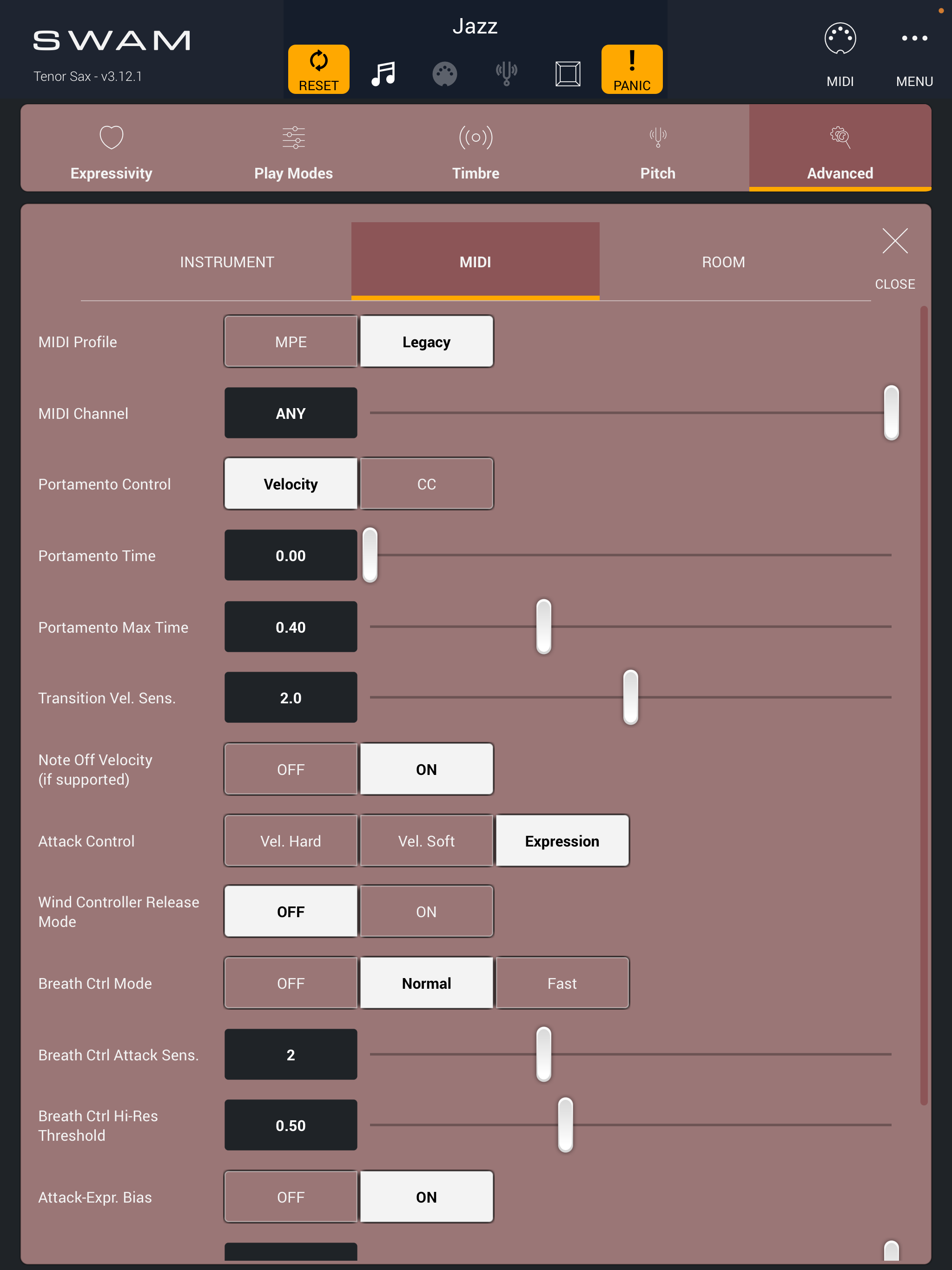
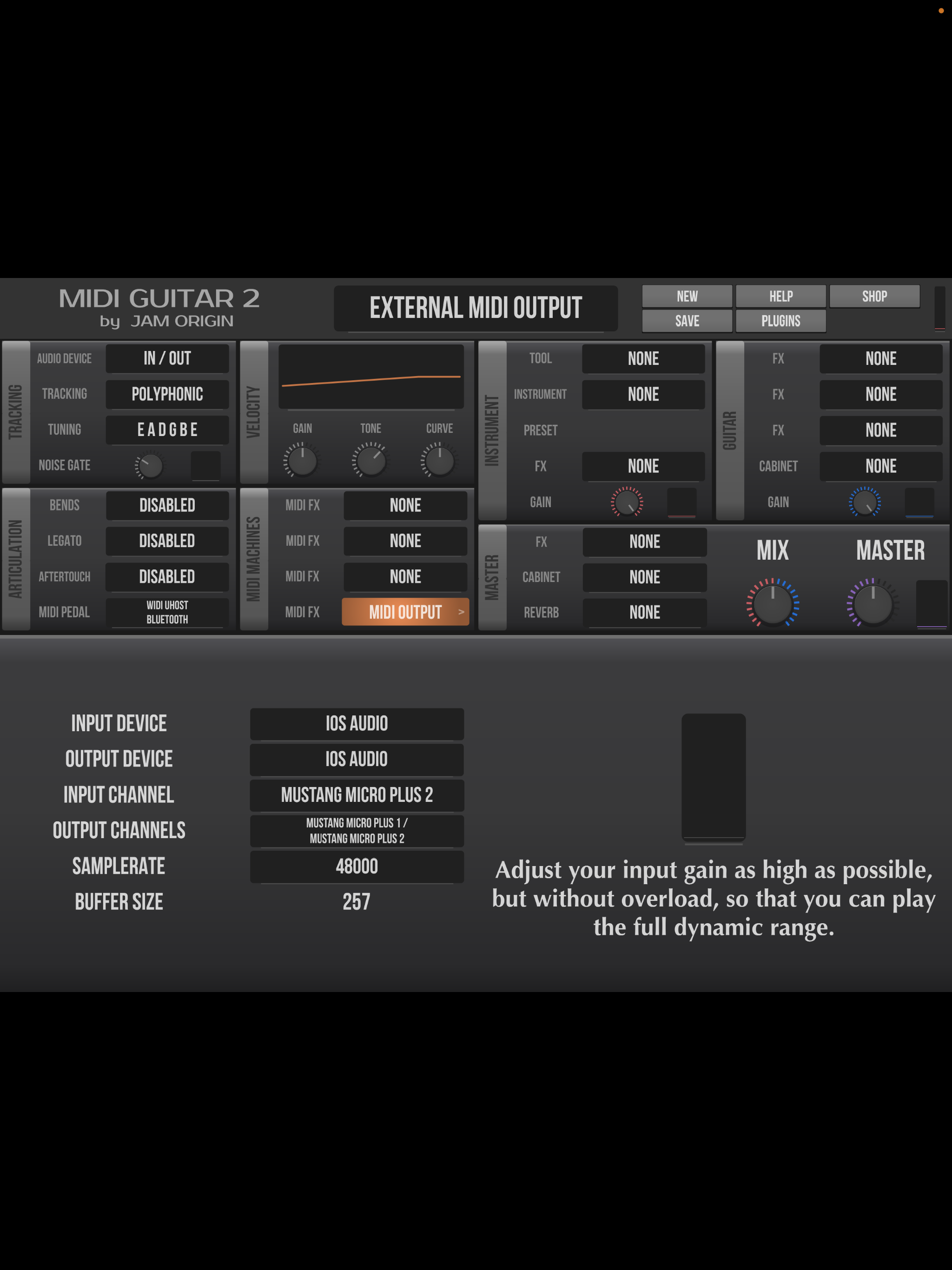
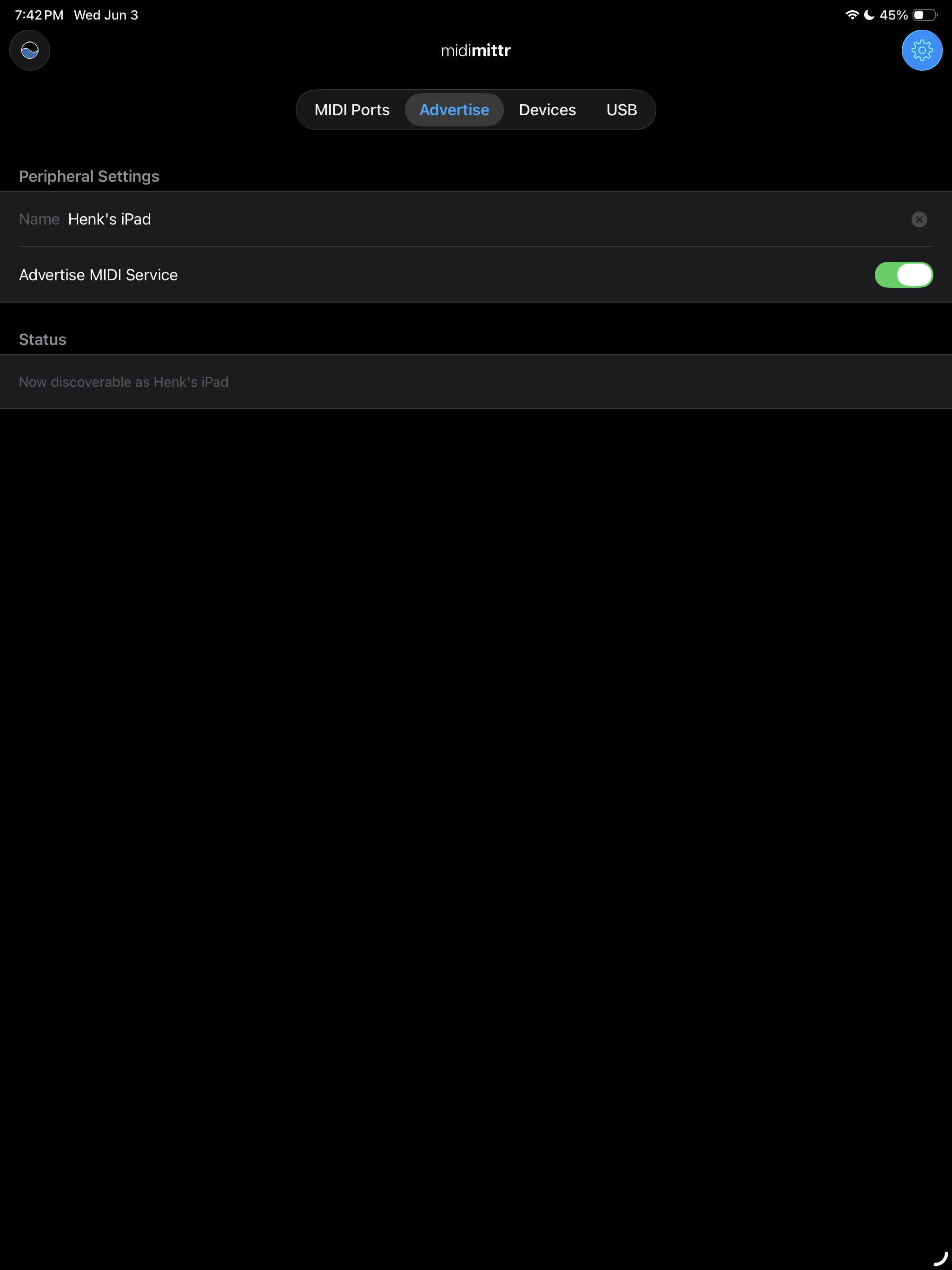
Do these screen captures show where the problem might be with having the breath controller control the velocity?
Well, now I know you are not using the SWAM instrument inside of MG2, and that is a start. Do you have Virtual MIDI enabled in MIDI Output? Click on it and it should say MIDI Output: Virtual MIDI.
You also need to check if that “Virtual MIDI” Is used as a MIDI source in your SWAM instrument. You don’t need to bother with the TEControl breath controller, it is already set up in your SWAM Sax. You don’t need to funnel the breath controller via MG2 here. Just make sure to use all available MIDI in into the SWAM Sax.
Okay it is working now - Thank you for all your help for this newbie. Now I want to optimize my tracking - it’s a bit sluggish, could it be my 5 year old ipad pro? Also I want to disable the portomento. The SWAM sax sounds strange with the portomento. Any, thanks again for all of your help!
Your iPad should work for that. Mine is a 2015, and it is not a problem (but this setup has latency, just so you know). Yes, you should definitely go in and disable portamento: Advanced/MIDI/ Portamento time=0
Thanks LoFileif - Also can you tell me when MG3 is not on the iTunes store for IOS?
Thanks Vaultnaemsae - I’ll check it out.