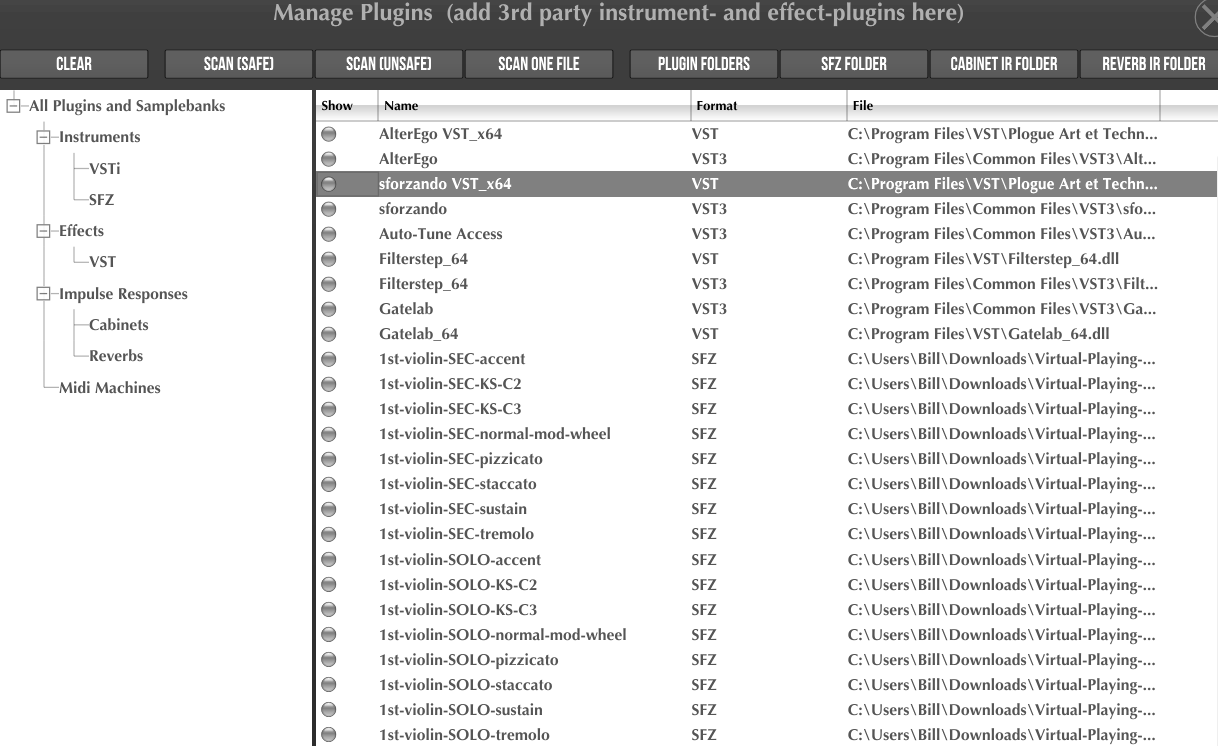
I down loaded a VST instrument pack. I’m able to see it in the VST folder in midi guitar standalone.
When I scan I receive the following error:
When running 32 bit it works. However with 32 or 64 I cannot see the virtual instruments in the patch.
Please help what am I missing?
Thanks!
Scanning: VST_Filterstep_64
Scanning: VST_Gatelab_64
Scanning: VST3_Auto-TuneAccess
Scanning: VST3_Filterstep_64
Scanning: VST3_Gatelab_64
Scanning: VST3_WaveShell1-VST3160_x64
… waiting for plugin to respond… (5 seconds)
… Error: VST3_WaveShell1-VST3160_x64 could not be opened. Are you sure it’s a 64bit plugin? and it’s correctly installed?
Scan Complete!
It looks like you’re using MG2 (64-bit version) on Windows.
The WaveShell1-VST3160_64x plugin or a pack? Is it only this plugin that will not register through the scan?
Confusing. If the plugin hasn’t successfully scanned, how could you see it under the VST menu? If a plugin hasn’t scanned, you will not even have the option to load it.
if so, from memory waves does weird stuff. it puts the dll’s in two different folders.
also there was another weird issue which escapes me at the moment.
what is the name of the instrument you are trying to use? does it work in a daw or other software? if so, check to see which vst folders the daw is using and do a custom scan in mg3 on those.
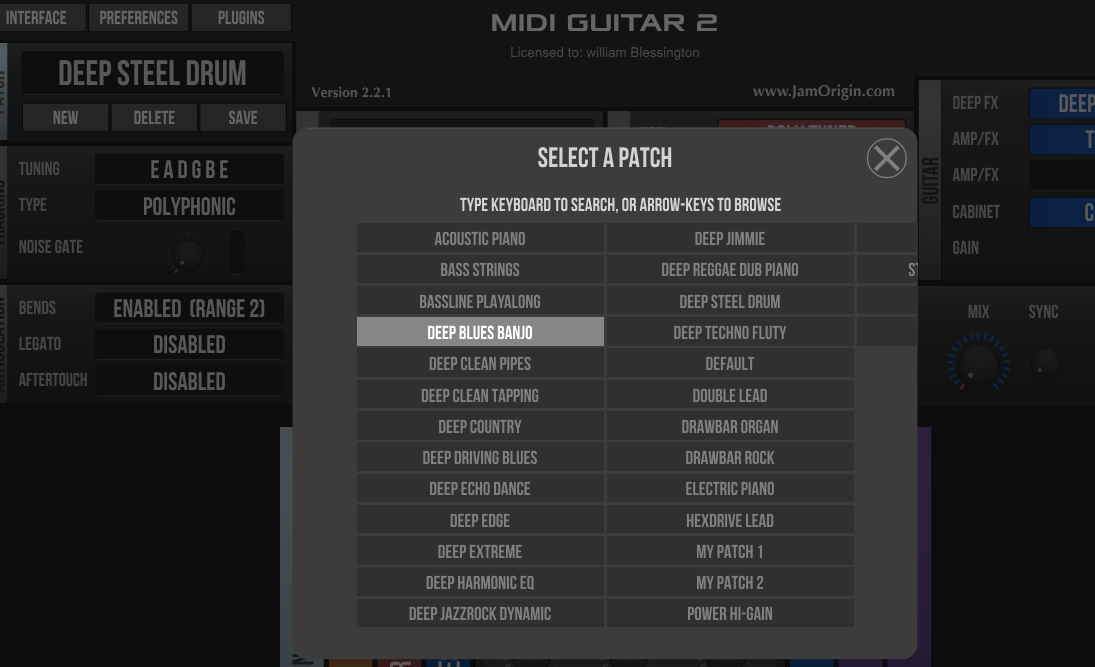
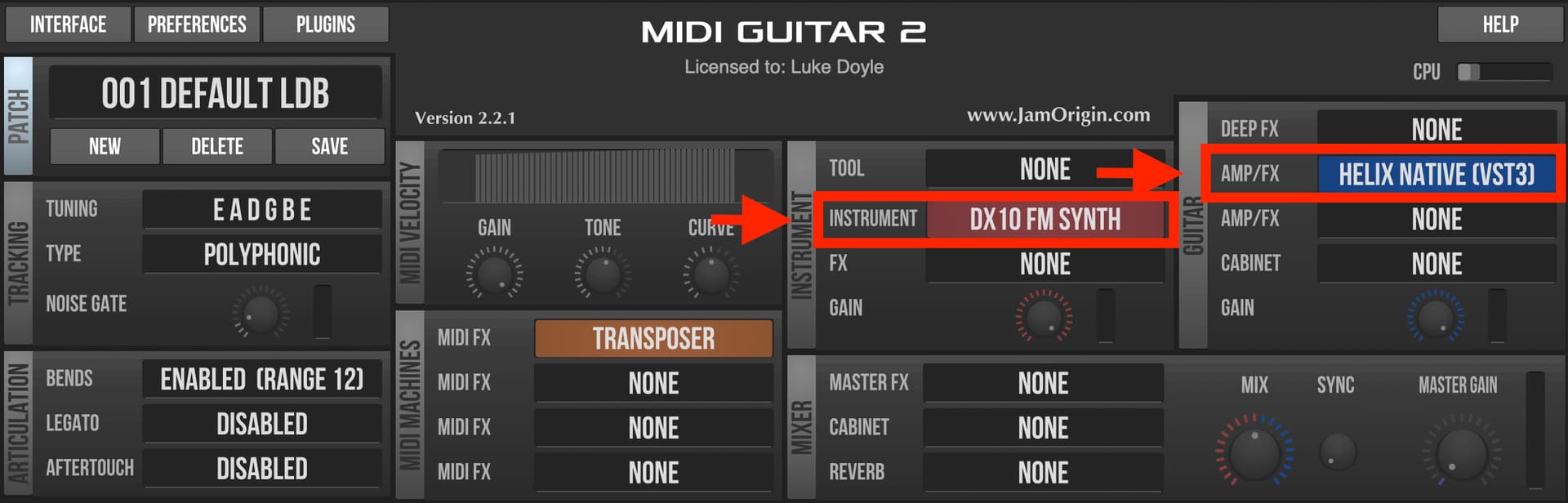
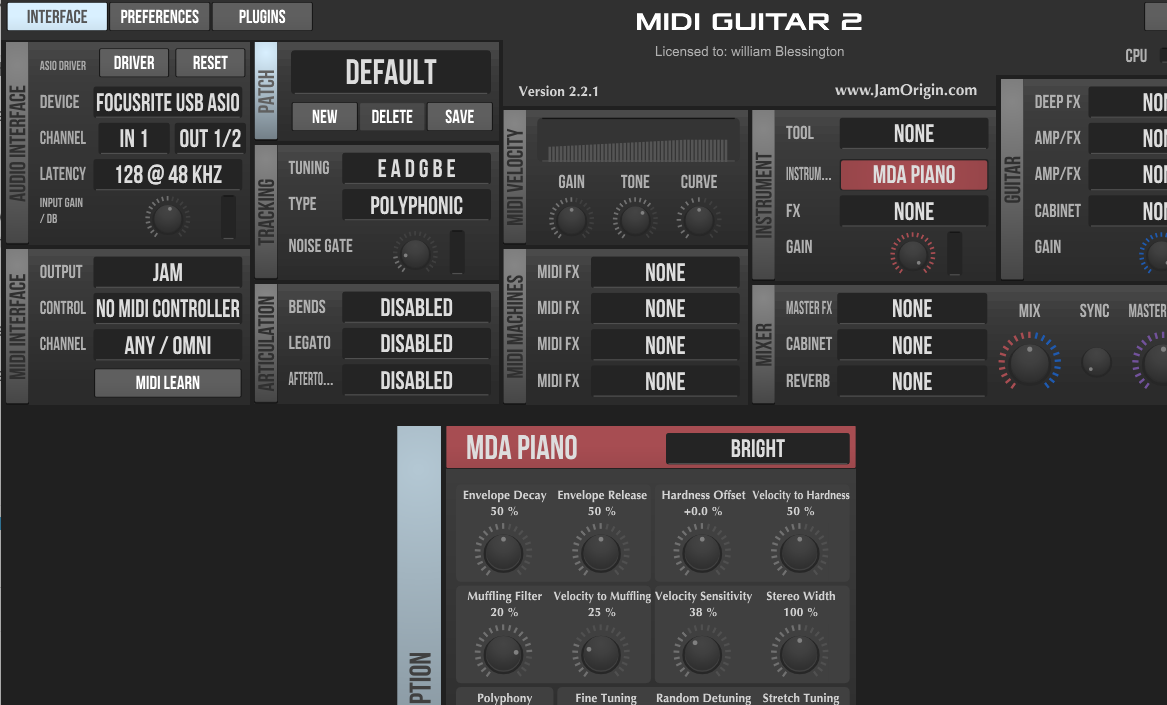
Hi, thank you for the response. I probably need to clarify, from what I was reading I need to load something like Sforzando, once that is in the plug in folder and scanned it should be available as a instrument, I select that and should be able to see the other instruments. Also patches like where the test piano is available.
Maybe this is not correct but it’s what I found… I uploaded 2 additional screen shots. and again many thanks
Also, if you neither address the ensuing questions nor clearly communicate the issue that you are experiencing, it will be very difficult to assist you.
I have the same issue on Mac. Very few third party plugins show up. I’ve also done a complete rescan, but nothing changed. This is true for both the stand-alone and the plug-in version of MG3
In MG2 the only plugins I’ve had issues with are from Native Instruments and it’s always the audio units (AUv2) that fail to scan. However, whenever an AUv2 fails, typically the VST2 or VST3 version will scan correctly.
And, of course, in MG2 AUv3 plugins will not scan – but that should be obvious.
FWIW, Sforzando works as a VST3 and an Audio Unit in MG2 on macOS (15.6). I didn’t test VST2, but I have no reason to believe it would fail if the others work. Perhaps Windows users can chime in on it.
Both the software and the forum (as a place of sharing information/experiences to help one another) work well for other users. If you decide to come back to it and can form a clear description of the issue that you’re experiencing, I’m sure somebody here will be able to help you. Good luck.
As previously stated this forum is not appropriate doesn’t appear to have that level of expertise. Company support should be engaged but apparently deflect questions.
Honestly, I still don’t understand your problem or what you’re trying to do. In the subject line, you write about MG2 Standalone and later something about your DAWs. You’re looking for instruments in the patch list and you claim to “see” things that aren’t visible in the attached screenshots. Do you want to load “something like Sforzando” or something else?
That we can’t help is probably not due to a lack of expertise in this forum, but rather that you’re not getting to the point.