For anyone interested in the power-couple MIDI Guitar 2/SWAM instruments. Here is a detailed walkthrough showcasing the (new) places and settings to look at for getting the most out of the setup.
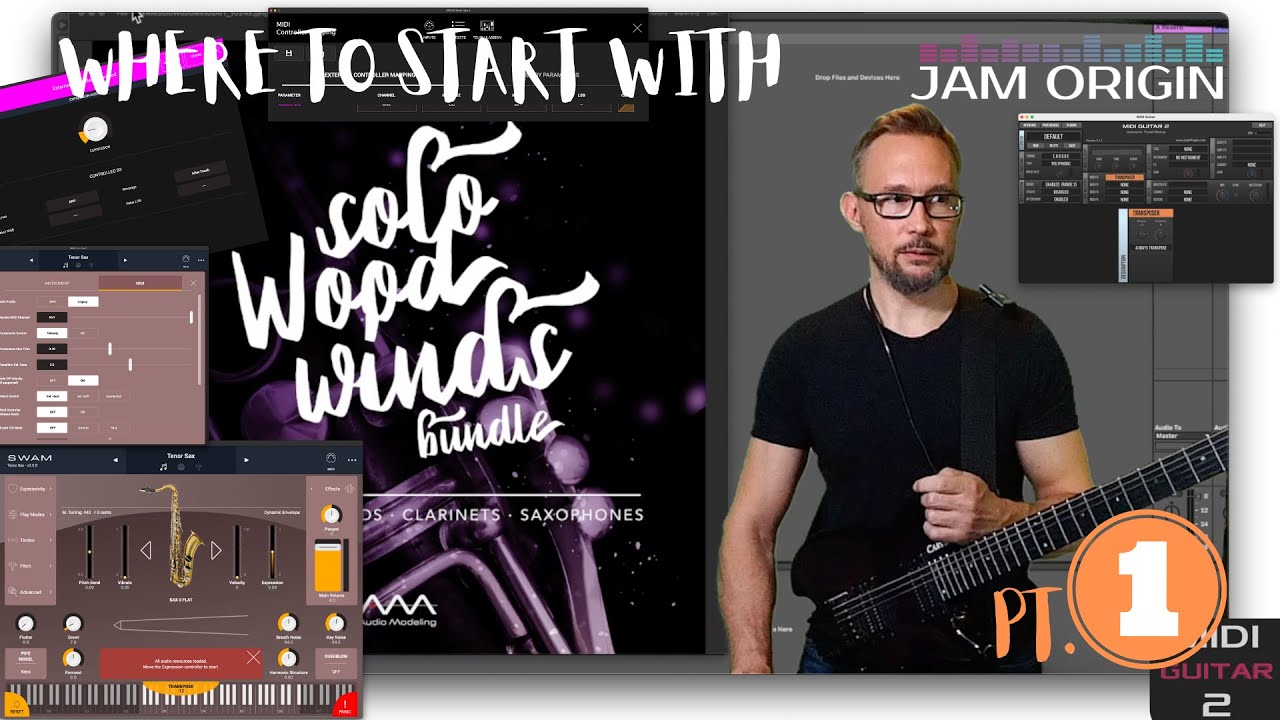

For anyone interested in the power-couple MIDI Guitar 2/SWAM instruments. Here is a detailed walkthrough showcasing the (new) places and settings to look at for getting the most out of the setup.
Here is another clear and very instructive lesson!
Thank you for all these details and precisions which will certainly help those who want to learn the playing technique of swam instruments and of course those who want to discover the new features and changes of this release.
And congratulations for the final demo, one more cherry to add on the cake 
Hey, you made it all the way! Kudos! And thanks a lot for those kind remarks! 

I just got a few SWAM 3 strings (Cello, Violin, Viola, Double Bass). Downloaded your presets for Midi Guitar 2 with SWAM woodwinds, wondering if you have any guidance for strings w/Midi Guitar 3. Thanks.
I haven’t done any dedicated video on the SWAM strings and MG3 combo (yet). Auddio Modeling are just now betatesting some parameterupdates (stuff like bow pressure, IRs and playabitlity improvement for softer dynamic). Maybe I get a reason to do a new video going into some of that. But what I would really hope for is that Audio Modeling revisit the MPE capabilities and allow for a polyphonic implementation beyond the duophonic interpretation they use now. It would really mean a lot for us guitarplayers if we could play a triplestop and/or slide multiple notes in different directions.
If that were to happen I would feel really motivated to make anther video. 
Just this last weekend, after having last week re-reviewed this video and also @LoFiLeiF’s two-part “things you need to know” and the “MPE for guitar” deep dive, I feel like I really “unlocked” the SWAM Cello and Double Bass, at least for what I am trying to do. (For me, all three of those resources have been essential!)
As I start to apply this thinking to the sound engine and MIDI mapping presets in the SWAM woodwinds and strings that I have (and I’m all on iOS, if that matters), I’m feeling a little more comfortable articulating the most important knobs to twiddle. If you’ll allow for me being both new to a lot of this landscape and certainly capable of missing something obvious, I’ll try to summarize what I think are the most important bits: For the sound engine:

You may sense that the above aligns with what the video on this post discusses and that’s absolutely intended. The improvement in “connectedness” with the controller and thus the instrument, before and after making these setting changes over the defaults, is pretty massive.
For MIDI mappings, I cleared everything out of the table and started from scratch. The biggest choice is how you want to implement Expression. Not having a breath controller, I experimented with mapping Expression directly to a foot pedal and using AfterTouch, and in the end…I did both. In SWAM, I’ve mapped Expression to AfterTouch with a custom curve, which accepts a full 0-127 input but maps that to a 20-100 output range, with 50% Symmetry and 15% Shape. On the MG3 side, I have the Dynamics module set to max for Hold Pressure; MIDI Out is set to send AfterTouch, and the Pressure dial is mapped to a Modulator for Pressure, with my CC11 foot pedal connected to the Modulator’s “max” handle.
From here, depending on a bunch of things like your guitar’s output, audio interface, how you play, etc., you can then play with other MG3 settings like the Dynamics Compressor (mine’s at about 50%) and a custom curve on the Pressure-connected foot pedal, to get the right balance of touch sensitivity while playing. Mine is set up so that I can control both Velocity and Expression, on both the upper and lower ends of what sounds like a good, rich dynamic range, just by varying my playing and position of the pedal. And once you get a note going (that maxed Hold Pressure is key to getting around the guitar’s quick decay, and it works wonderfully), you can vary the ongoing Pressure with the foot pedal very effectively. (It’s intoxicating to be able to get a note going, then kiss off a second note a fifth above, and quick-swell the pedal right as you stop the note. The resonant sound of the bow lifting off the string is just lovely.)
Anyway, I think that with these things lined up, you should be able to start truly experimenting with the sound engine, and with other things you might want to control. Right now, for example, I’ve also got both Bow Pressure and Bow Noise tied to CC messages (in the SWAM MIDI mappings table) that I send into the MG3 MIDI Out module from different Wobble modulators. I’ve also (in SWAM) got CC74 tied to the Timbre > Source > Open Strings setting, with a linear curve; and also tied to the Expressivity > Bow/Pizz Position, but with a reverse linear curve. On the MG3 side I’m sending Brightness into CC74 on the MIDI Out module. (I’m doing it with a Modulator since I’ve already got a module there for my Wobbles and Pressure, but you could also send Brightness straight from the Patchbay if you wanted.)
None of this is in stone, but so far I’m really happy with where I’ve landed. Doubtless I’ll experiment with other settings from this point, but I think I understand things well enough now that twiddling other knobs in the Sound Engine won’t be (as) limited by some settings actively (but unintentionally) competing with the expressive data coming from MG3.
SHARE PRESETS? I’ve never tried sharing a preset here, but I am happy to do so if I can. The forum engine does not seem to want to permit the .SWAM file extension, but if I won’t violate any rules by doing it, I could always just arbitrarily rename the files with an allowed extension, and people wanting to use it can just remove that extra extension after downloading.
Wow man, you have already been so generous with information. I really appreciate it, I would very much love if you were down to share your presets because it sounds like you are way more familiar with this than I am, and I suspect I would learn more quickly (or at least least have way better results) by fiddling with those than if I try to build from the ground up. Definitely can follow the instructions you mentioned in terms of changing file names but also if it’s at all easier, my email is just my username here at gmail. No pressure but obviously would certainly appreciate it.
Best,
Mike
I’ll be happy to do that, when I get back to the device where I stashed those…you know, locally. (he says sheepishly, in the age of cloud storage)
In the meantime, I’m just curious: are you on desktop (Windows or Mac) or are you on iOS, for your use of SWAM instruments? (I think the UI is very much the same in both formats, but just in case it’d be useful to know. I myself am on iOS, mostly because I was able to afford the iOS versions on sale!  )
)
I’m in the exact same boat as you (also because I mostly use loopy pro as my performance surface/DAW, so until they make the leap to desktop I center most of my tools around iOS).
I haven’t used Loopy Pro before, but I have become pretty smitten with AUM Mixer for my plugin host on iOS, and the Circa looping plugin is right up my alley for doing what I want to do…
Okay, I tried sending the presets, along with a tidbit that if you’re on iOS specifically you’ll want to know about. 