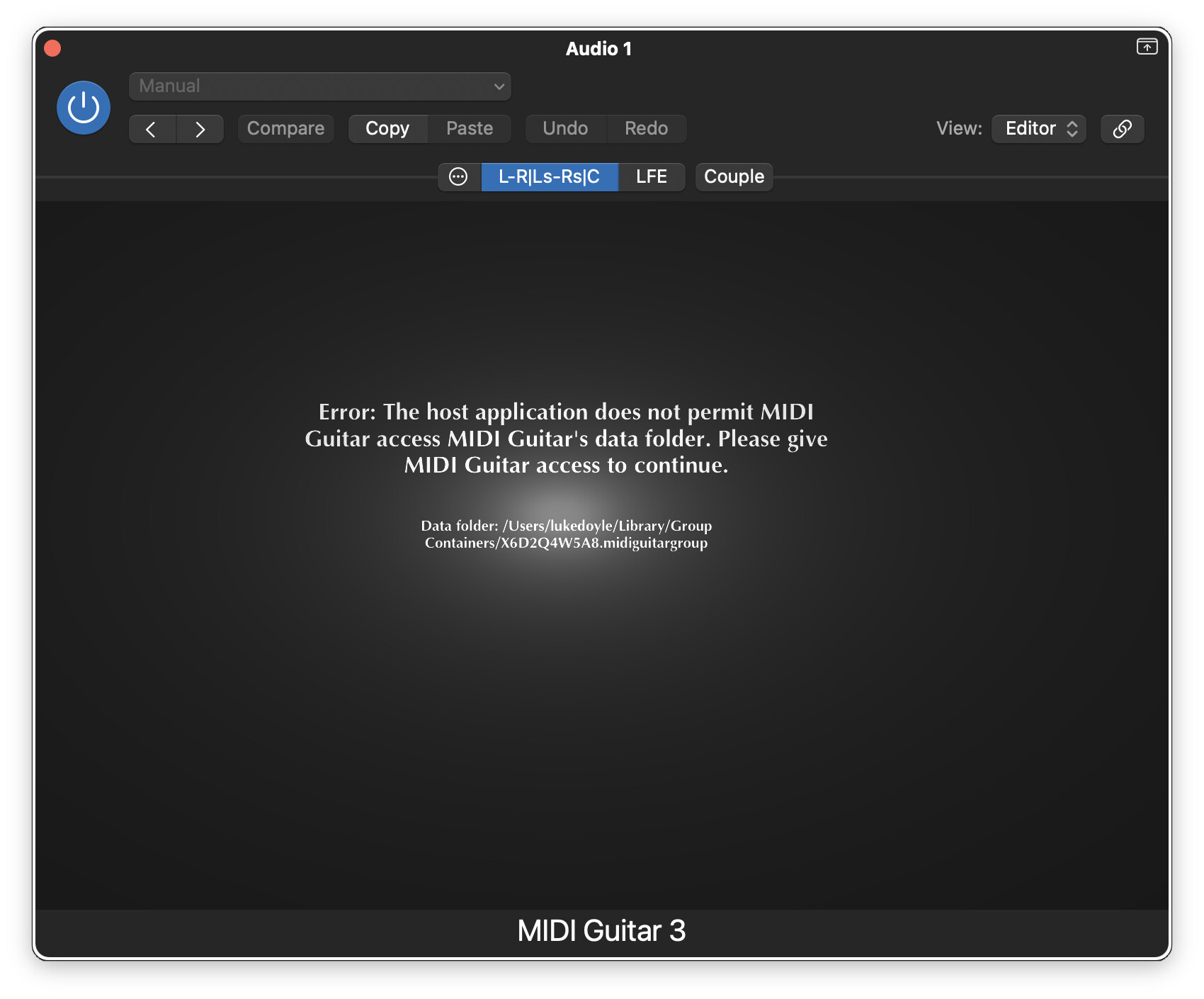
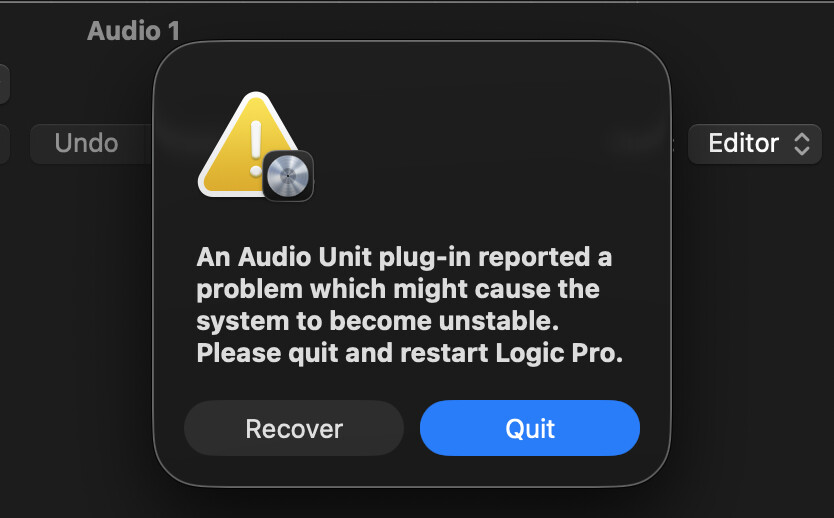
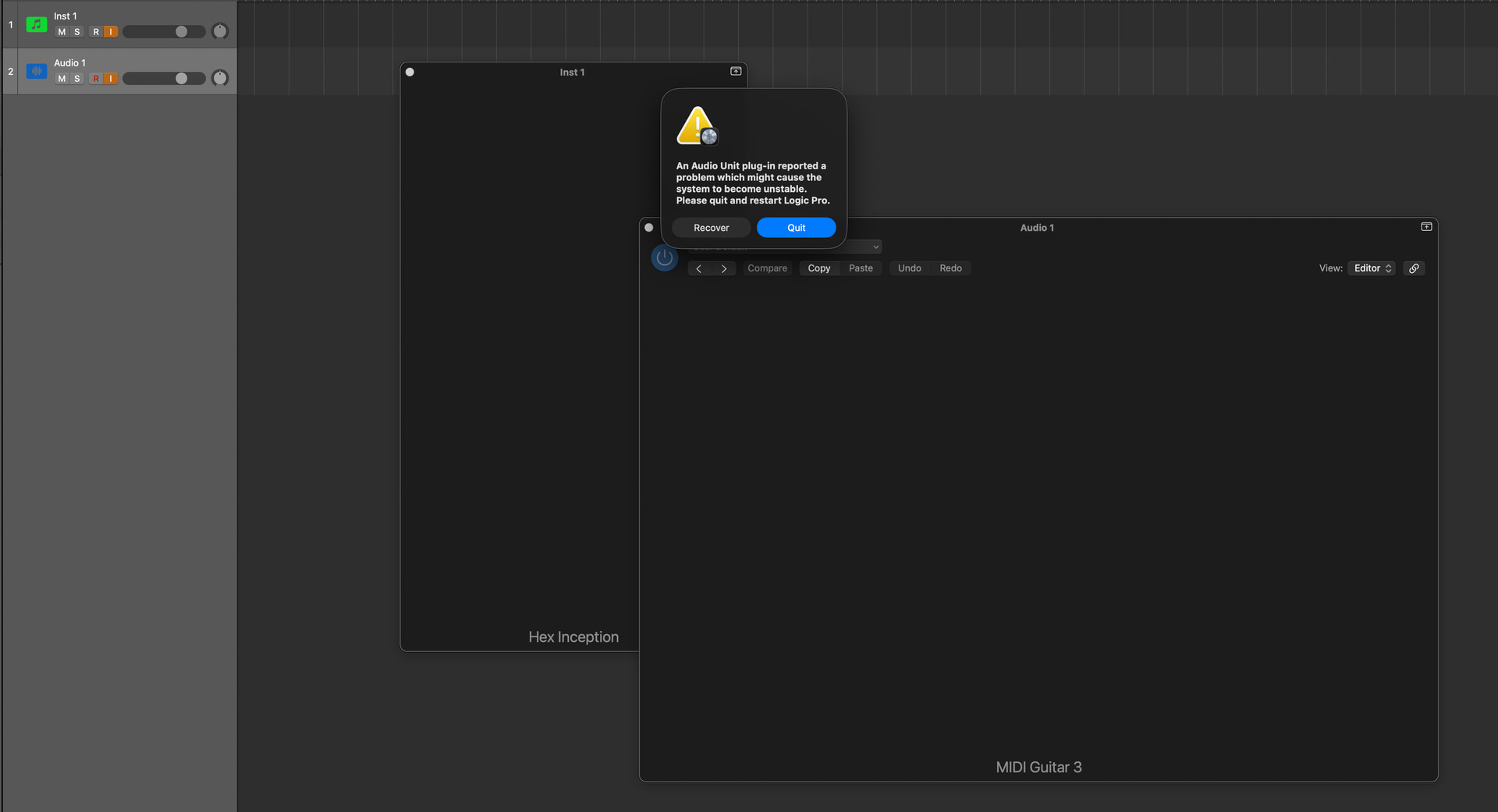
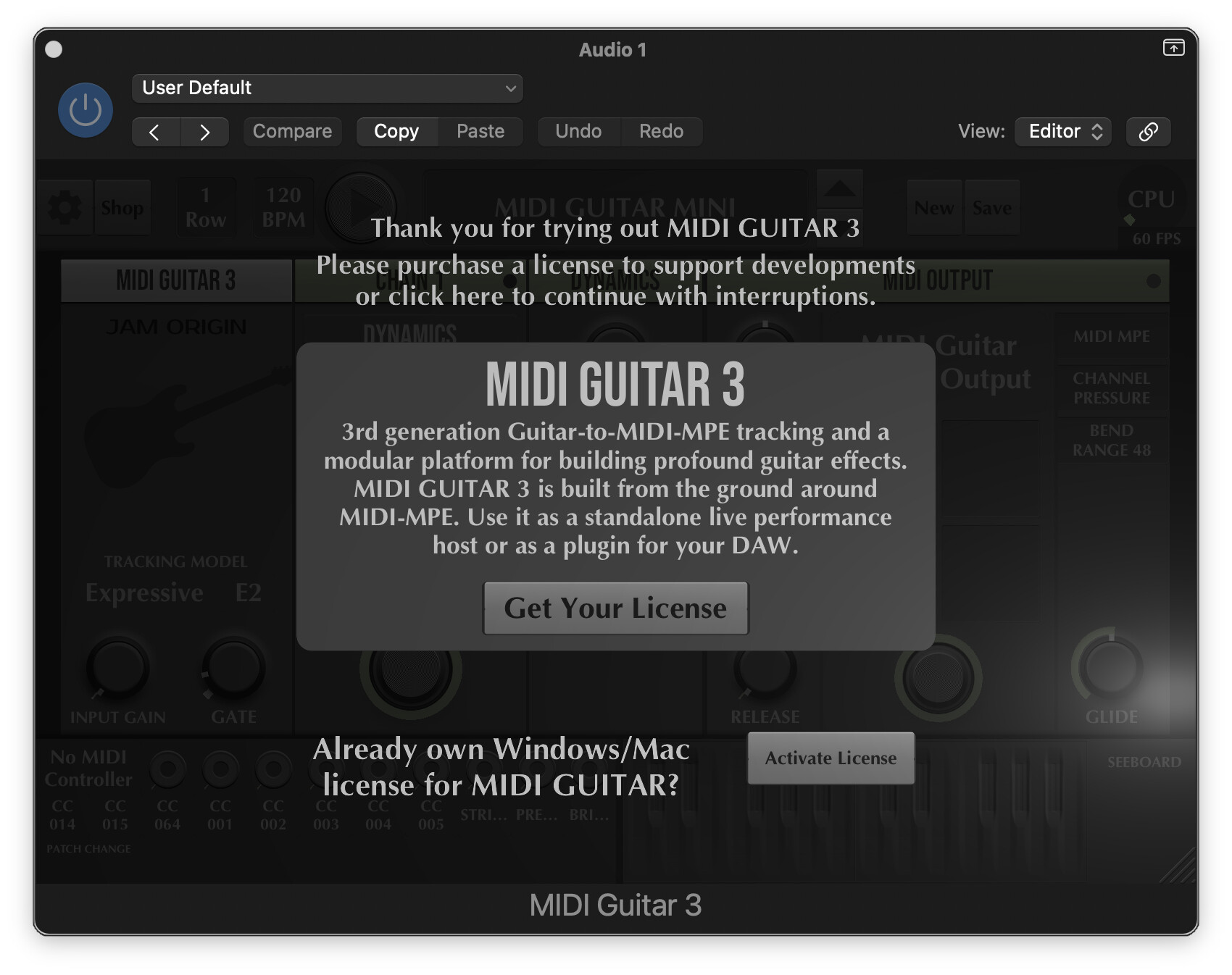
Does anybody know how to fix this error message seen in Logic?
It appeared for the first time when I tried to test a 5.1 surround six-channel config with the hex tracker using the AUv2. I have since changed back to a regular mono input, but this error message persists. EDIT: There was no correlation with surround, but rather with Logic Pro and a macOS 26 updates.
Full disk access has been granted to the host and the standalone app. The AUv2 opens in other hosts, no problem.
Strangely, some old projects with the MG3 plug-in will load correctly, some of the time but others won’t. It’s rather unpredictable.
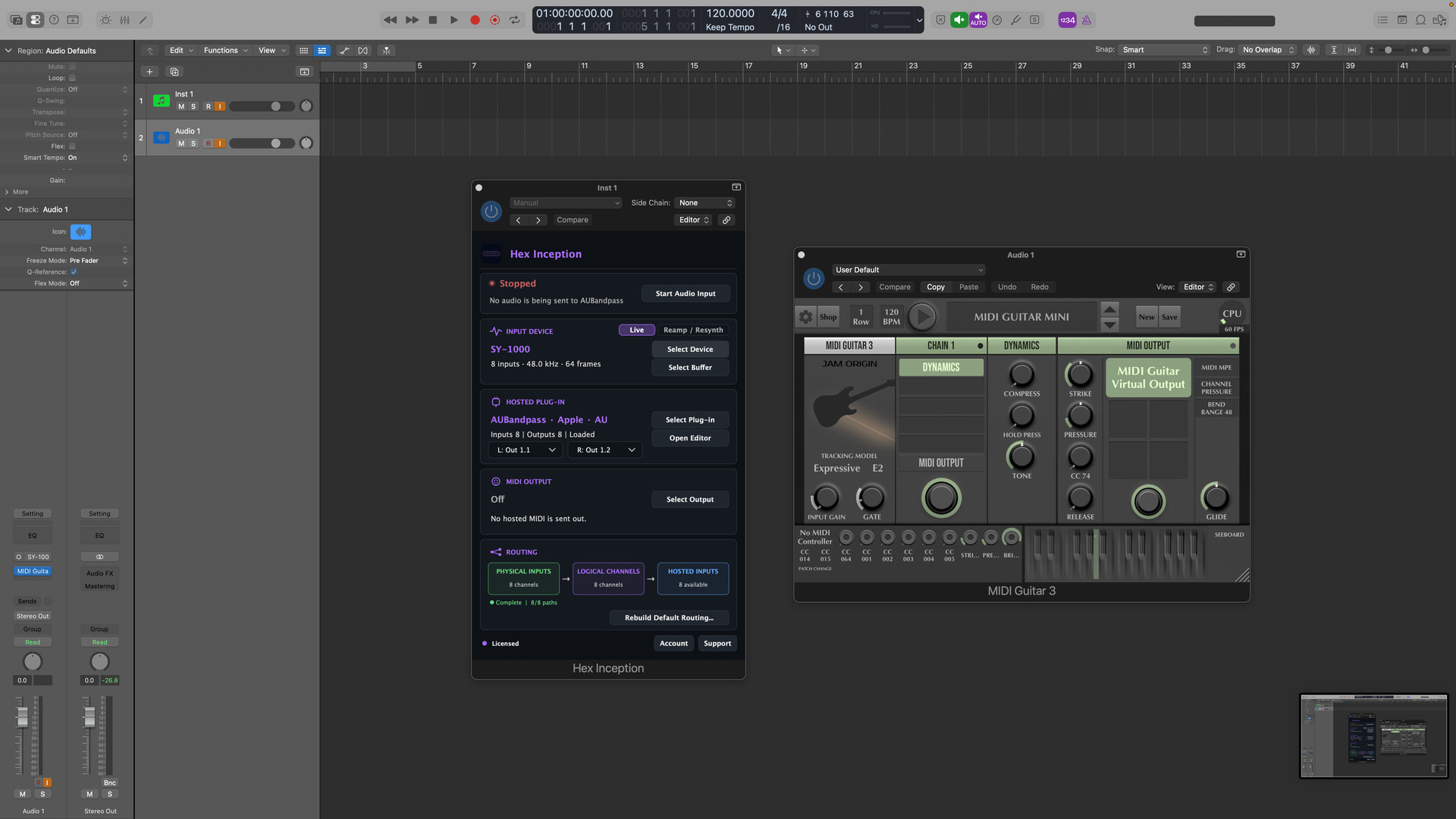
Hex Inception must already be present (not active) when Logic creates MG3’s hosting environment, and removing it withdraws the broader filesystem access that MG3 is relying on.
I have not reproduced this MG3 AUv2 failure in any other macOS host; it currently appears limited to Logic Pro. However, because the problem emerged during Hex Inception development — and Hex Inception’s sandbox declaration directly determines whether MG3 can open — I suspect my plug-in or my recent sub-hosting tests may have created or exposed this state in Logic. I’m reporting it because I need help understanding what my implementation may be doing to Logic’s AU hosting environment, not because I’m assuming there is a defect in MG3.
Aha! Thank you for this detective work. This is something that puzzled me for a long time and related to various issues with plug-ins inside plug-ins. I will try to make some test with other entitlements to see I’d that change anything.
I have the same problems with MIDI Guitar 3 in Logic and yesterday the pop-up screen appeared that I’m using the trial version of MIDI Guitar, which is not true. I paid for it.
I think that the problem started with the latest mac update(last week)and i hardly use any otherDAWs so I don’t know about that.For now I use it in the sandbox way which I don’t prefer buts it’s usable.
Me too. I personally didn’t use Logic very much up until recently. I have tested various plug-ins in it over the years though, and I don’t recall having these exact problems in the past.
run MG3 (AUv2 or VST3) hosted inside Hex Inception (my unreleased app) – Only Hex tracker works in this method.
run MG3 (AUv2 or VST3) hosted inside Blue Cat Audio’s PatchWork – Standard tracker works in this method.
if I have my own plug-in loaded, I can also load MG3 in Logic Pro on a different track and it somehow carries over/bypasses the permission settings. But, giving MG3 an audio input triggers initially does this, see screenshot.
I have been running some tests and MGs data folder (which is a so called App Group) used to store data and also share data among plug-ins and apps, is no longer accessible from within Logic on Tahoe 26.1.
Unfortunately we will have to migrate the data folder into ~/Library/Application Support in the upcoming update.
That would be great,I tried to change it inside Tahoe but I chickened out.
For now my solution is:first open Logic choose 3 instrument tracks and give them midi channel input 1,2,3.Then open de standalone version of MG3 with 3 channels and 3 midi outputs with also midi channel 1,2 and 3 .This is for the Hex version where you can do you’re channelsplits give the bass a different note for drone notes and so on.In the normal version you only need 1 midi output.
I work with a break out box with 6 channels and a Kemper(via sp diff) for the guitar channel.
I’ll make an update soon, within 3 days. There are a lot of new features that are not well tested though, so let’s keep it unofficial here on the forum.
My sincerest (unofficial) thanks man. Managed to prevent the issue from happening for the time being by placing a Neural DSP plugin on a track first, then adding GTM and removing the initial plugin.
I was spending days on this, and making all sorts of workarounds, but nothing really made sense.
Logic needs that “Logic would like to access data from other apps” security dialog for plugins to access files, but for some reason this dialog doesn’t pop up when loaning MG. It does with most other plugins. This is because MG use an “App Group” to store data, whereas most plugin use the ~/Library/Application Support/. Using the “App Group” is preferable, because of security/sandboxing and sharing data among plugins, so we’d like to keep it that way, but make Logic ask for permission to access files. Im not sure whether that is a deliberate decision by Apple, or it will be fixed in the next Mac update, but ill try to add a workaround.