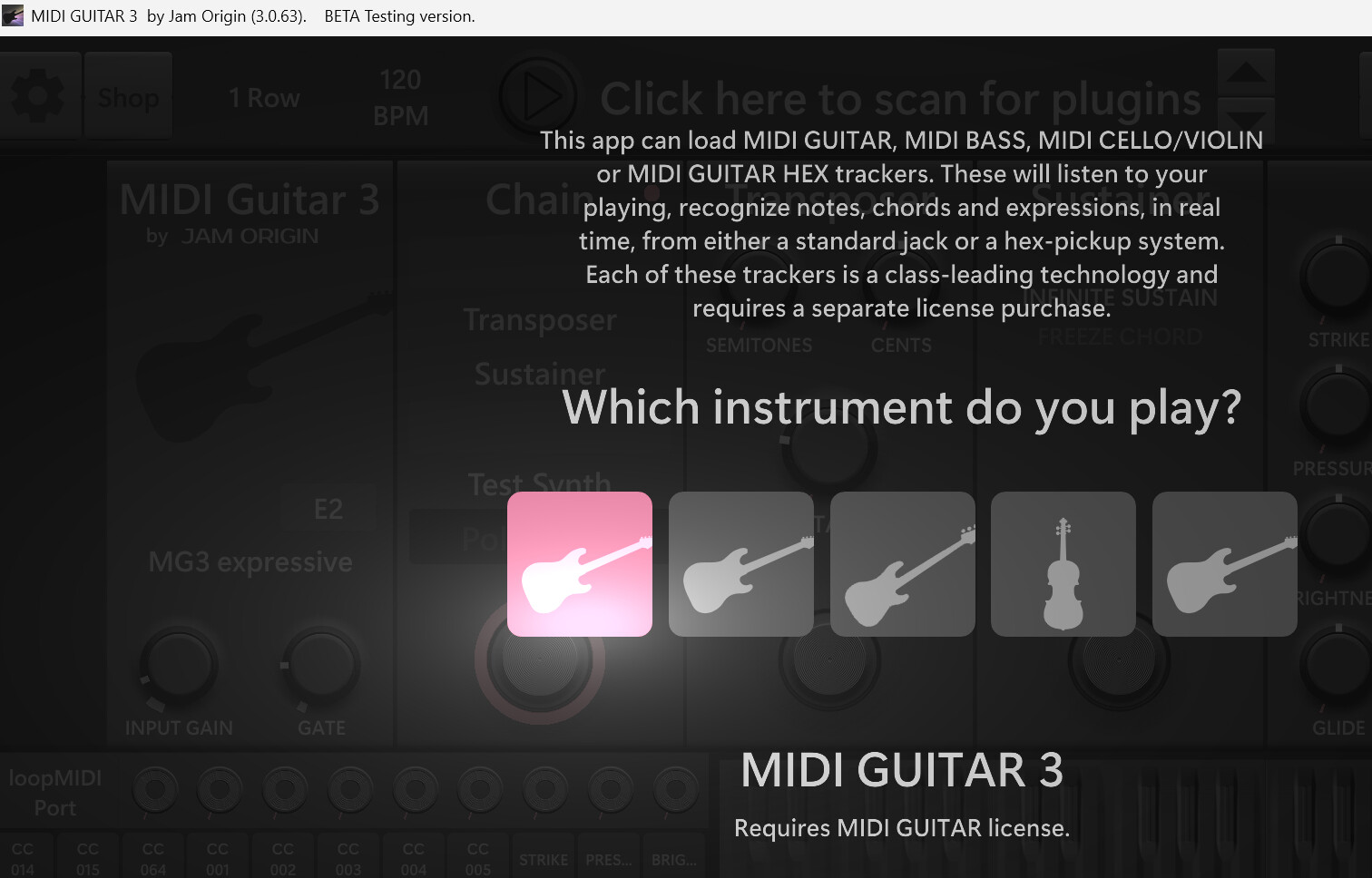
i cant find the topic here & i cant get more than 2 vague replies from the developer over the course of several months.
i have studio one, on windows, with a focusrite as interface.
i want to use my guitar to record midi data, but i want to hear my original guitar tone.
im only able to hear anything if i choose an mg2 instrument, if i dont choose an instrument, audio disappears but midi still records & bus meters still respond.
i bought studio one partly because i thought the issue was with the free daws i was trying (reaper, cakewalk, then studio one demo, then cubase demo), so i figured it must be my chain or a setting im missing.
i didnt realize mg3 was already out, ill try that one instead.
does mg2 have anything that mg3 lacks? just want to keep storage efficient. is the idea that 2 instances of mg3 is not possible so mg2 can be used as a secondary?
thanks for the quick replies btw, a conversation is so much help for me (& maybe others searching in the future).
ok just an update. i am still extremely frustrated.
i am now using mg3, & i found a bypass button up top at the left next to the activate button, when pressed i can hear my dry signal from my initial direct guitar track, but it wont send anything at all to the instrument track made to record midi simultaneously.
i tried switching bypass on off, nothing sends either way. the activate button doesnt seem to do anything. i tried switching from midi mpe to midi legacy and multi channel, doesnt seem to make a difference.
i tried adding an instrument plugin to the instrument track & muting it, but the entire track gets zero input at all. even mg2 would at least record the midi data, but i couldnt get ittoo record without using an instrument from inside the plugin interface. mg3 wont recognize or find any of my available instruments.
i tried assigning mg3 to only the audio track, then only the instrument track, then both, with no effect.
i tried setting the audio track input as default, then as mg3 midi channel 1, then all input, still no registered input while the audio track has direct input & records fine.
google ai searches keep asking me about an orange dot indicator for midi recognition in studio one 7 pro but i only see blue or green meter bars. it also asks me to set up mg3 as an external device but there is no option for it under the ‘receive from’ dropdown menu when trying to add it.
at this point i feel like im coding in binary or something, how is this not just like 2 buttons to set up?
i tried going into mg3/settings/log troubleshoot: & it says over & over-
“Dedicated Input Device Underflow”
still zero coming out of mg3.
thats all i can figure out so far, i think ill reinstall mg2 & see what, if anything, was different.
i tried reinstalling mg2 & now im having the same symptom as with mg3. i couldve sworn i had some midi notes show up a few months ago, & i was able to see my available instrument vsts in mg2 unlike mg3, but i cant think of anything thats different now. the only thing i wanted to change was bypassing the digital plugin instrument vsts sounds for a dry signal.
I saw a video on here of someone installing the AU version of mg3 on the older version of studio one, which wasnt in my download, but they had midiguitar showup in their external audio device ‘receive from’ menu, just like google was asking me about. nothing at all shows up in that menu for me.
i tried changing the buffer rate rate but it doesnt seem to make any difference. im totally at a loss again.
As far as I understand, you’re using Windows. AUs are exclusively for Mac. It seems to me you first need to familiarize yourself with your chosen DAW. I could help you with all the other DAWs you mentioned, but not with Studio One.
if you must use studio one, then @Dutti67 ‘s tip is the way to go.
track 1 will be your monitoring track. its input will be the guitar signal.
track 2 will be your mg3 track. its input will also be the guitar signal.
track 3 will be your midi track. its input will be mg3 on track 2.
i’m not familiar with studio one, so i can’t provide any further details re: routing.
in general this technique should work with any of the daw’s you mentioned.
if you have any experience with any other daw then it may be better to use that instead of trying to learn studio one at the same time as you learn mg3.
reaper is possibly a better choice in terms of getting advice here.
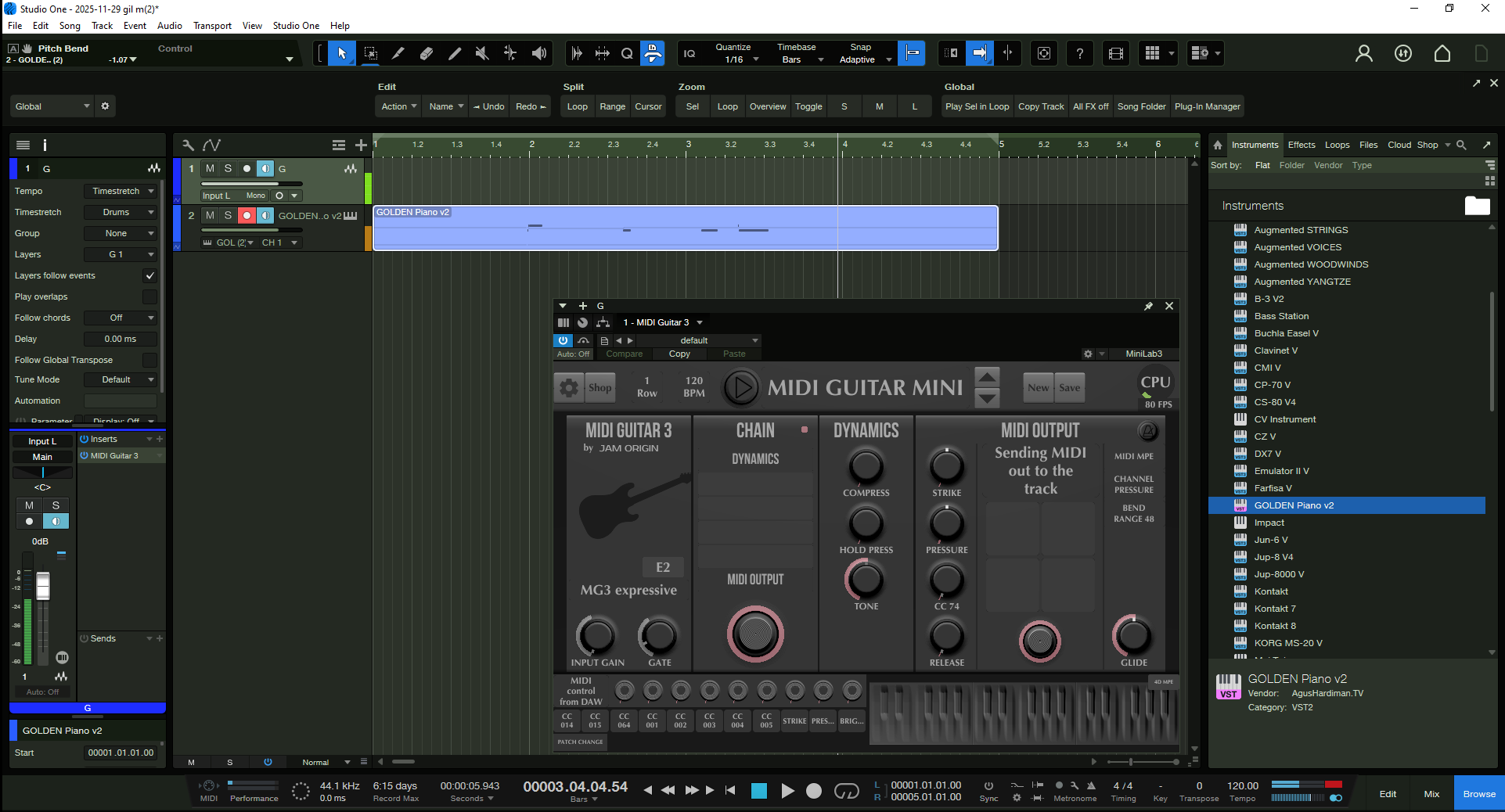
I changed the input midi channel on the instrument track from channel 1 to channel 2 & got literally 4 notes of midi data to come out, got excited, screenshot it, then it stopped working before i could do anything else…..FML.