
when i figure it out, i can dish out that advice thats lacking right now.
future studio one users will appreciate your notes.
this is also a setup question which should be posted to the presonus forum. there will be studio one experts there. there are none here.
I just tried the x3 track method, if i understood it correctly..
i made a mono audio track with no plugins, then another mono audio track with mg3, then an instrument track with a random instrument vst with input mg3/midi channel 2.
i forgot to record the monitor track in the previous post, but what i was trying to show was that playing a staccato line, only like 3% of the hit notes registered in mg3 & appeared as midi data:
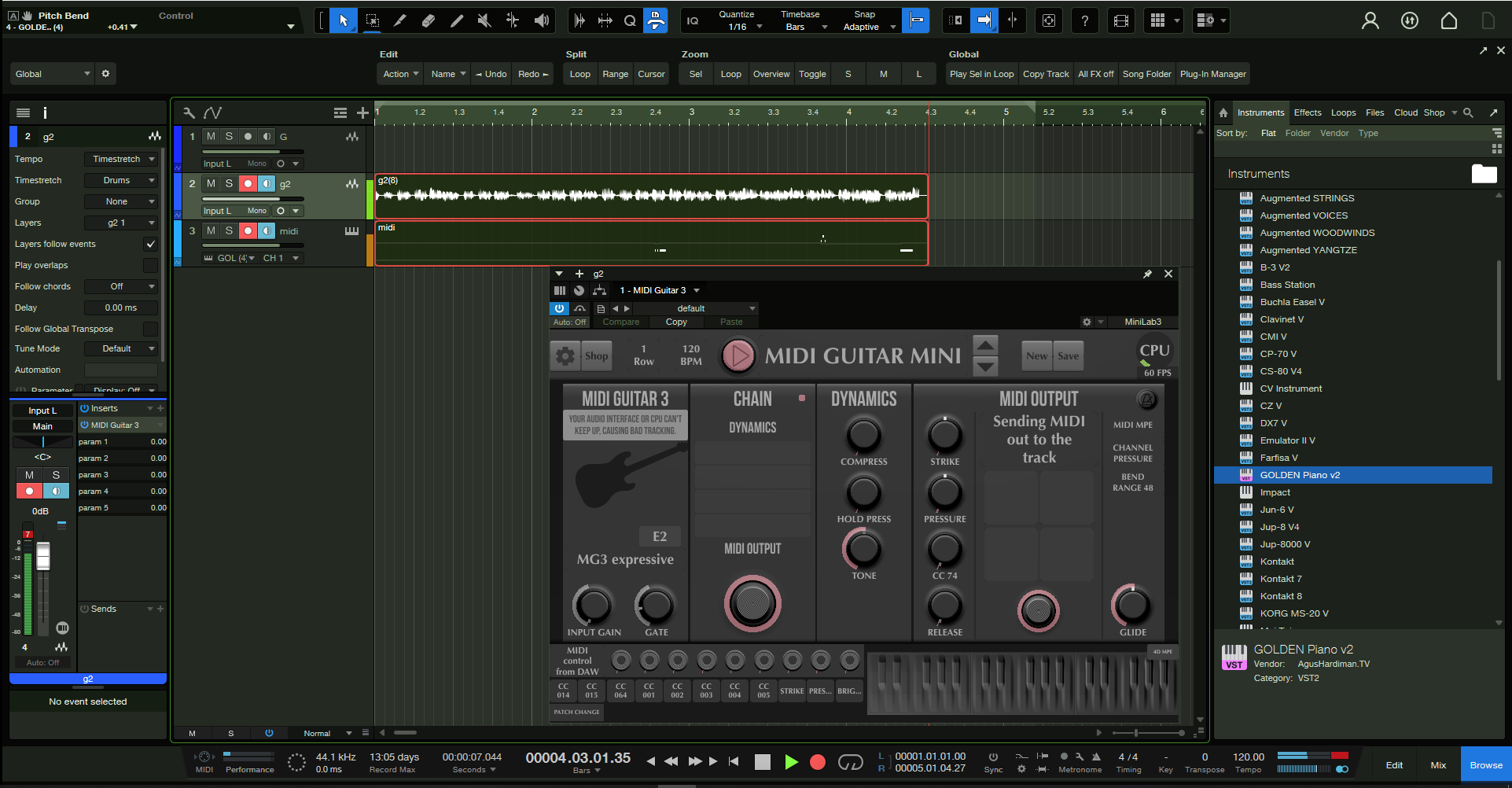
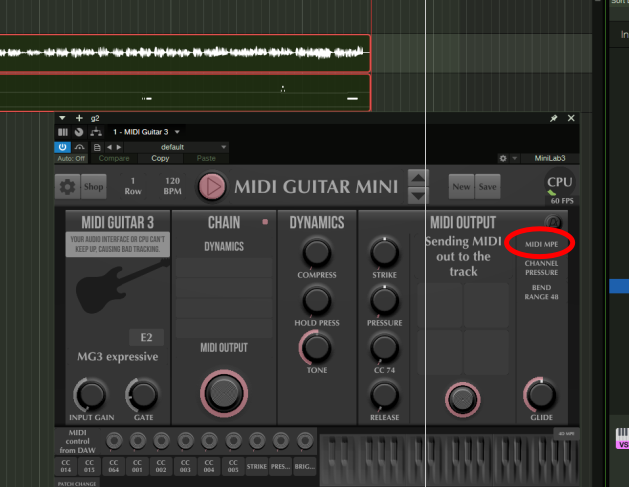
this is probably an mpe issue.
i think studio one does not handle mpe yet.
try to change midi mpe to midi 1.0.
for posterity: im on an i5-9500, 32gb ram.
I tried switching to legacy 1.0 from mpe again now that we know the channel 2 on midi does something, but the limited activity there was with mpe disappears with legacy or multichannel.
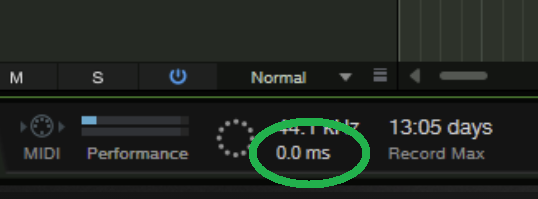
i tried changing the audio interface buffer from 64 to 128 to 80 to 120 to 32 & 160, but i did not see any change at all in that 0.0ms value you guys pointed out. Theres also a little CPU wheel meter on the top right corner of the mg3 plugin that always hovers around 60fps with a little flicker of green, it looks like a bus meter without enough gain, is that supposed to tell when your pc cpu is overloaded? if it is, then it looks under capacity.
I read somewhere else that its good to change the reduction level value from 50% to 0% under the automation tab in advanced settings, but i didnt notice any change.
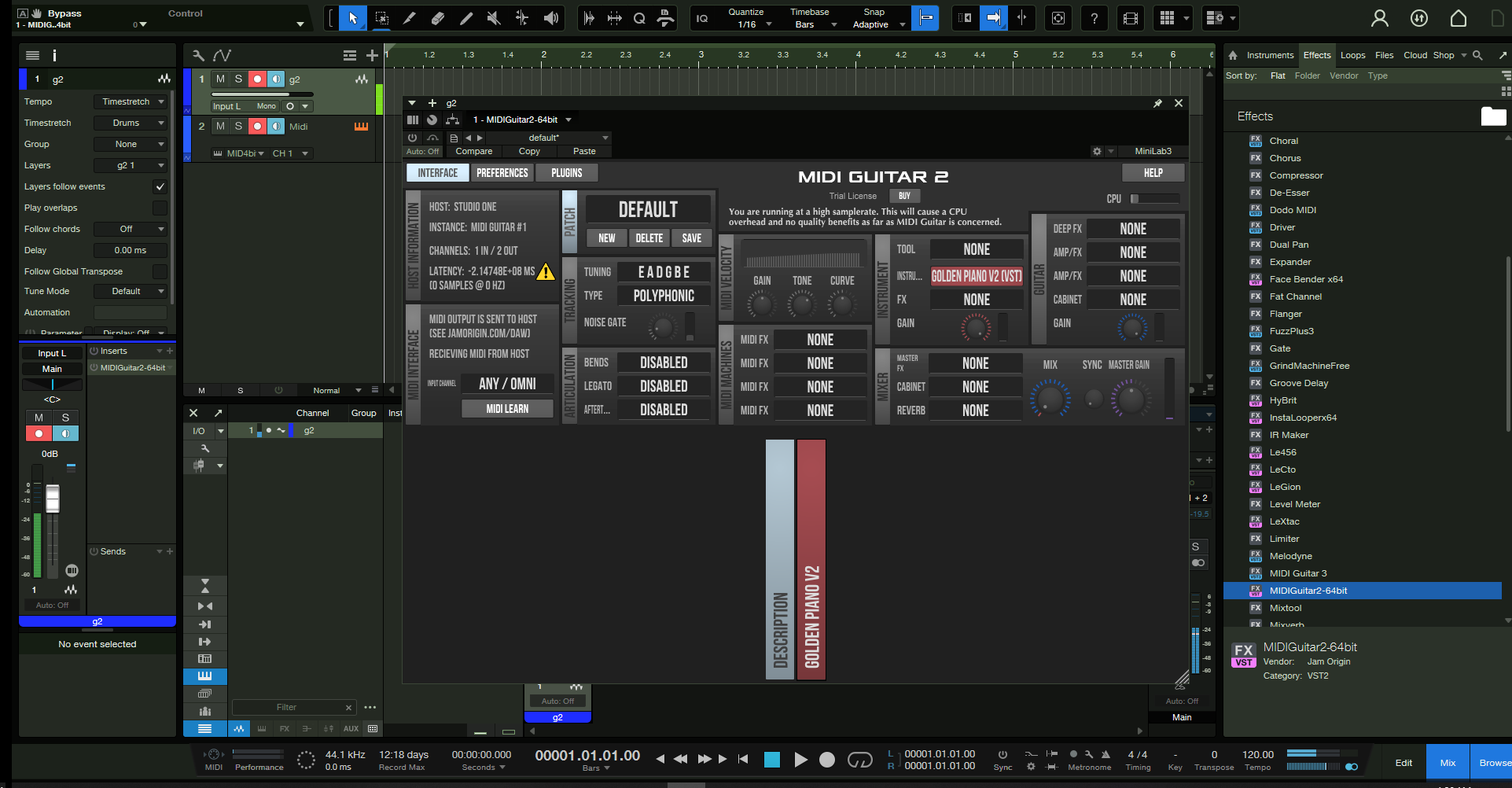
theres a few different popups that came over the tracker column of the mg3 plugin, you can see it in these next sceencaps, saying my daw is sending large irregular buffers causing latency.
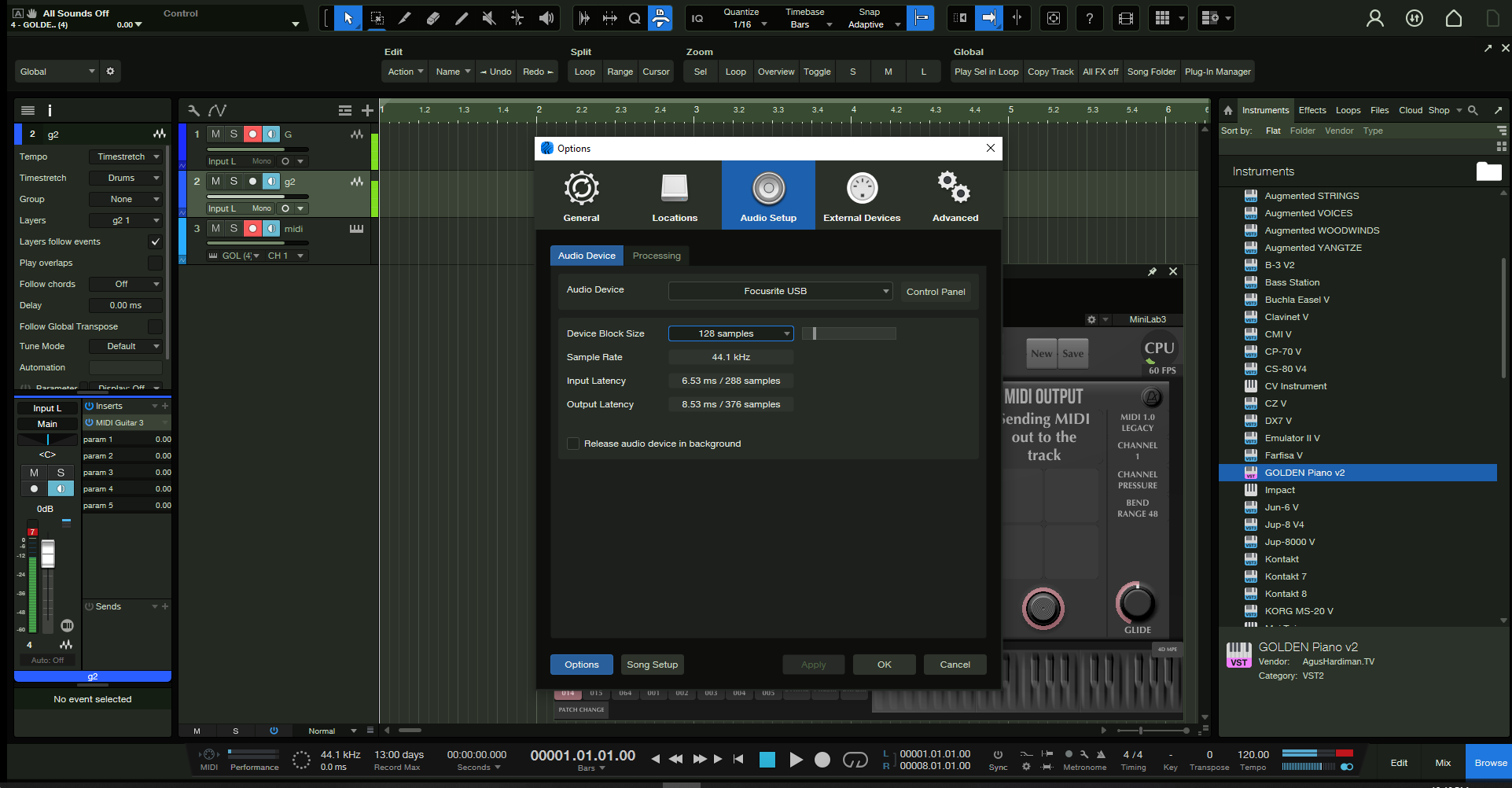
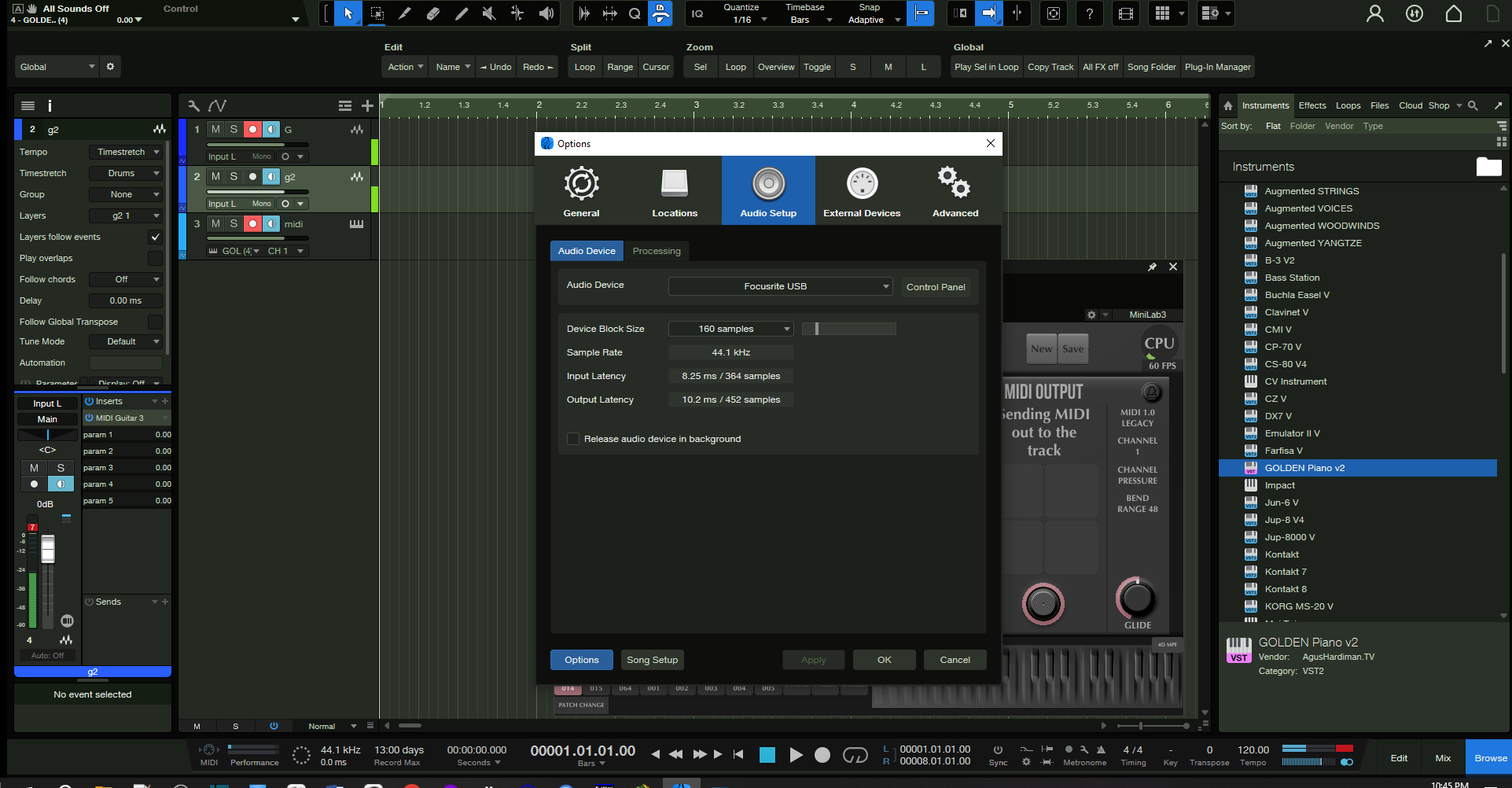
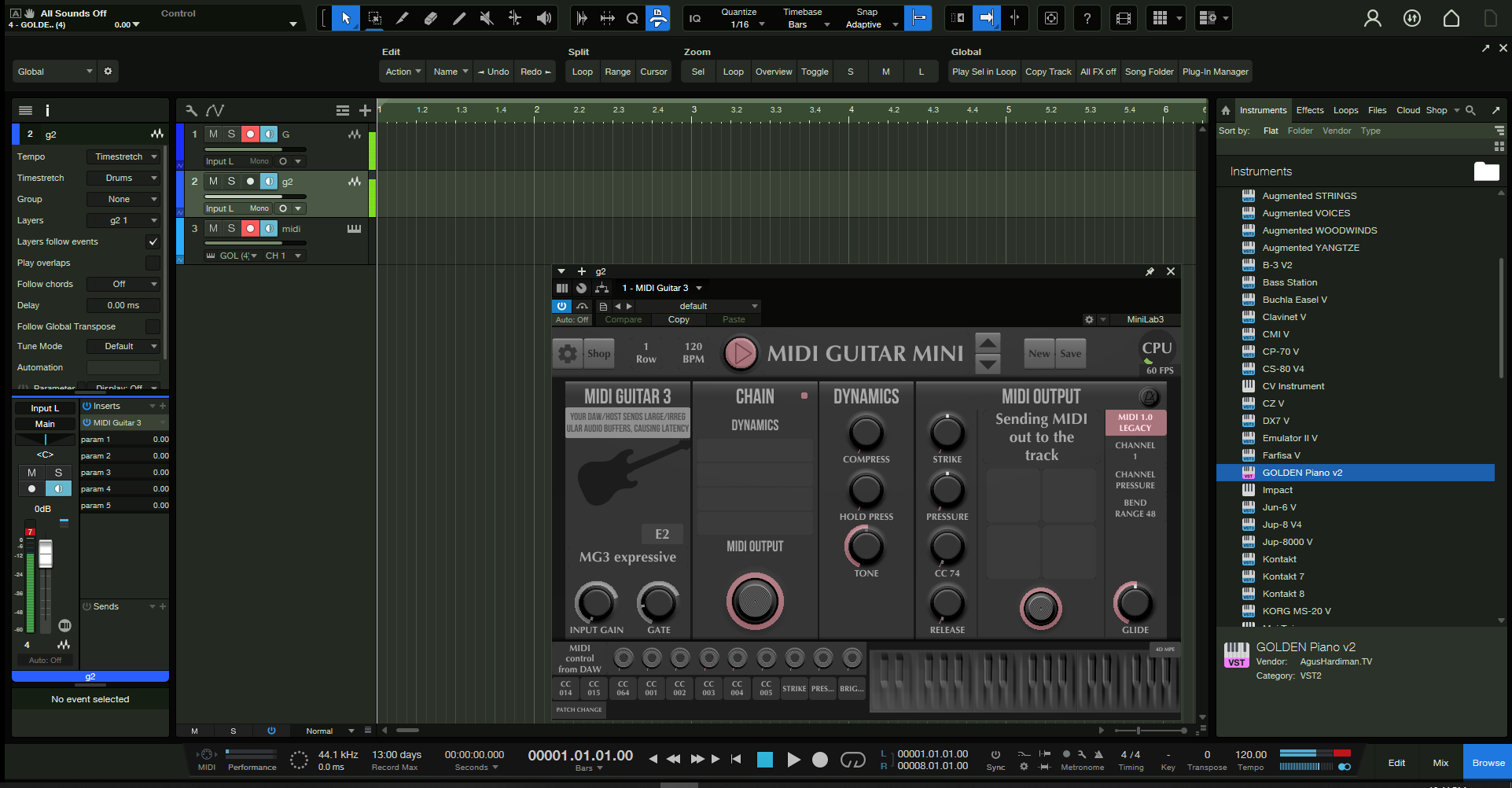
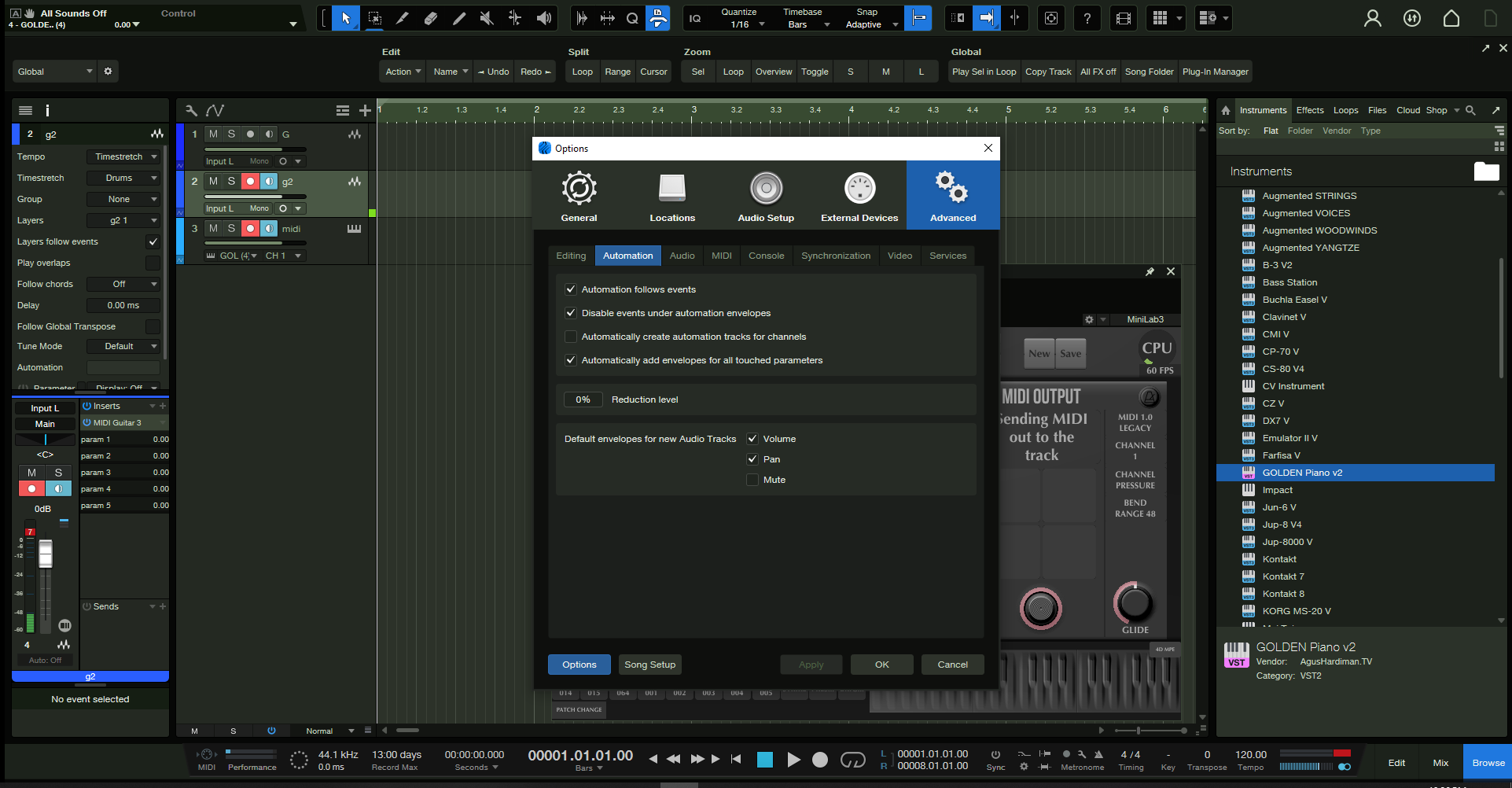
heres maybe another relevant setting, in mg3 itself, it says input from daw recommended, so thats how i set it. at first i had it on focusrite usb (my interface is a scarlett 2i2 2nd gen). i wasnt getting any midi before i changed it to input from daw.
& output to daw is the only output option.
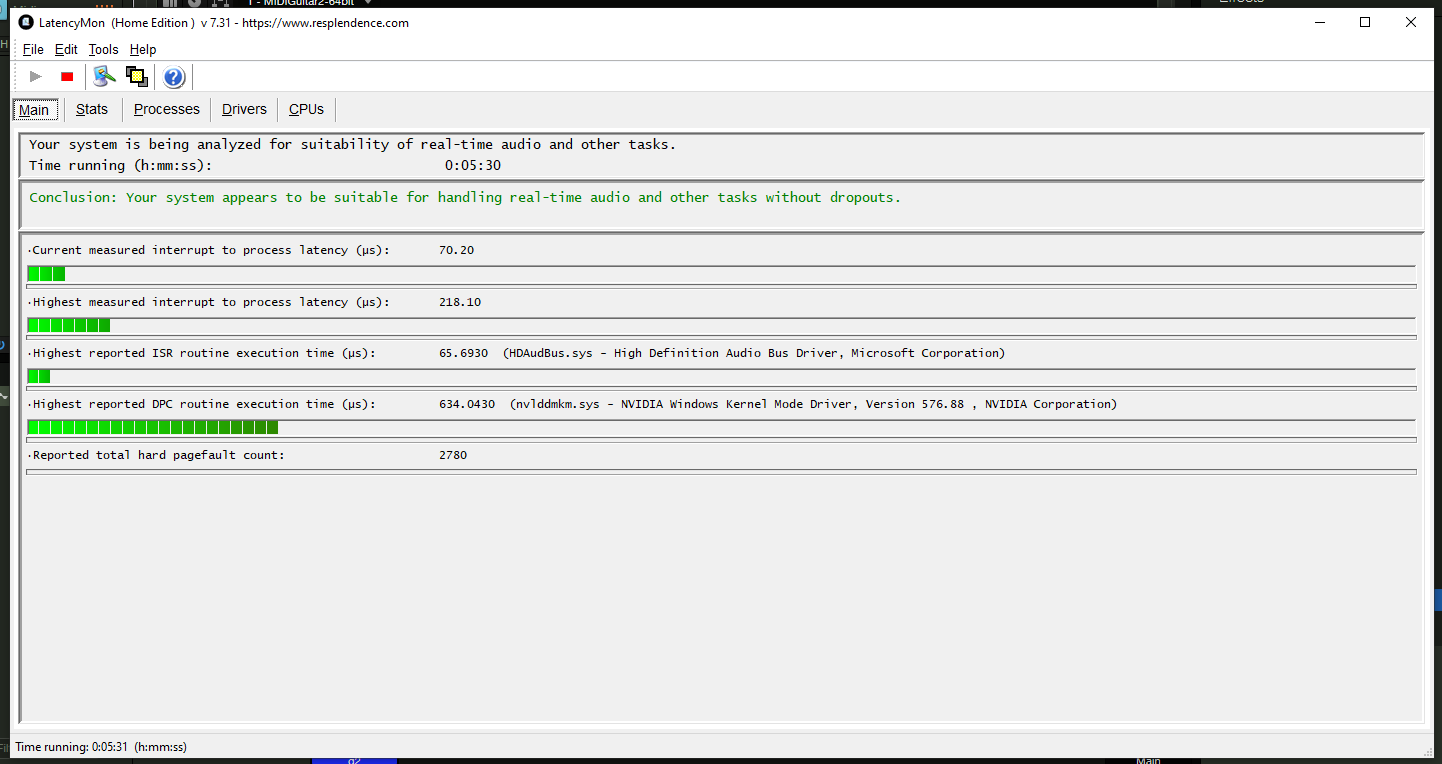
I found something called Latency Mon & these are my results, so technically i can rule out my processor or sound card i guess.
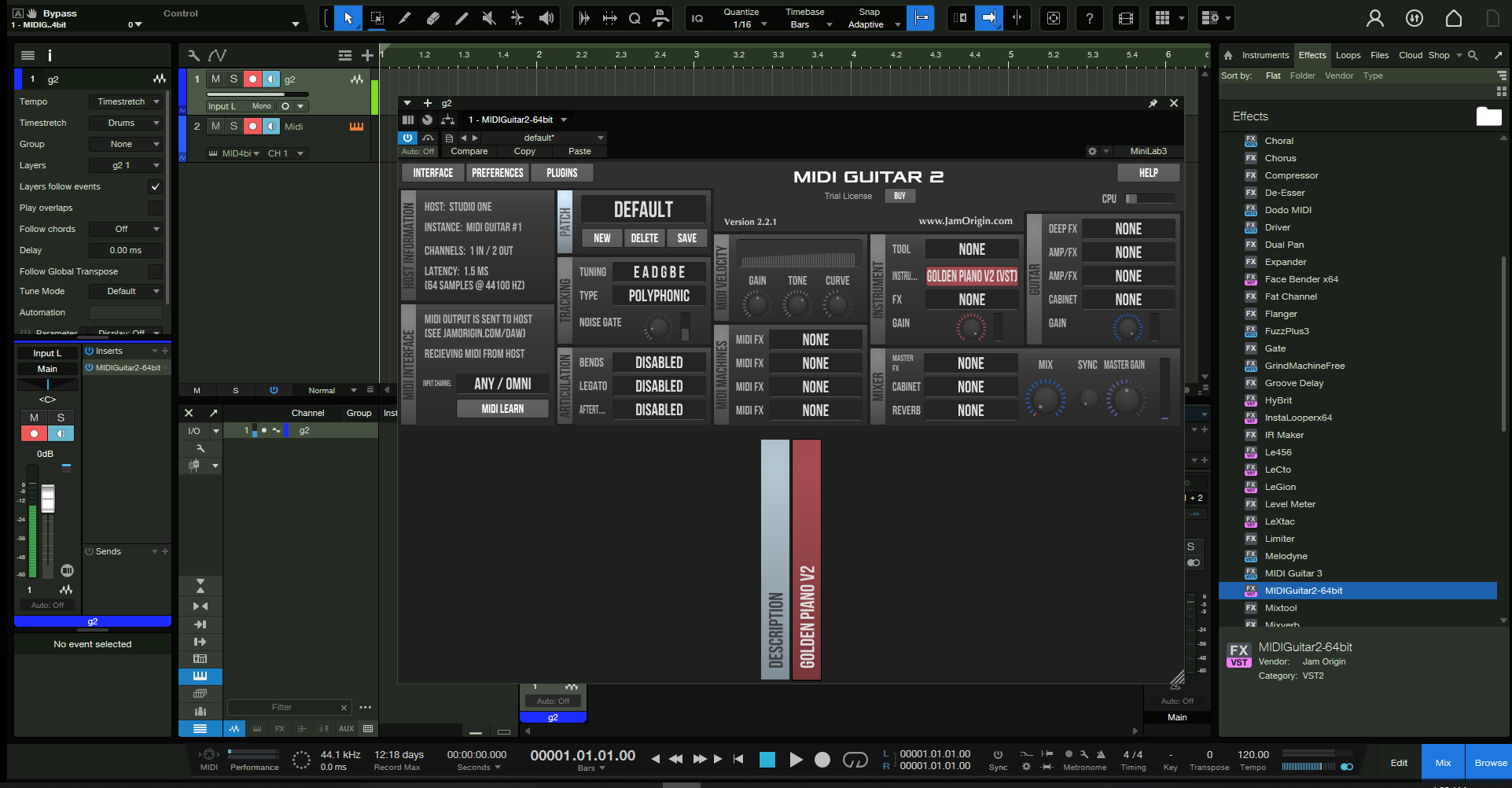
maybe some relevant latency values appearing on the MG2 plugin when pushing the Activate button off & on.
latencymon results look good.
at the top of this thread the poster says dropout protection does not work in studio one with mg3. also there is info on a way to get mpe working further down (kinda looks like a nightmare to me):
if your goal is to record midi, especially for later processing/mixing, then you will probably want a solution which handles mpe without such nonsense.
i certainly understand having wanting to use the software you paid for. but you may be shooting yourself in the foot.
now that you have the general setup with three tracks going consider trying reaper again. it should take less than an hour, if it works that is useful information. if it doesn’t likewise.
also please describe some of your anticipated workflows, how you plan to use the recorded midi tracks.
yeah i was just reading up on dropout protection, i actually turned mine from minimum to off because i read a powerful cpu wouldnt need it, but i notice no difference in mg3 extreme latency. i wish i could change the title of this thread because im 2 steps behind where i thought i was.
i spent a few months experimenting with different daws & learning so7, but i felt pressured to buy on black friday to save some cash since id already nearly bought it for $50 more, & cubase was $500 more.
id like to have the option to use it live with different vst being triggered by guitar since im better on guitar than on keys/midi controllers. but at this point being able to just record a midi track with guitar would be nice. i read about some other programs like dodo etc that can do this but from what i understand only midiguitar can do it live (or apparently not on so7) which sounds too good to be true.
i tried to run the mg3 exe standalone but so7 wont recognize it as an external device & i dont see any option to output to a daw after inputting direct from my audio interface.
ive spent about 30 hrs on this over this holiday, ill have to go back & try again in cakewalk or reaper or whatever other daw that isnt Apple-only if the mpe barrier in so7 is actually unavoidable.
it’s not clear, it may be possible that you would be happy with the audio output of a midi instrument rather than the midi itself.
if so, you can insert your midi instrument directly in mg3 and record the audio onto a new track. record the raw guitar signal on another track in order to blend them later.
for live performance using the standalone version is generally the way to go.
im not as good on a midi instrument like a controller, i could practice & get better, but i also enjoy the layout & implementation of playing a guitar, so it feels more natural to use that to play other sounds. i have a lot of pedals for getting unique sounds, but being able to control things like synths from analog lab would be the goal.
i cant get the standalone version to connect to a daw, maybe i could route it direct out to speakers to record with a mic, but then i wouldnt get the midi data & i could only record adulterated sounds.
the original title of this thread was more aimed at using the dry signal as a familiar reference monitor, that can be seperate from the midi data, because up to that point, i was only able to hear vsts or nothing while using mg3, & i couldnt find a good natural sounding guitar vst anywhere, which would have been a ridiculous round about solution to just hearing a dry signal.
the 3 track method above does seem to solve that, but now i have this latency problem which even puts non-live use out of reach.
Cakewalk, Waveform and Luna are free DAWs on which MG2/3 runs without problems.
If you look at the post suggested by @kimyo you find a tool called LoopMIDI. That allows you to use the standalone version of MG3 sending MIDI out to standalone VSTs.
another option is ardour. it is free (donationware). it is mac/win/linux, so sharing files and changing platforms are not an issue.
i put together a linux system for a friend and selected it from among the many options. i was able to get it to do anything i needed without too much head scratching. but i did not test mg3 with it.
it ran analog lab just fine.
i really really dont like subscription models, i dont know how much thats integrated into ardour but its the first word i saw on their site, im checking it out now.
another forum says so7 has mpe support but it needs to be enabled in the instrument editing window which i think is the same place under external audio devices where keyboards show up, but mg3 is not visible/available there to add. but my keyboards do have a check box under them that reads ‘enable mpe’.
that one video of the guy installing AU mg3 on so6 shows mg3 appearing there in the dropdown menu. i never got to try version 6 so i cant confirm if its the update to 7 that is the issue, but i can confirm that at least for me mg2 doesnt show up there either.
i found an old thread from so5 that says they only had support for vst2 & there was a conflict if there was a duplicate vst3 version present (of another mpe using plugin, not mg2) but i couldnt confirm if that was upgraded to vst3 support in so7.