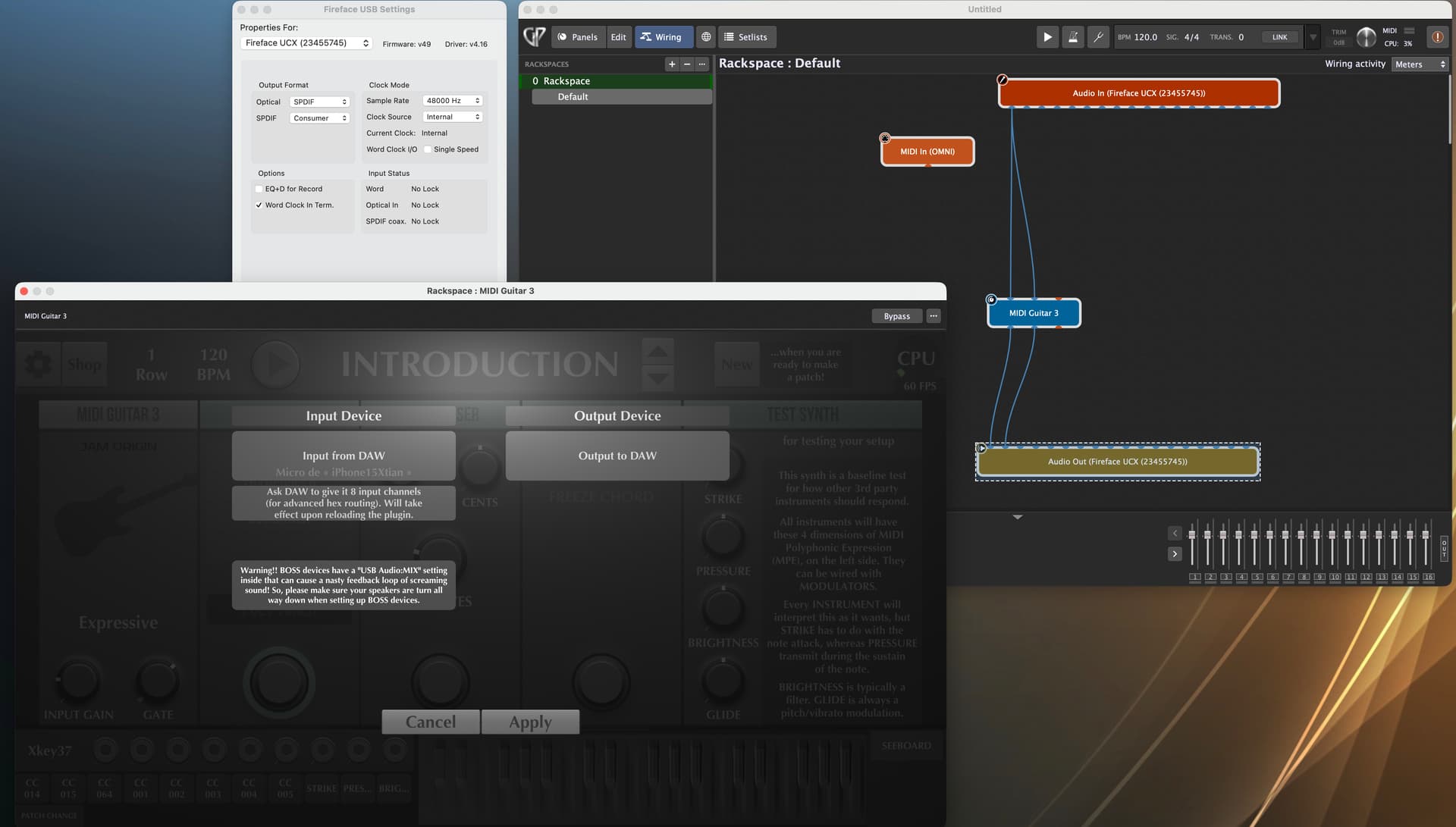
Have you tried to set the standalone version of MG3 to 48kHz prior you start Gig Performer?
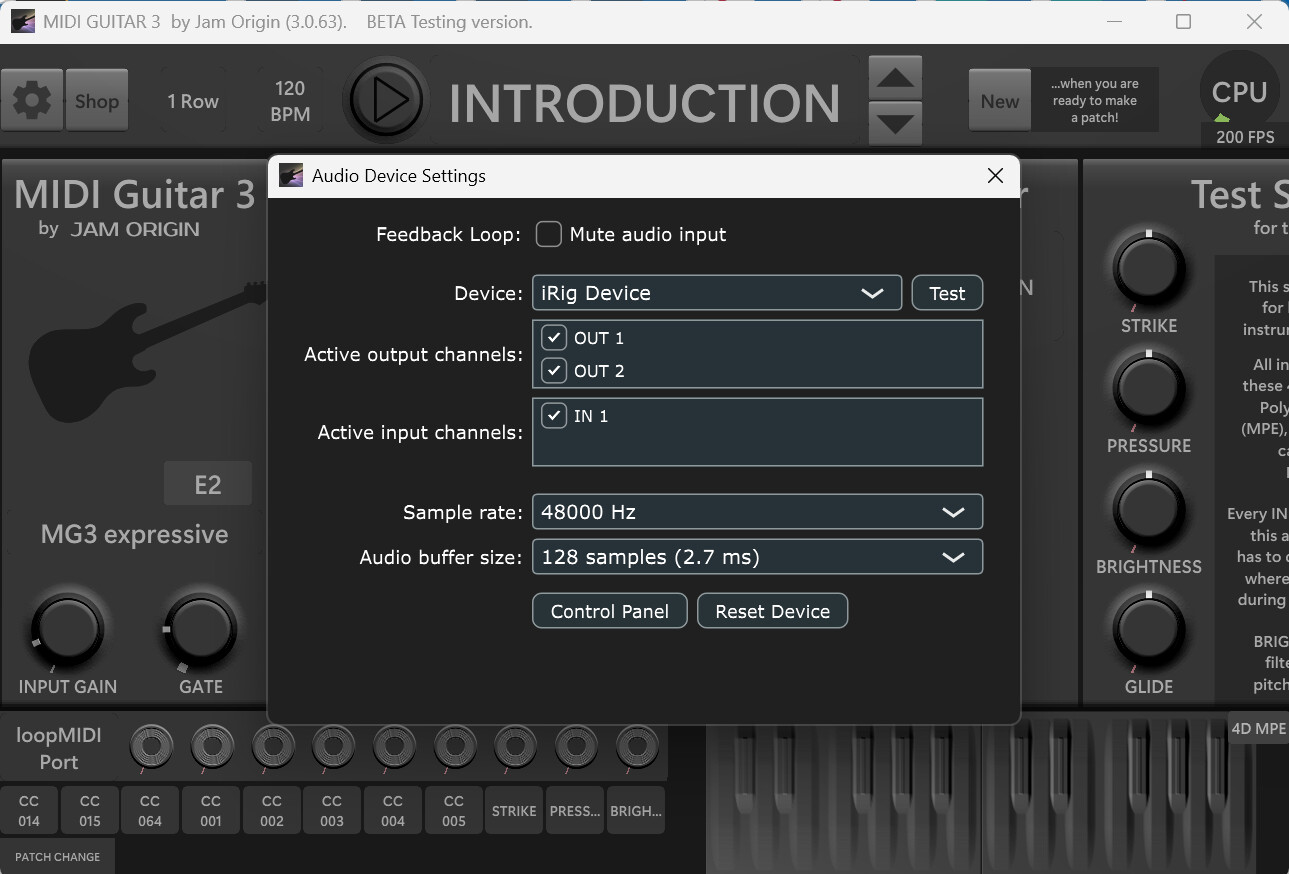
When you hold the CTRL and comma key together the audio interface settings will show up. Maybe the last settings there will influence the VST behaviour?
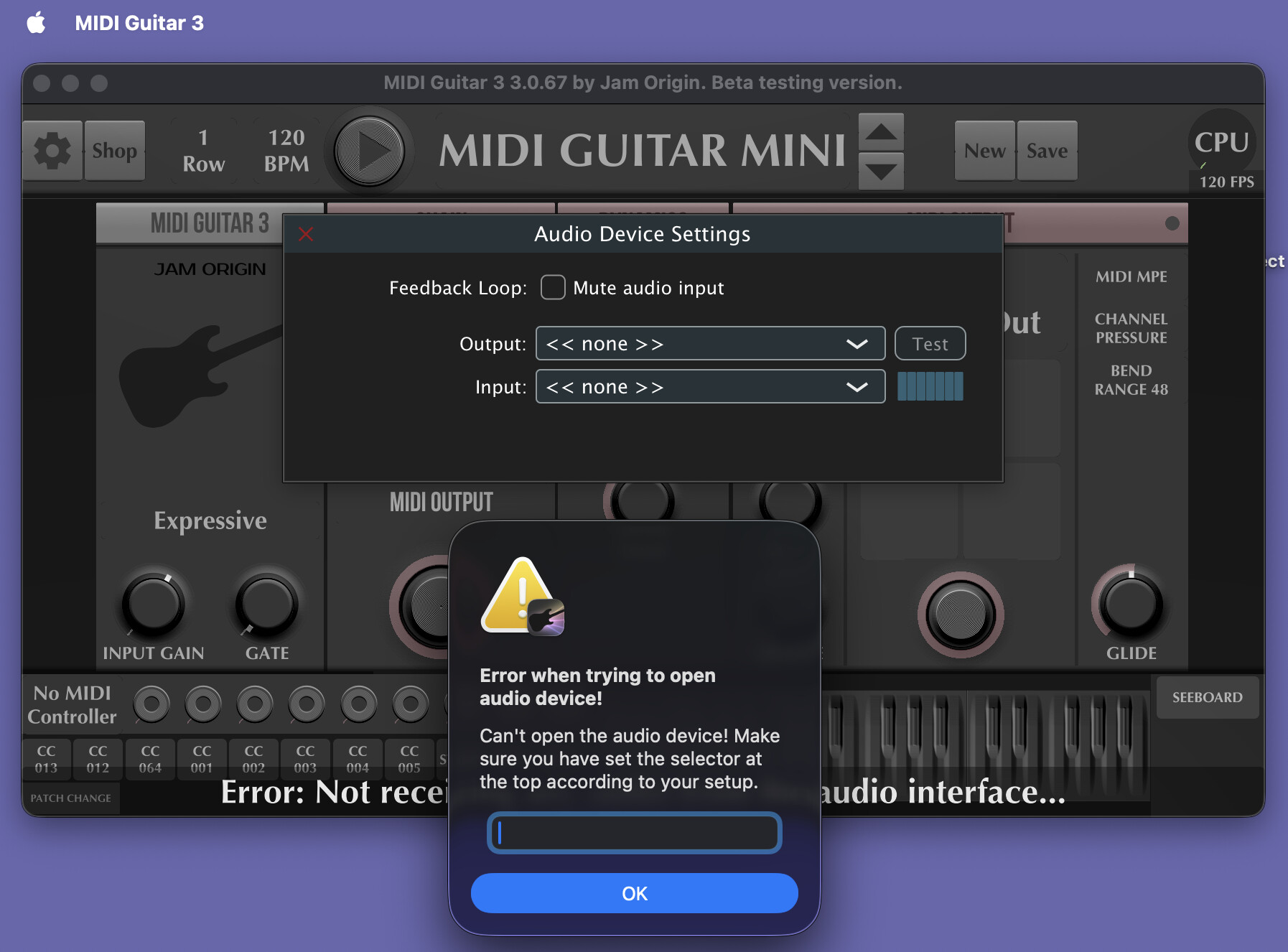
I’d like to try but no matter what I do it just says no audio input in standalone. I can get to buffer settings and chose interface but no sample rate selection screen.
As stated before the audio interface settings can be opened with the key combination “CTRL & ,” within MG3.
Its nothing else as if you would open the RME Digiface settings app.
Yes, but this isn’t to do with me setting the interface, its already set to 48khz, I’m looking for where inside MIDI guitar 3 we can set a sample rate.
I’ve reported a similar issue with MG3 standalone. It only happens in standalone with interfaces that have adjustable sample rates and, more importantly, I haven’t experienced it in a host/DAW environment. I’m on macOS – I haven’t tested this in Windows.
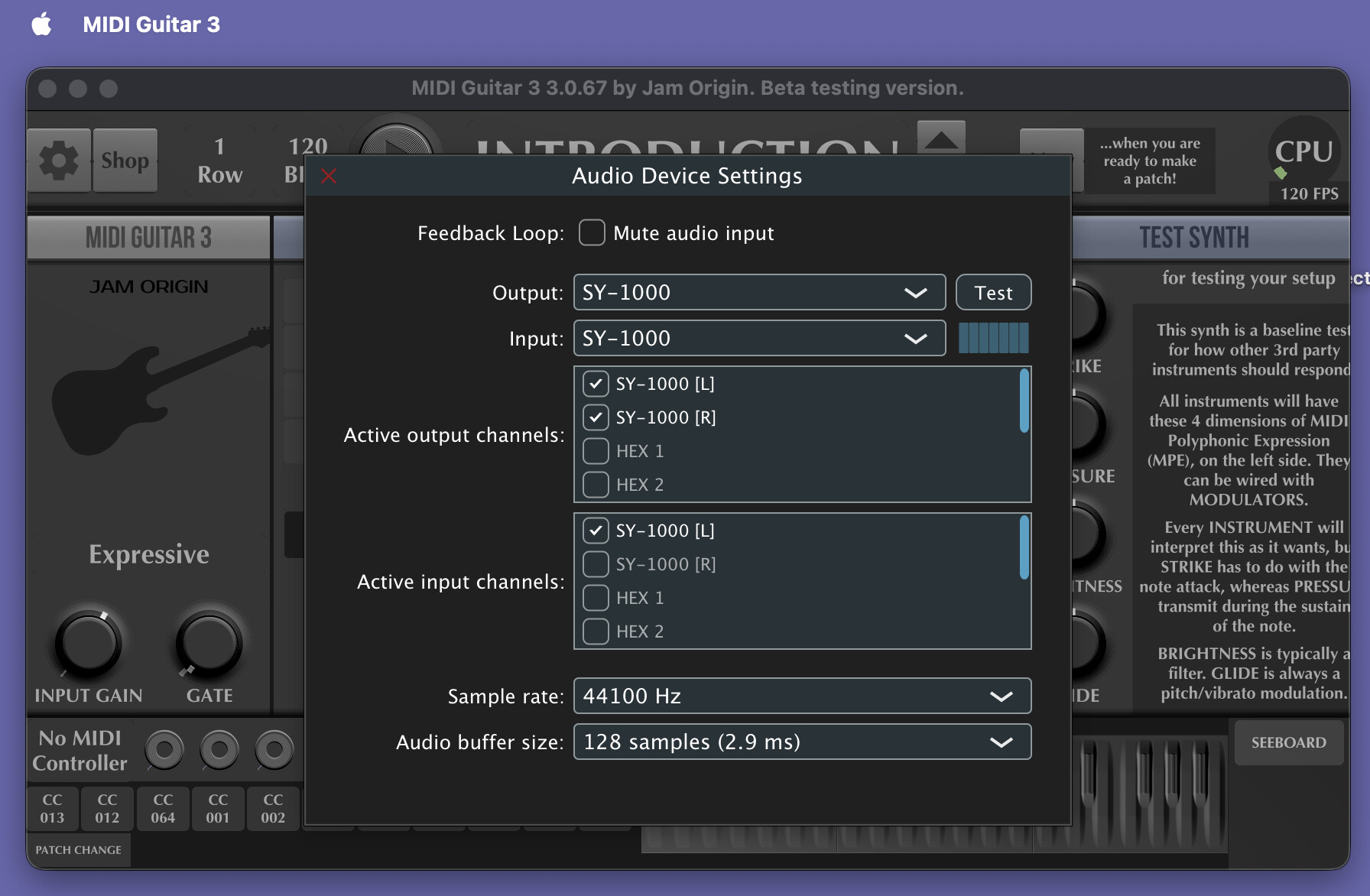
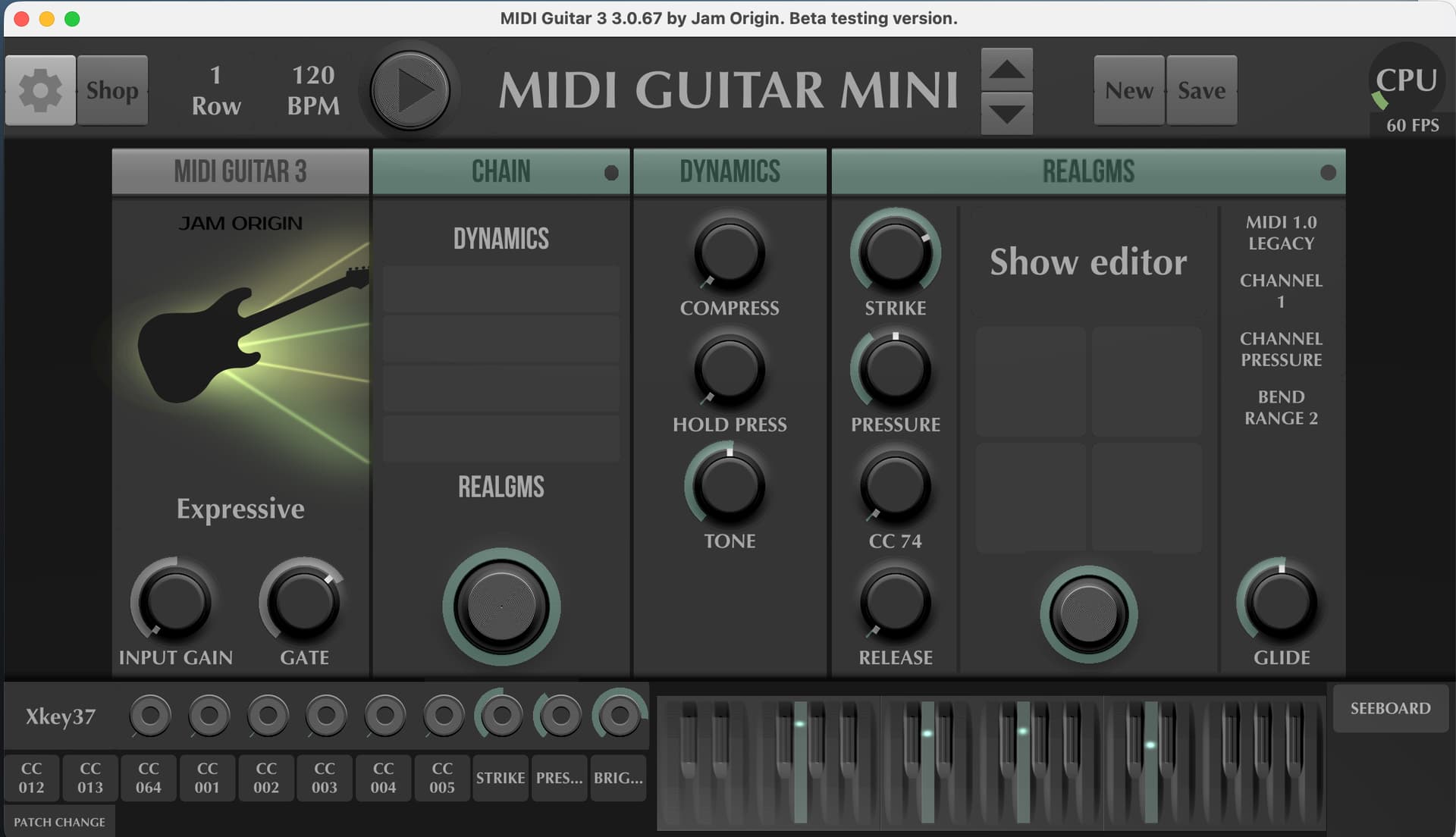
For example, I always set the BOSS SY-1000 to 48kHz in the Audio MIDI settings and it is also aggregated with a device locked at 48kHz. It will stay at 48kHz if I set the in/out to separate devices with the output using the locked 48kHz device (another interface connected to my monitors). But as soon as I set the SY-1000 is the same I/O device in MG3, bam…we’re at 44.1kHz. Below is a screenshot showing the changed state. I promise it was set at 48kHz by me globally in macOS’s settings.
I’m very curious as to how GP5 can have its user-defined sample rate overidden by MG3 (plug-in). I’ve tried to duplicate it, and I cannot get a sample rate change like you’re experiencing.
Assuming you are using the VST/AU plugins, it should certainly use the host’s sample rate, and the standalone MG settings and sample rate, drivers, etc, is not relevant here - its all managed by the host.
But maybe you set the MG plugin to use a dedicated audio interface for input, rather than the host, which could cause this kind of problem?
I have the same hardware and software as you.
If you configure MG3 with the inputs/outputs as shown in the screenshot, everything should work correctly.
To reiterate, that seems to be the problem – that plugin IS impacting the sample rate even though we all agree that plugins shouldn’t be able to do that.
That said, there is an interesting item - we have had a couple (only a couple) of reports where a plugin from MusicLab (they make awesome guitar plugins) would cause noise issues but it only happened with RME interfaces and it only happened to a couple of people. Neither we nor MusicLab were able to reproduce this issue - but I’m now wondering whether MG3 is also doing something similar.
Do you guys have RME interfaces with which to test?
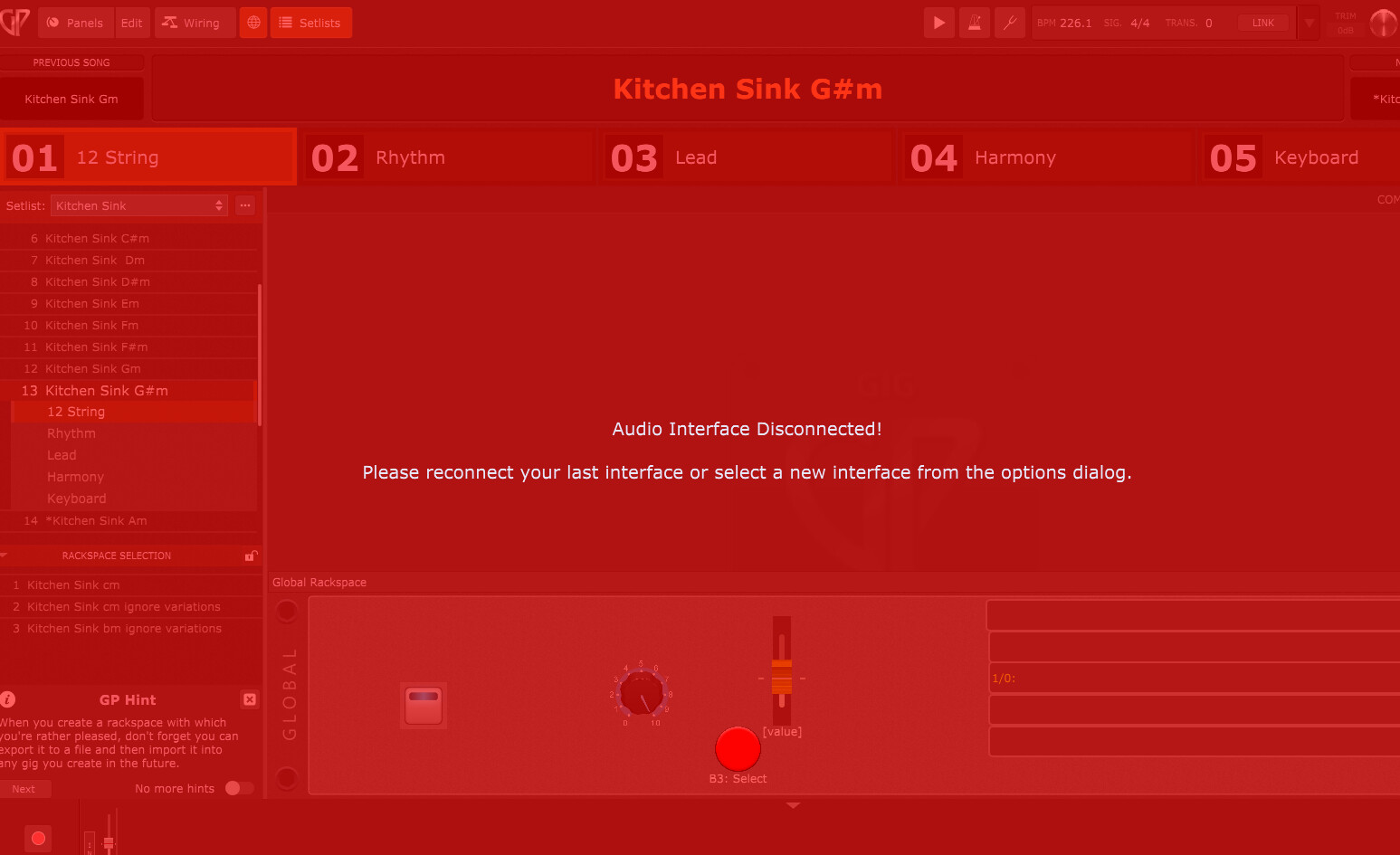
So far its only happened on one windows machine. I was very surprised that it was able to hijack a host! I can’t make it happen in any DAW so far, just gig performer. It actually does some other weird stuff