Windows version 3.0.61, finally out too… but once again, it may be rushed and I haven’t yet had time to validate it.
4 Likes
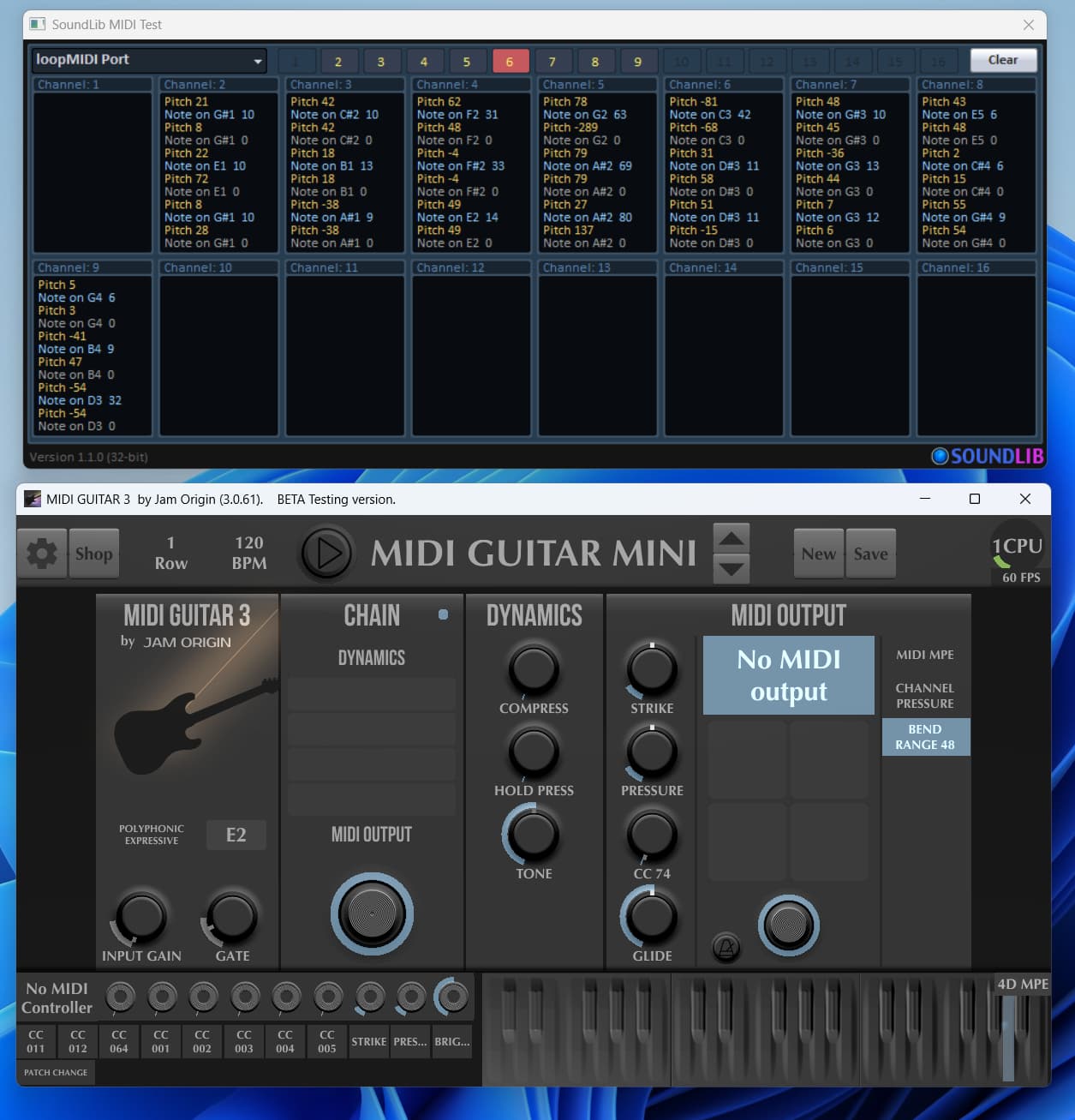
Just FYI, MG3 3.0.61(Windows), when using the MIDI Guitar MINI preset, default MIDI Output state is “No MIDI output” but MIDI transmits anyway. I’m using loopMIDI and there is activity showing on the loopMIDI port even though it isn’t selected as the output destination.
I think MIDI out “on” should be the default state for this preset, so it could just be considered that the port is not displaying correctly.
1 Like
The same is true for MG3Hex 3.0.61. Once switched between “No MIDI Output” and “Any Available Output”, no MIDI data is sent when “No MIDI Output” is then selected again. It’s just that the GUI shows the wrong “label” for its actual status when initializing after adding it to a chain.
1 Like
It may be of interest that MG3 wont register a loopMIDI port as an output port if the name doesn’t begin with “loopMIDI.”
I tried to create a loopMIDI port named “MG3” but MG3 would not have it! However, it accepts “loopMIDI MG3” – no problem.
I’ve noticed that the “footswitch” button on the midi output module sends midi whether it’s on or off.
@Greq True, I can confirm that.
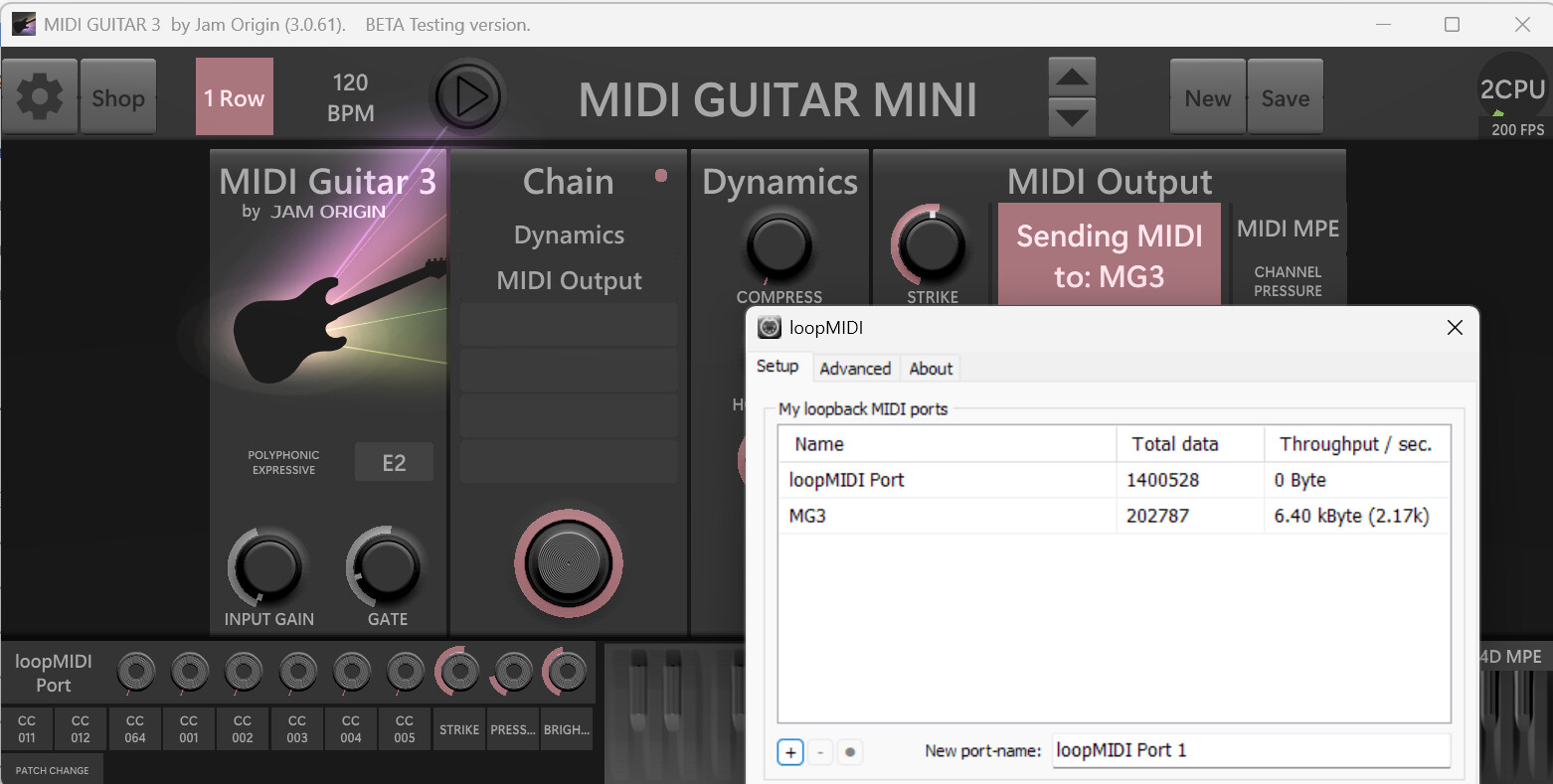
Right, it is working. Not sure where I went wrong.
But try to change that name to “MIDI Guitar 3” in loopMIDI config and watch what happens.
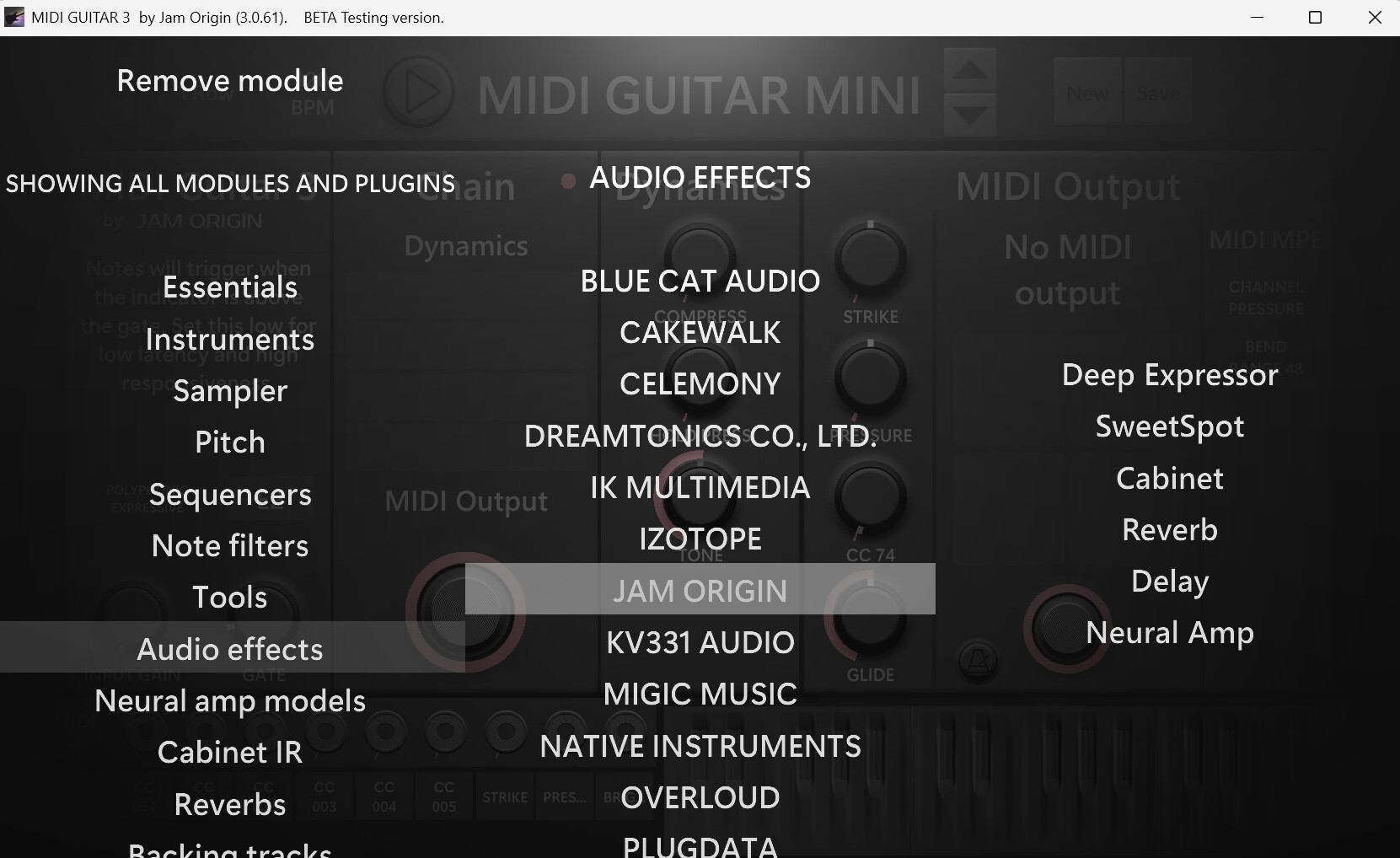
That is funny! Very strange that this doesn’t show up in the list!
1 Like
Is there a case for choosing a VST3 over an AU plugin on Mac, or plugins that doesnt have an AU?
Dont they show up in the list? Please see the screenshot 5 posts above.
CC curves is a great addition but not as flexible as I imagined it.
Here is what I currently use a FREE plugin called midiCurve:
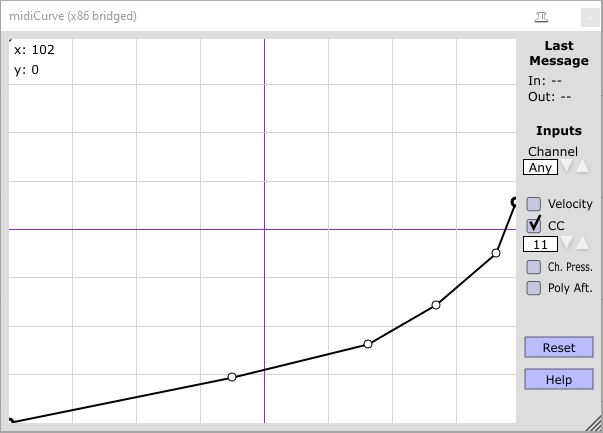
Note that unlike the one in MG3 in this instance the output never goes to max (127) but rather follows the curve as I drew it. (PS OK, now I see there is a way to limit the max, GREAT)
I can also change the CC output number and some other options.
I can also draw crazy curves like this if I wish:
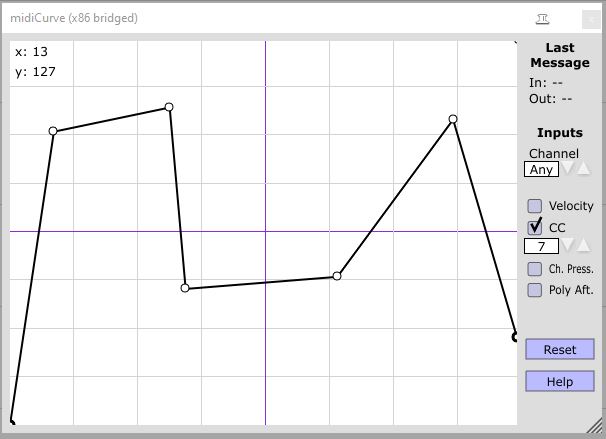
Bottom line is that I have full control.
Not complaining but it is a wish.
2 Likes
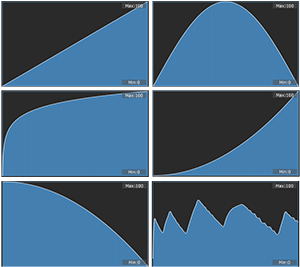
some other control curve examples posted here previously:
The only cases I can think of where having VST2/3 may be useful over Audio Units (AU):
- when the AU version of a plugin has problems not present in the VST2/3 version (though I haven’t experienced this kind of problem for a good while);
- when transfering an MG3 preset built with a specific plugin format between macOS and Windows (or vice versa) – though I haven’t tested this yet (but it’s on my to-do list).
1 Like
Yes, ok. Let’s add more general envelopes.
You can already pass the CC envelope through the Modulations module and create (another kind of) very complex envelopes.
1 Like
I am a Mac and Cubase/Dorico user so I Have no real use for AUs.
Until MG3 came along that is! So I now need to install AUs which I never did in the past!
Of, course I can still use MG3 with Cubase and then use VSTs but the flexibility of use MG3 standalone has advantages.
2 Likes
25% cpu with all those toys at 64 samples is very very nice.
how much ram do you have? how many cores? which cpu? thanks
It’s not MG3 that runs into CPU problems but it can be the plugins hosted. When I use the VG-800 on my win laptop (which is by no means optimized for audio applications) and the Hex tracker, it might be that Kontakt reaches easy 100% CPU load and produces more dropouts than sound. This with a system that isn’t too bad in numbers (i9-14900HX @2.2GHz / 32 cores / 32Gb RAM).
A post was merged into an existing topic: MIDI Bass 3, first beta is here!